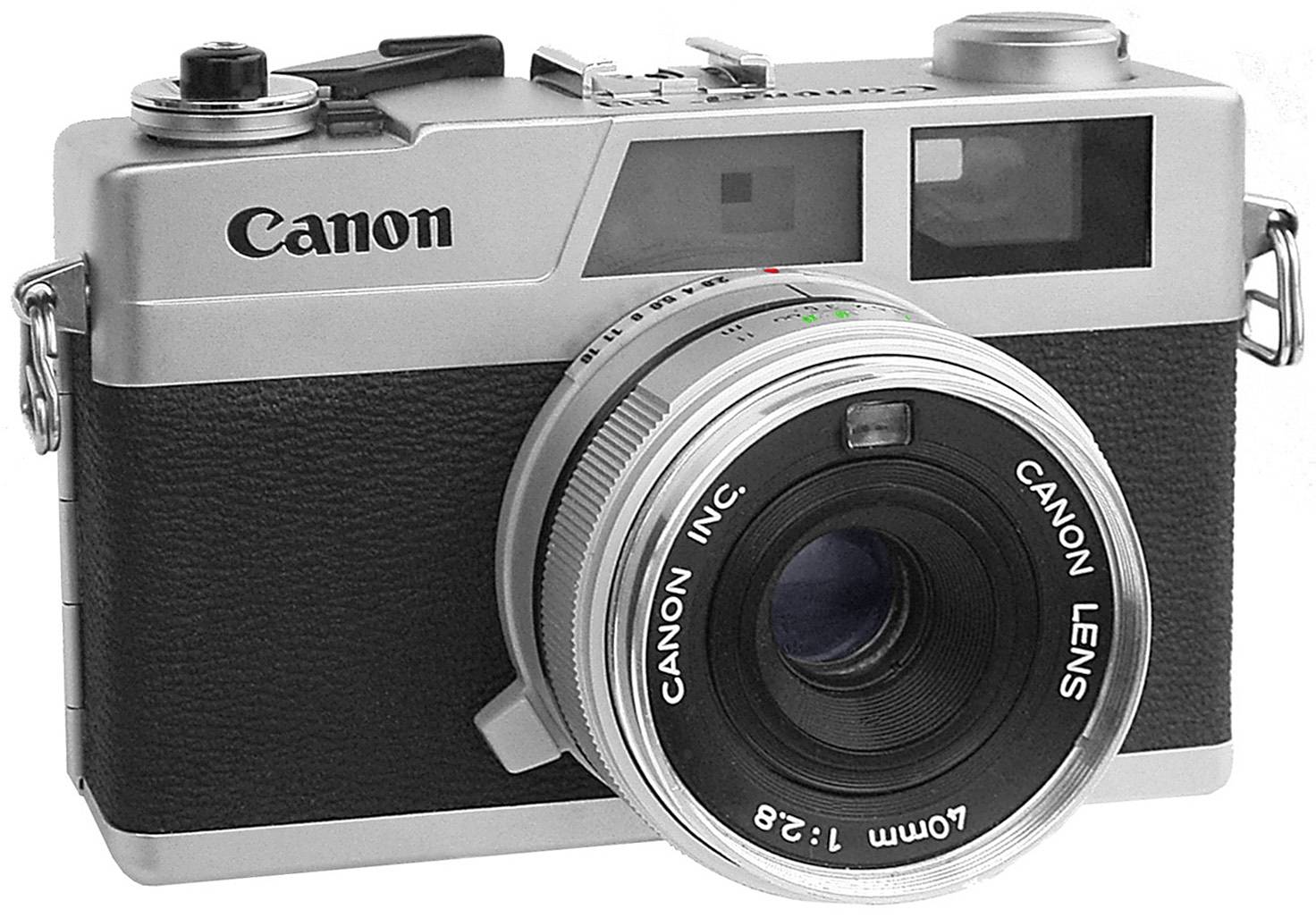
Canon Canonet 28 Light Meter Repair Manual
 by CANON
This comprehensive restoration guide provides step-by-step instructions for replacing the worn leather covering on a Canon Canonet 28 rangefinder camera. Ideal for film photography enthusiasts and camera restorers, it presents a practical and cost-effective approach using synthetic leather (skaï) as a replacement material. The document includes detailed technical specifications of the Canonet 28, featuring its rangefinder focusing system and automatic shutter speed and aperture coupling mechanism. A complete materials list outlines all necessary tools and supplies, including fine scalpel blades, neoprene adhesive, isopropyl alcohol, and additional equipment required for the task. Detailed procedural instructions guide users through removing original leather coverings without damaging the camera body, cutting and preparing the new material with precision, and properly adhering the replacement covering using correct gluing techniques. Critical attention is given to positioning the synthetic leather under the lens, ensuring alignment with metal edges, and handling the rear identification plate. Photographic documentation illustrates each phase of the restoration process, with examples demonstrating successful results on multiple restored cameras in various color configurations.
Documentation must be downloaded on a computer (PC, Mac, or Linux).
Do not use a smartphone or tablet to download documentation; they generally lack sufficient memory capacity to handle large files, and few users know how to locate the download folder on these devices.
Once downloaded, you can use it right away and even print the pages you need, or use your smartphone in photo mode to translate into the language of your choice: Google Translate
Document Details
- Format
- Size
- 990.5 KB
- Category
- Photography