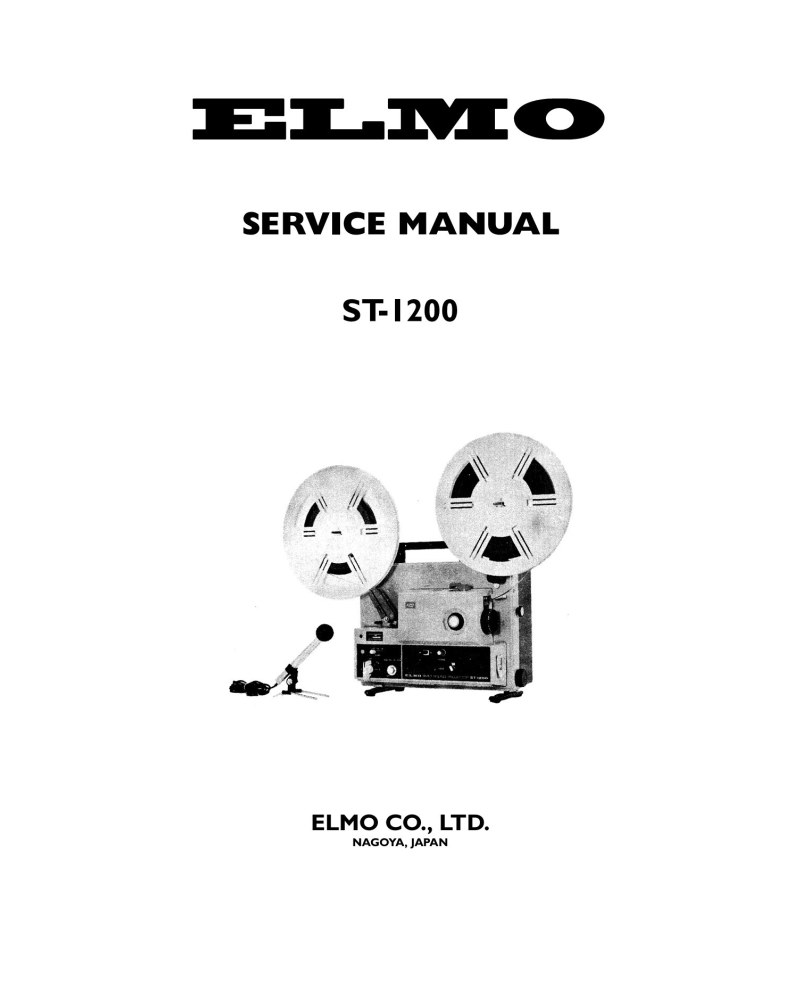
ELMO - Elmo ST1200 Service Manual
Comprehensive service manual for the ELMO ST-1200 16mm film projector, a professional projection device. This detailed reference covers complete maintenance and repair procedures for the machine. The manual is organized into two main sections: a disassembly and assembly guide, and a thorough troubleshooting guide. The first section details the disassembly of front and rear arms, projection lamp and lens system, transformer and motor, machine frame, and sound system. Each section provides step-by-step assembly instructions with specifications for lubrication and tension settings. The troubleshooting section offers diagnostic solutions organized by system category: front and rear arms, projection lamp and lens, transformer and motor system, machine frame, and audio components. Diagnostic tables present failure cases, checking procedures, specific points to verify, and cross-references to relevant manual pages. The document also features detailed wiring connection diagrams for the machine, schematic diagrams for the projection system and audio amplifier, plus a representation of voltage checking points on the circuit plate. Technical illustrations accompany each procedure to ensure clear understanding and proper execution of all service operations.
Table of Contents:
- I. disassembly
- A. front & rear arm
- 1. Front Arm
- 2. Rear Arm
- 3. Take-up Guide
- B. projection lamp & lens
- 1. Heat Proof Glass
- 2. Projection Lamp
- 3. Lens holder
- C. transformer & motor
- 1. Transformer
- 2. Motor
- 3. Clutch
- 4. Drive Belt
- 5. Switch Mechanism
- D. machine frame
- 1. Machine Frame
- 2. Second Sprocket
- E. sound
- 1. Amplifier
- 2. Head Base Plate
- 3. Sound Lens
- 4. Sound Head
- Ii. trouble shooting
- A. front & rear arm
- B. projection lamp & lens
- C. transformer & motor
- D. machine frame
- E. sound
- Connecting diagram for machine
- Schematic diagram for machine
- Schematic diagram for amplifier
- Voltage checking points on the circuit plate
Documentation must be downloaded on a computer (PC, Mac, or Linux).
Do not use a smartphone or tablet to download documentation; they generally lack sufficient memory capacity to handle large files, and few users know how to locate the download folder on these devices.
Once downloaded, you can use it right away and even print the pages you need, or use your smartphone in photo mode to translate into the language of your choice: Google Translate
Document Details
- Format
- Pages
- 39
- Size
- 18.6 MB
- Category
- Cinema & Video