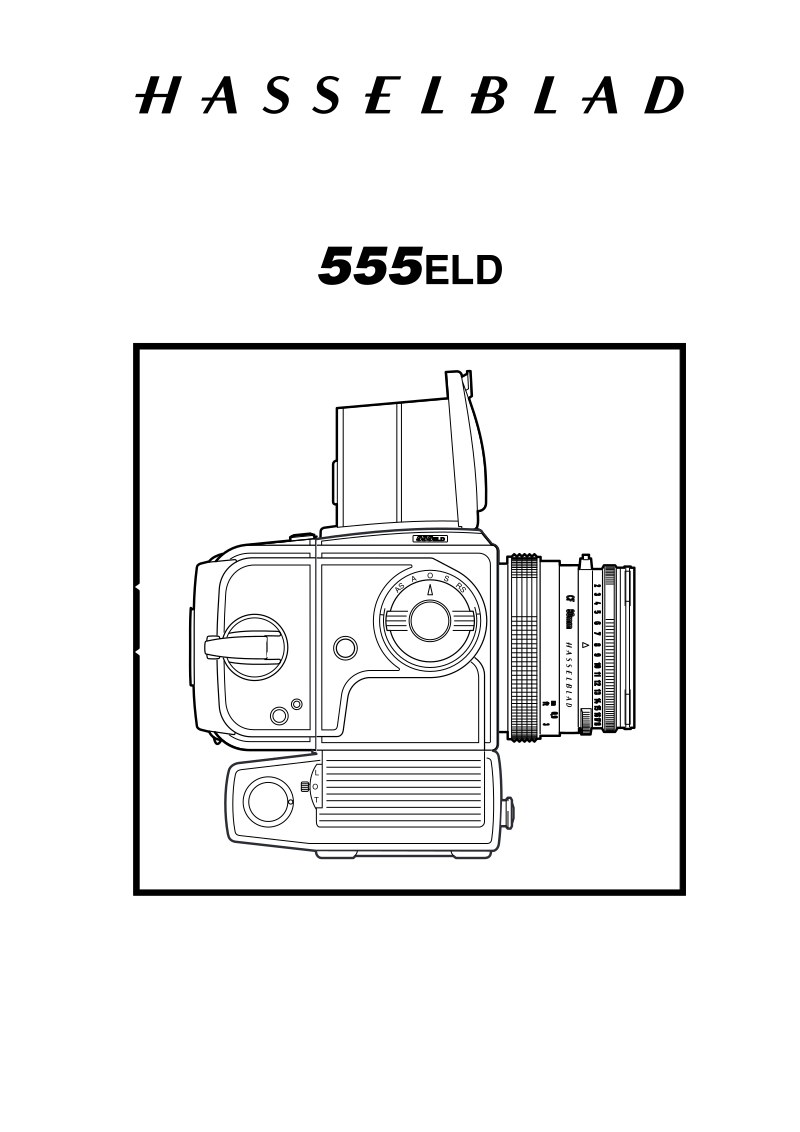
HASSELBLAD - Hasselblad 555ELD Service Manual
 by HASSELBLAD
Comprehensive service manual for the Hasselblad 555ELD, a professional medium-format single-lens reflex camera with integrated motor drive. This technical workshop manual provides complete maintenance and repair procedures essential for professional service technicians and specialized repair personnel working with premium medium-format imaging equipment. The manual opens with detailed specifications of the one-piece cast aluminium alloy body and permanent magnesium motor housing, film format compatibility for 6×6 cm and 6×4.5 cm, and integrated TTL/OTF flash metering. Comprehensive sections cover required service tools, systematic disassembly and reassembly protocols, and precision adjustment procedures including flash meter calibration. The manual features approximately twenty detailed exploded-view diagrams illustrating all major camera assemblies: the camera shell, motor housing, side walls, electronic components, rear plate, auxiliary shutter mechanism, front bayonet mount, mirror assembly, and film advance gearbox. Dedicated sections address the 553ELX and 500ELX variants with their respective exploded views and distinct electrical configurations. A specialized sub-assembly section provides focused coverage of the front bayonet mount and auxiliary shutter integration. This technical reference delivers the precise information required for accurate diagnosis, disassembly, maintenance, and restoration of Hasselblad 555ELD camera bodies.
Table of Contents:
- Rea06.eps
- Dis16.eps
- May 1999
- Camera body 555ELD
- Reassembly
- Revision 0
- Front bayonet plate
- Before fitting the bayonet plate (30706-1) make sure
- the camera is released. This is done by turning gear
- (22476). Note that the pin "A" should be visible from
- the outside.
- Fig. 27.
- Fitting the front bayonet plate to the camera body:
- Tension the drive spring by turning the front gear
- wheel (30413) clockwise 3 turns.
- Fit in the lower part of the bayonet plate so that the
- check "C" on the front gear cam plate is stopped by
- the spring (22317). Ensure that the two indexes "A"
- and "B" are aligned opposite each other and that the
- upper part of the bayonet plate is put into position.
- Fig. 27.
- Secure the bayonet plate to the right hand wall using
- two screws (823015). Secure the bayonet plate to the
- bottom of the main camera body using two screws
- (823655). Refit the two screws (820015) to the rear
- of the bayonet plate.
- Fig. 28.
- Fig. 27
- Fig. 28
Documentation must be downloaded on a computer (PC, Mac, or Linux).
Do not use a smartphone or tablet to download documentation; they generally lack sufficient memory capacity to handle large files, and few users know how to locate the download folder on these devices.
Once downloaded, you can use it right away and even print the pages you need, or use your smartphone in photo mode to translate into the language of your choice: Google Translate
Document Details
- Format
- Pages
- 84
- Size
- 3.6 MB
- Category
- Photography