SAMSUNG - Service Manuals
4 manuals available for download
Samsung has established itself as a trusted manufacturer across computing and mobile devices, serving both consumer and enterprise markets. Our comprehensive collection of Samsung technical documentation includes service manuals, repair guides, and user manuals available as instant PDF downloads, covering everything from mobile devices to computing systems. Whether you need a detailed workshop manual for troubleshooting, a parts list for component replacement, or a maintenance manual for routine service procedures, our catalog provides the professional-grade documentation required for reliable device support and repair operations.
Installation Manual for S3C2440A (Windows Mobile 5.0)
Installation manual for the Samsung S3C2440A processor running Windows Mobile 5.0. This service documentation covers BSP copying and image building procedures, Platform Builder setup, flashing the Pocket PC image to Smart Media Card via Ethernet and USB connections, and deploying and executing the operating system image with KITL connectivity support across Ethernet and USB Serial interfaces. Essential reference for developers and technicians working with Windows Mobile embedded systems on this ARM-based processor architecture.
Samsung Galaxy Tab 4 SM-T530 User Manual
User manual for the Samsung Galaxy Tab 4 SM-T530, providing complete guidance on device setup and daily operation. Covers hardware overview including buttons, controls, and physical handling; battery charging and power management; memory card insertion and storage management; touchscreen navigation and multi-window mode for running multiple apps simultaneously. Details home screen customization, application installation and management from app stores, and text input methods. Includes setup instructions for Wi-Fi connectivity, user profile creation, and file transfer between devices. Addresses device security and protection features, plus software update procedures. Comprehensive coverage of built-in apps: contacts and call management, email and Gmail configuration, web browsing via Chrome, communication platforms, multimedia playback including music and video, camera and gallery functions, YouTube access, mapping services, and Bluetooth connectivity for pairing accessories. Also covers screen mirroring capabilities and system settings configuration. Reference guide for troubleshooting common tasks and optimizing tablet performance.
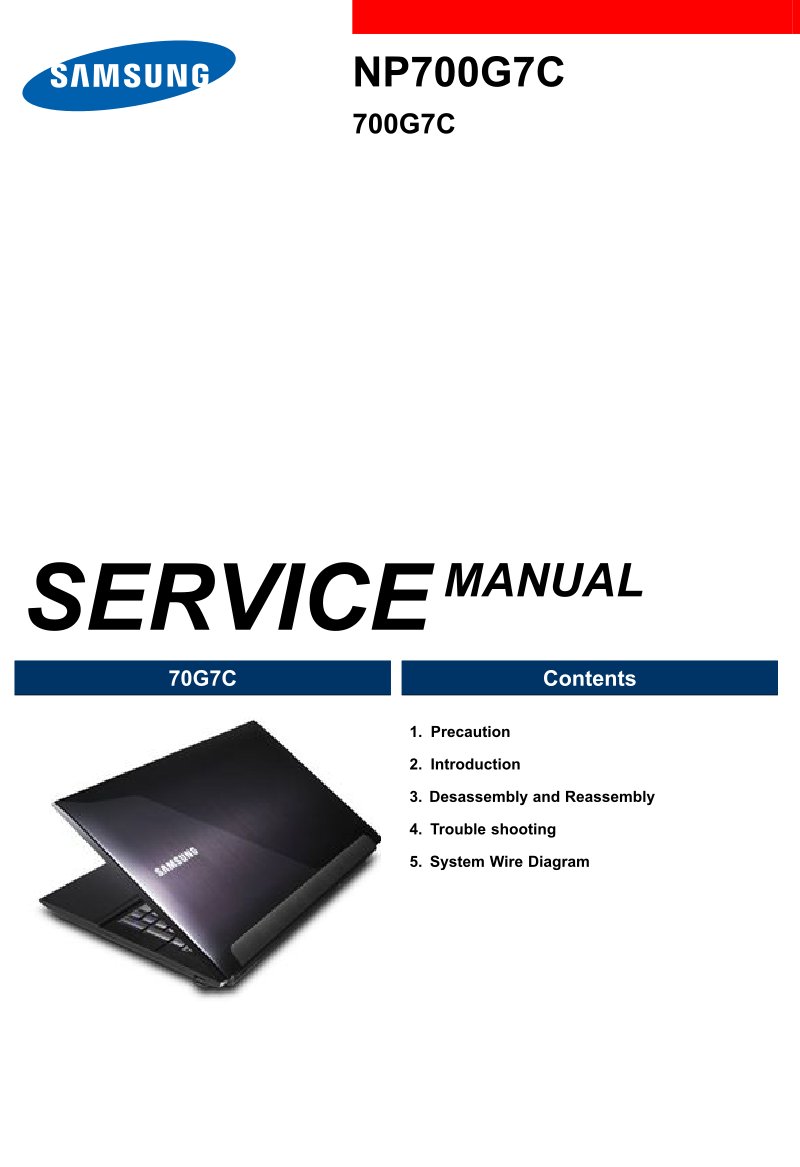
Samsung NP700G7C 700G7C Service Manual
Complete service manual for Samsung NP700G7C and 700G7C notebook computers, covering everything a technician needs for diagnosis, maintenance, and repair. The workshop manual includes detailed safety precautions and product specifications, step-by-step disassembly and reassembly procedures for all major components, comprehensive troubleshooting with systematic diagnostic approaches, built-in diagnostic programs, and dedicated sections for LCD display and system-level hardware issues. Additional coverage includes RTC battery reset procedures, CPU fan control settings, battery maintenance guidelines, BIOS updates and firmware flashing, memory and storage upgrade information, and complete system schematics with board component layouts and identification. An essential reference for service centers, technicians, and advanced users performing maintenance or component replacement on these Samsung notebook models.
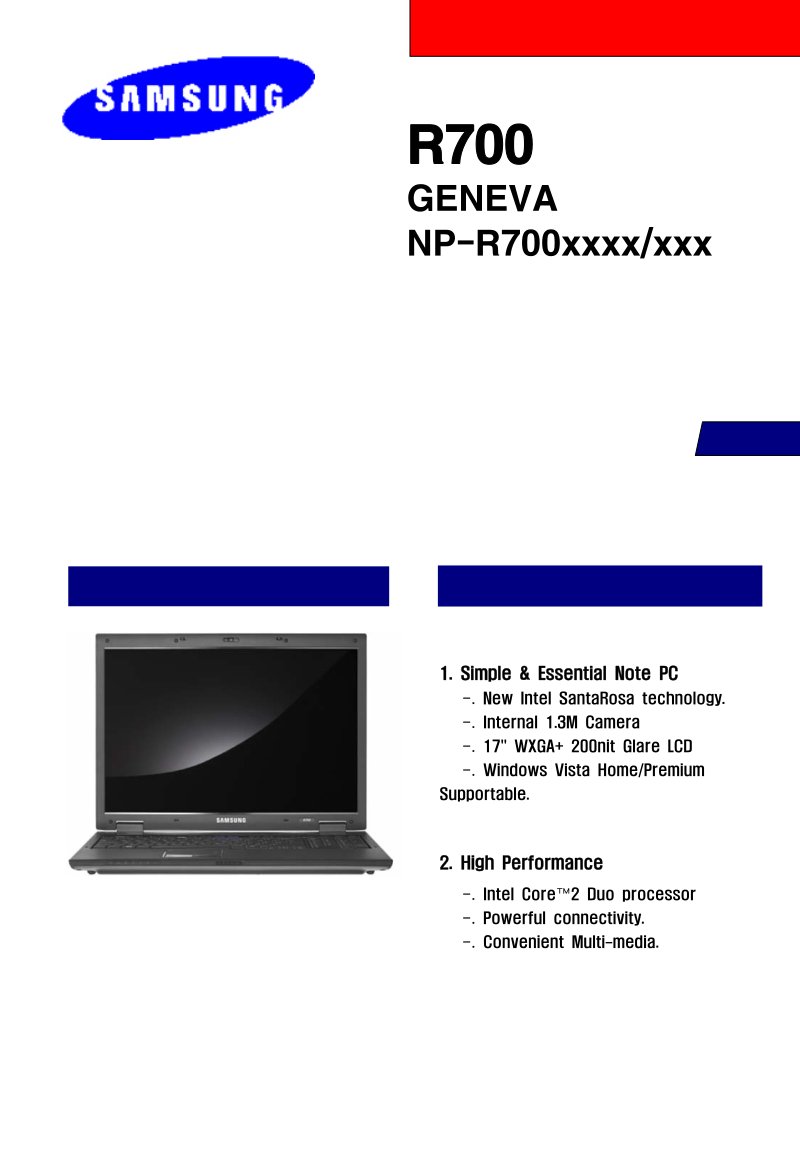
Samsung R700 Geneva Service Manual
Service manual for the Samsung R700 Geneva notebook (model NP-R700xxxx/xxx). This workshop manual covers essential maintenance and repair information including safety precautions, complete specifications, step-by-step disassembly and reassembly procedures, practical troubleshooting guidance, exploded component diagrams, detailed bill of materials, system wire diagrams, and technical references. The R700 is equipped with an Intel Core 2 Duo processor, 17" WXGA+ LCD display, integrated 1.3 megapixel camera, and ships with Windows Vista Home or Premium edition. Technicians and experienced users will find the structured repair procedures and component-level documentation essential for service work and component replacement on this mid-range business laptop platform.