TravelMate 4060 Series Service Guide
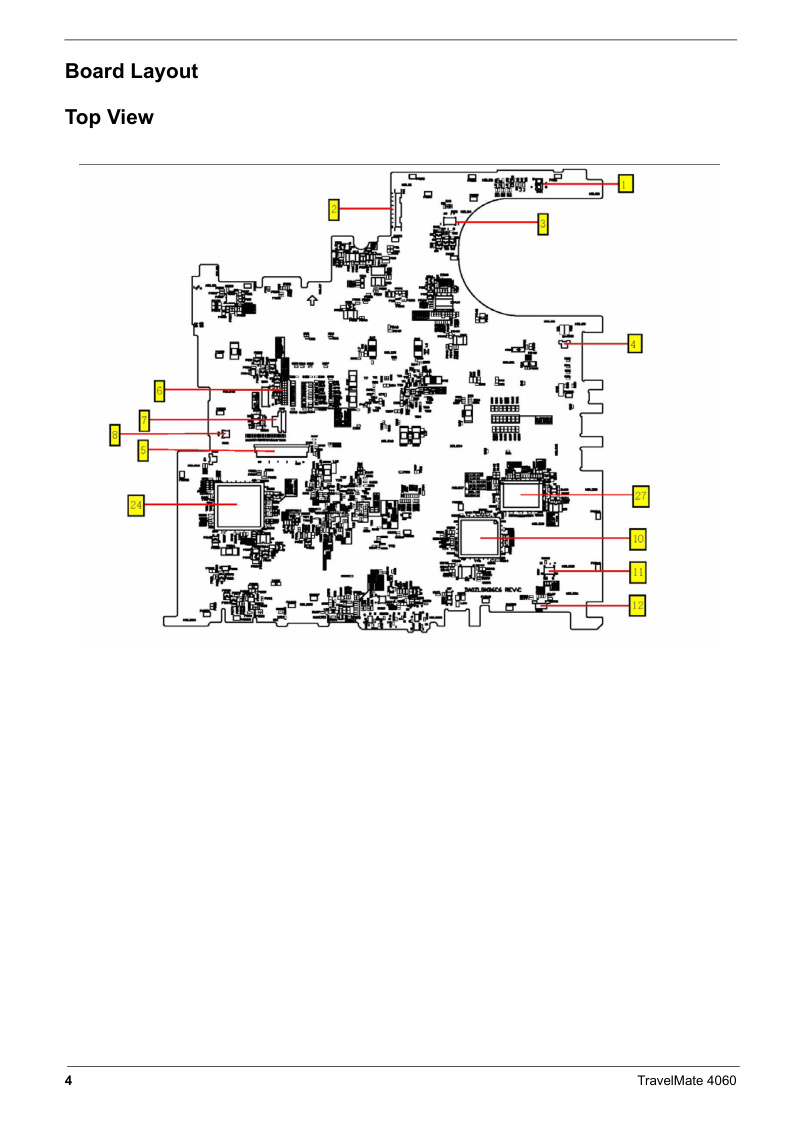
Comprehensive service manual for the Acer TravelMate 4060 Series, designed for technicians performing maintenance, repair, and component replacement on this laptop line. The guide opens with system specifications and hardware architecture, then progresses through BIOS configuration and setup procedures. The core of the manual consists of systematic disassembly instructions with detailed flowcharts covering battery removal, hard drive extraction, memory module access, wireless LAN card replacement, thermal management components, CPU procedures, optical drive service, and LCD panel removal. Each disassembly section includes board layouts, panel views, and system block diagrams to orient technicians during service work. A complete field replaceable unit (FRU) parts list with exploded component diagrams ensures accurate identification of OEM and compatible parts. Troubleshooting guidance helps diagnose common issues and determine appropriate repair paths. Essential reference for depot repair centers, authorized service networks, and experienced technicians maintaining TravelMate 4060 systems.
Documentation must be downloaded on a computer (PC, Mac, or Linux).
Do not use a smartphone or tablet to download documentation; they generally lack sufficient memory capacity to handle large files, and few users know how to locate the download folder on these devices.
Once downloaded, you can use it right away and even print the pages you need, or use your smartphone in photo mode to translate into the language of your choice: Google Translate
Document Details
- Format
- Pages
- 99
- Size
- 3.0 MB
- Category
- Computers & IT