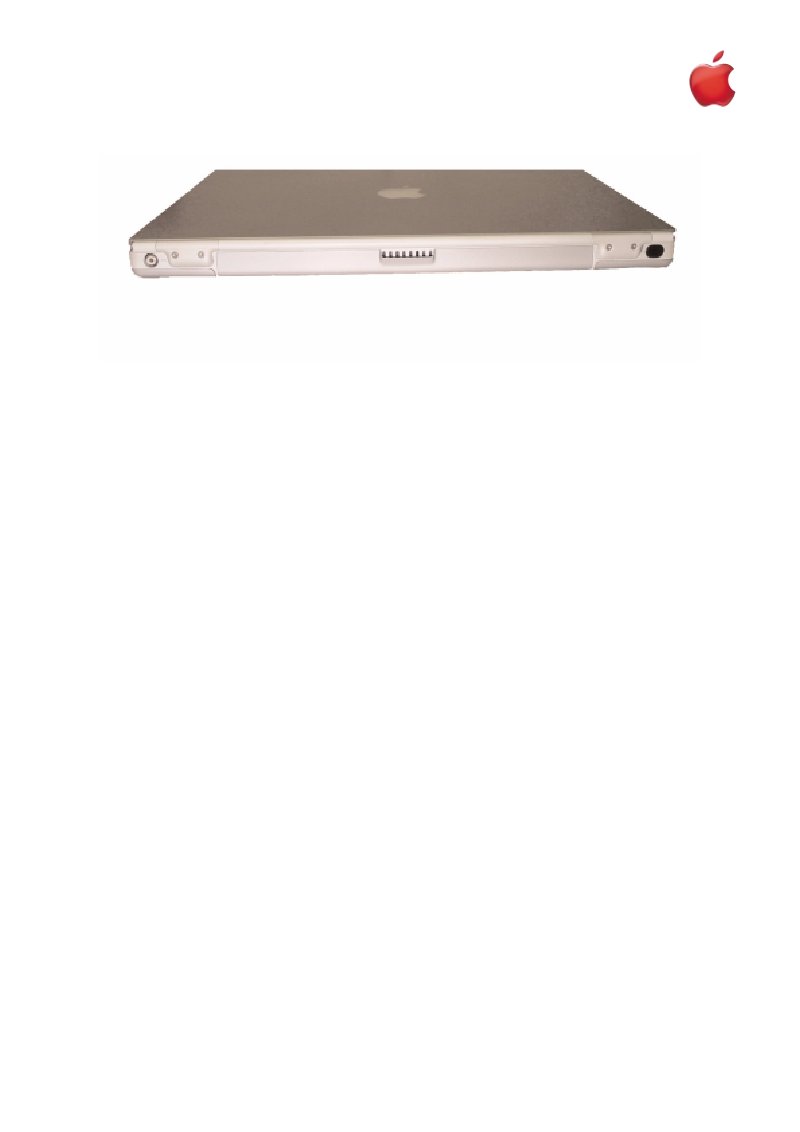
PowerBook G4 Titanium 400/500 MHz Troubleshooting Guide
AppleCare troubleshooting guide for PowerBook G4 Titanium 400 and 500 MHz models. Covers diagnostic procedures for AirPort card recognition failures, battery ejection problems, hard drive initialization errors, modem dial tone detection issues, DVD disc mounting failures, PC Card insertion troubles, audio system malfunctions, and display faults. Each section walks authorized Apple service technicians through sequential diagnostic steps to isolate and resolve hardware and connectivity problems on these G4 Titanium portables.
Documentation must be downloaded on a computer (PC, Mac, or Linux).
Do not use a smartphone or tablet to download documentation; they generally lack sufficient memory capacity to handle large files, and few users know how to locate the download folder on these devices.
Once downloaded, you can use it right away and even print the pages you need, or use your smartphone in photo mode to translate into the language of your choice: Google Translate
Document Details
- Format
- Pages
- 109
- Size
- 3.5 MB
- Category
- Computers & IT