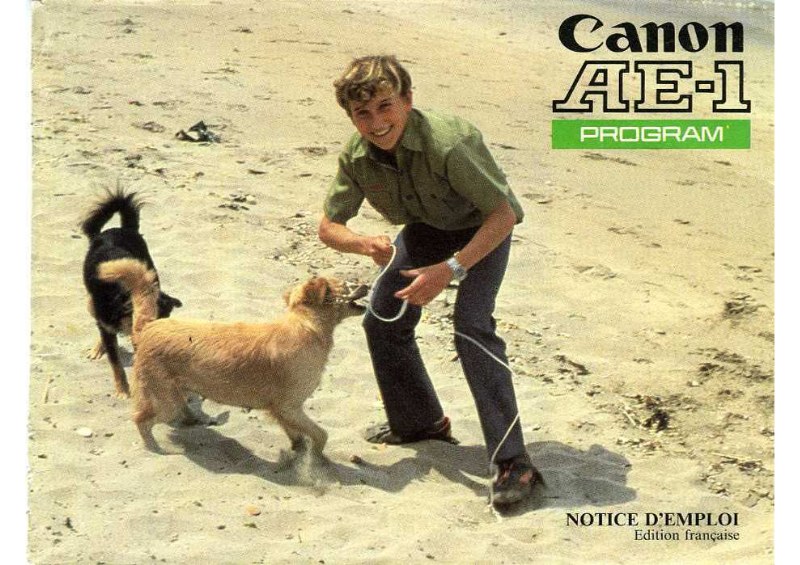
CANON - Canon AE1 program Notice FR
 by CANON
Complete owner's manual for the Canon AE-1 Program, a 35mm SLR camera featuring electronically-controlled automatic exposure. This comprehensive instruction guide covers all essential operations: lens mounting, objective adjustment, battery installation and testing, control handling, and ISO sensitivity setting. The manual thoroughly explains the two automatic exposure modes—program automatic exposure, which controls both shutter speed and aperture simultaneously, and shutter-priority automatic exposure, allowing you to select shutter speed while the camera automatically sets the aperture. You'll find detailed guidance on standard shooting technique, self-timer operation, and film rewind procedures. The manual addresses specialized photographic scenarios including use with non-FD lenses, close-up photography with auxiliary accessories, infrared film, low-light conditions, and night photography. Extensive coverage includes exposure compensation techniques for overexposed or underexposed situations, methods for disabling automatic exposure control entirely, and comprehensive flash photography instruction. Flash sections detail self-timer operation with electronic flash, automatic flash synchronization with Canon Speedlite units, and proper synchronization methodology. The guide presents all optional accessories available: A2 motorized film advance, MA motorized drive, LC-1 wireless remote control, date back, angle viewfinders, lens hoods, diopter correction lenses, focusing magnifier, filters, and interchangeable viewing screens. A detailed technical specification sheet summarizes the camera's principal features and performance capabilities.
Documentation must be downloaded on a computer (PC, Mac, or Linux).
Do not use a smartphone or tablet to download documentation; they generally lack sufficient memory capacity to handle large files, and few users know how to locate the download folder on these devices.
Once downloaded, you can use it right away and even print the pages you need, or use your smartphone in photo mode to translate into the language of your choice: Google Translate
Document Details
- Format
- Pages
- 82
- Size
- 6.2 MB
- Category
- Photography