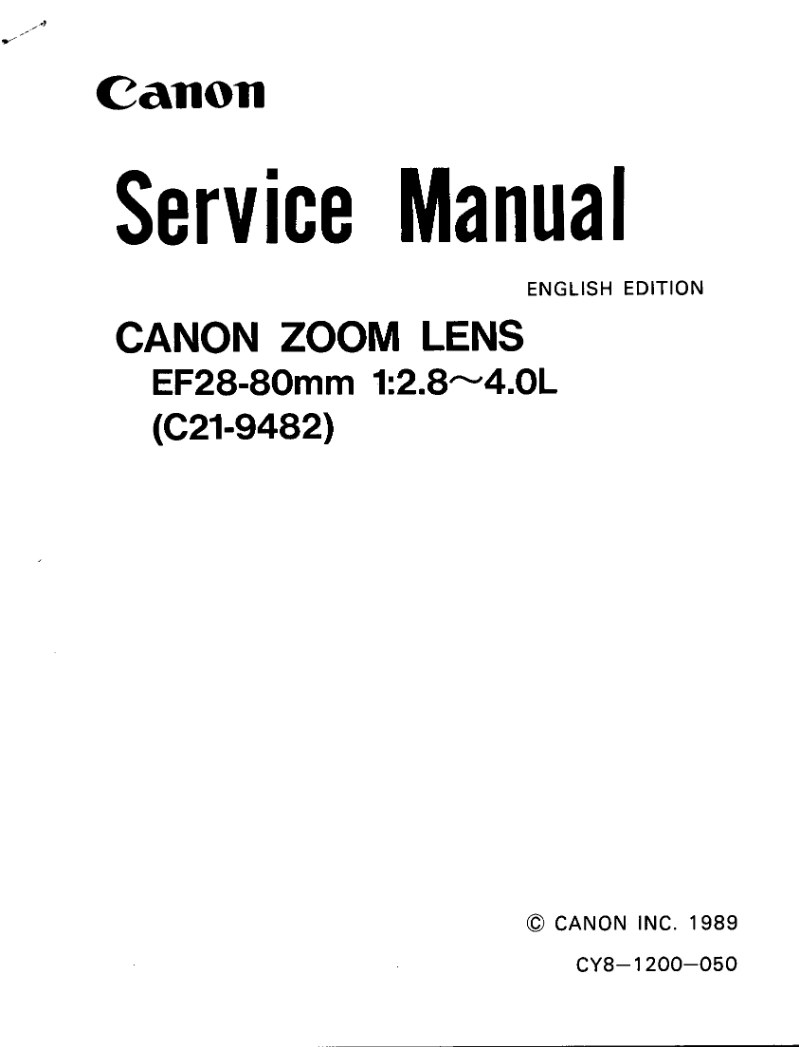
CANON - Canon EF28 80 f28 4 Service Manual
 by CANON
Comprehensive service manual for the Canon EF28–80mm f/2.8–4.0L zoom lens. This technical reference provides complete maintenance, repair, and adjustment procedures for this high-performance optical instrument. The manual begins with a detailed product overview, key features, and full optical specifications including lens schematics. Systematic disassembly and assembly sections cover each major component group: front assembly, rear assembly, USM/helicoid unit, focusing unit, cam barrel, and rear lens unit. The adjustments section addresses critical calibration procedures including optical centering, infinity and telephoto focus adjustment, focus stopper adjustment, ultrasonic motor tuning, pulse optimization, and best focus correction. A specialized schematic details the electronic variable-pitch powered manual focusing system. Extensive electronics coverage includes circuit descriptions, schematic diagrams, pattern diagrams, and complete wiring diagrams. Technical specifications for the intermittent energy-saving DC/DC converter and operational sequence details round out the electronics section. A precautions and expendables list completes this essential workshop reference for service technicians and repair professionals maintaining this Canon zoom lens.
Table of Contents:
- Development Brief
- Features
- Specifications
- Controls and Optical Schematic
- Precautions
- Precautions and Expendables List
- Front Disassembly
- Rear Disassembly
- USM / Helicoid Unit
- Focusing Unit
- Cam Barrel
- Rear Lens Unit
- Adjustments Table
- Optical Centering
- Focus Adjustment
- Focus Stopper Adjustment
- Manual Focus Brush Position
- Pulse Adjustment
- Best Focus Adjustment
- USM Reference Frequency
- Circuit Descriptions
- Schematic Diagram
- Pattern Diagrams
- Wiring Diagram
Documentation must be downloaded on a computer (PC, Mac, or Linux).
Do not use a smartphone or tablet to download documentation; they generally lack sufficient memory capacity to handle large files, and few users know how to locate the download folder on these devices.
Once downloaded, you can use it right away and even print the pages you need, or use your smartphone in photo mode to translate into the language of your choice: Google Translate
Document Details
- Format
- Pages
- 32
- Size
- 730.9 KB
- Category
- Photography