CANON - canon eos 20d sm
 by CANON
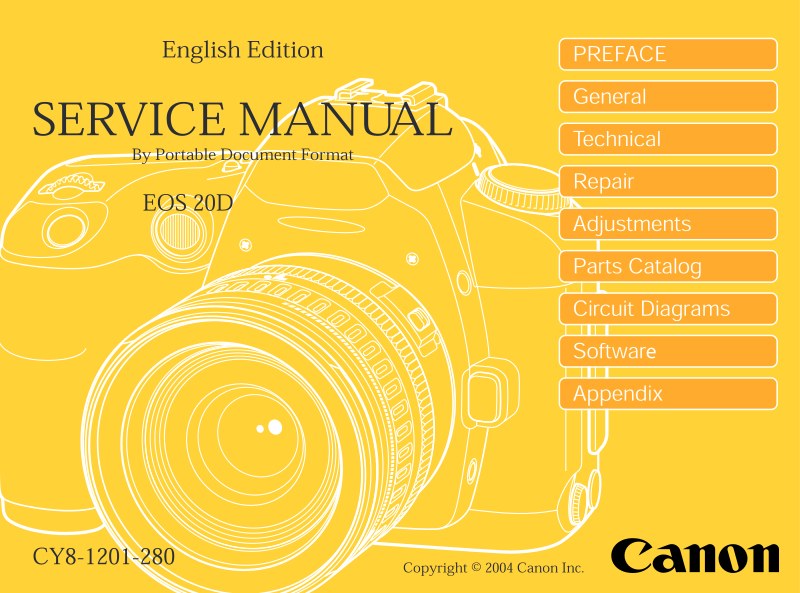
Complete service manual for the Canon EOS 20D digital SLR camera. This 374-page workshop manual delivers the technical depth required by authorized repair technicians and service center professionals to handle the full spectrum of maintenance, repair, and troubleshooting for this professional-grade DSLR. It contains detailed service procedures, component-level repair instructions, precision mechanical and optical adjustments, testing protocols, and calibration methods essential for restoring the camera to factory specification. The manual covers sensor cleaning and maintenance, mirror and shutter assembly procedures, viewfinder and autofocus system repairs, LCD panel diagnostics, power and battery management circuits, and comprehensive electrical schematic interpretation. Includes exploded parts diagrams, assembly sequences, and diagnostic flowcharts for identifying and correcting operational faults. An indispensable technical reference for professional camera repair workshops and authorized Canon service centers.
Table of Contents:
- General Information
- 1. features 1
- 1.1 High precision and high image quality 1
- 1.2 High performance, high speed, and easy shooting1
- 1.3 High-precision and high-speed 9-point AF1
- 1.4 Optimum image creation1
- 1.5 Compatible with all EF-S and EF lenses2
- 1.6 Metallic exterior for high-grade design2
- 1.7 EOS 10D user suggestions incorporated
- for enhanced performance 2
- 1.8 EOS 10D's superior basic features and operation ease retained 3
- 1.9 Camera Direct Printing and DPOF3
- 2. overview4
- 2.1 EOS 20D body 4
- 2.2 Accessories14
- 2.3 Software for EOS 20D15
- 3. specifications 16
- 4. nomenclature and dimensions45
- 4.1 Nomenclature45
- 4.2 Dimensions 46
- 5. visual indicators 47
- 5.1 Viewfinder Information 47
- 5.2 LCD Panel Information and Model Dial48
- 5.3 Functional display screens50
- 5.4 LCD Monitor Menus 51
- 6. custom function 54
- 6.1 Custom Function List 54
- 7. program diagrams55
- 7.1 Program Diagrams55
- 7.2 E-TTL Program Diagrams55
- 8. system accessories compatibility tables 56
- 8.1 System Accessories56
- 8.2 System Accessory Compatibility57
- 9. agreed items 58
- 9.1 Agreed Answers for User Support 58
- 9.2 Built-in Flash and EF Lens Compatibility 63
- General Information
Documentation must be downloaded on a computer (PC, Mac, or Linux).
Do not use a smartphone or tablet to download documentation; they generally lack sufficient memory capacity to handle large files, and few users know how to locate the download folder on these devices.
Once downloaded, you can use it right away and even print the pages you need, or use your smartphone in photo mode to translate into the language of your choice: Google Translate
Document Details
- Format
- Pages
- 374
- Size
- 246.5 MB
- Category
- Photography