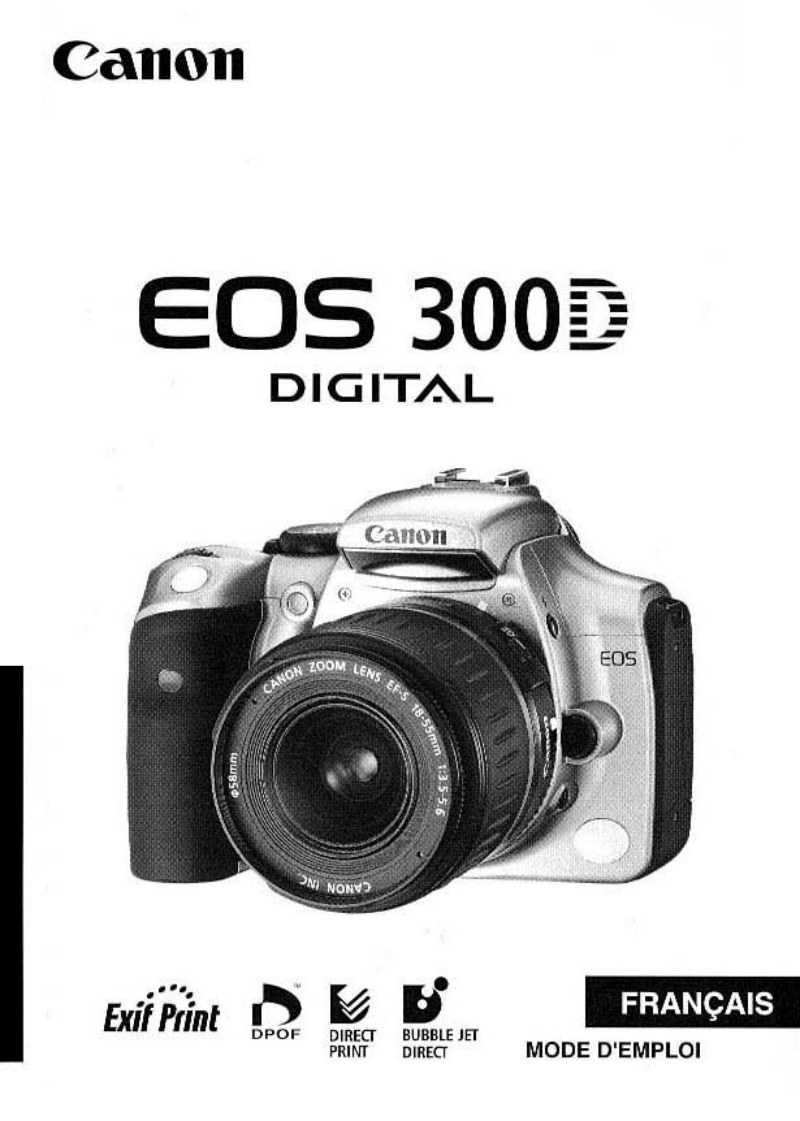
CANON - CANON EOS 300D Notice FR
 by CANON
Complete owner's manual for the Canon EOS 300D, one of Canon's landmark digital SLR cameras that democratized DSLR photography. This comprehensive guide covers everything from initial setup through advanced operation, serving as both a learning resource and troubleshooting reference. The introduction establishes safety precautions, identifies all camera components, and explains manual conventions for clarity. The preparation section walks through strap attachment, battery charging and installation, and proper use of AC power adapters. Basic operation explains power-up sequences, shutter release mechanics, and motorization modes essential to capturing images. The shooting settings section provides in-depth coverage of exposure modes—fully automatic shooting, shutter priority for controlling motion blur, aperture priority for managing depth of field, and full manual exposure control for complete creative freedom. Advanced settings receive detailed treatment: image recording quality and compression options, ISO sensitivity adjustment for various lighting conditions, white balance customization, auto bracketing for exposure insurance, file numbering and organization, and automatic image rotation. The manual includes substantial sections on image playback and review, index display for quick navigation, zoom viewing for critical focus assessment, image protection to prevent accidental deletion, and safe image deletion procedures. Additional practical sections address television connection for external display viewing, CompactFlash card formatting, and a comprehensive troubleshooting guide that systematically addresses power supply problems, shooting difficulties, and image display issues. Step-by-step procedures, visual diagrams, and detailed technical specifications support both first-time DSLR users and experienced photographers seeking a complete reference.
Documentation must be downloaded on a computer (PC, Mac, or Linux).
Do not use a smartphone or tablet to download documentation; they generally lack sufficient memory capacity to handle large files, and few users know how to locate the download folder on these devices.
Once downloaded, you can use it right away and even print the pages you need, or use your smartphone in photo mode to translate into the language of your choice: Google Translate
Document Details
- Format
- Pages
- 113
- Size
- 8.9 MB
- Category
- Photography