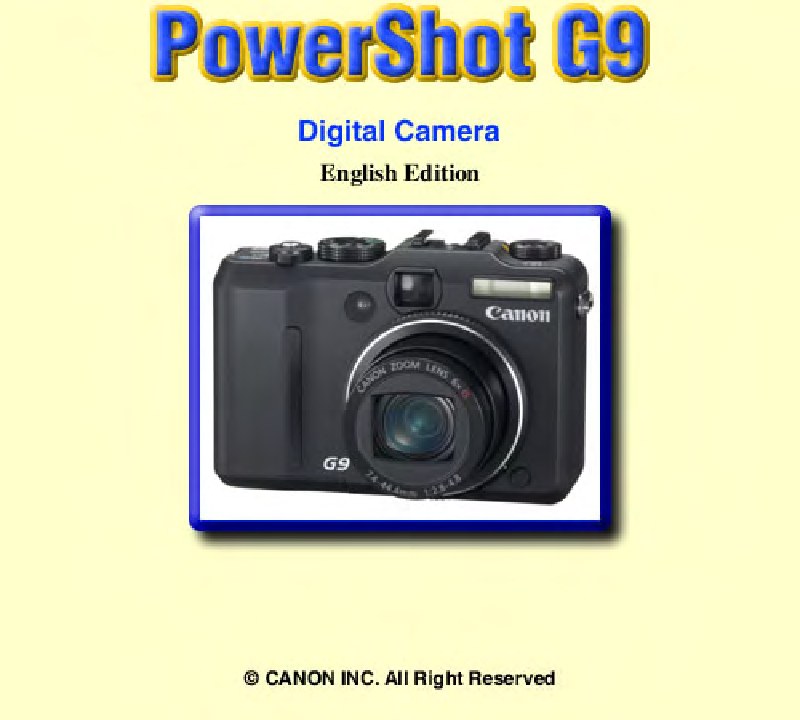
CANON - Canon G9 Service Manuel
 by CANON
Comprehensive service manual for the Canon PowerShot G9 compact digital camera. This technical documentation provides detailed guidance for maintenance, repair, and calibration procedures essential for professional servicing. The manual covers safety precautions for handling high-voltage circuits and electrical leakage verification protocols, along with the specialized adjustment tools required for accurate tuning. You'll find step-by-step calibration procedures for the Image Stabilizer system, optical unit adjustments, CCD sensor tuning, image processing, color correction, and flash calibration. Detailed internal component layout diagrams and installation sequences clarify the mechanical and optical architecture, while replacement parts lists, accessory compatibility specifications, and connection diagrams support the complete repair workflow. An essential workshop reference for authorized service technicians and professional electronics repair specialists who need comprehensive technical information to diagnose, calibrate, and restore this digital camera to factory specifications.
Table of Contents:
- Overview
- Summary of Main Features3
- Comparison of Main Features6
- Exterior
- Exterior Photos7
- 6-view Diagram8
- Nomenclature 9
- Specifications
- Product Specifications10
- System Diagram 21
- Shooting/Setting Features List 22
- Direct Print 23
- Print Features of Direct Print 23
- The Connection between Digital Cameras and Printers 25
- Playback Compatibility26
- Still Images 26
- Movies 27
- List of Accessory and Its Compatibility28
- Camera 28
- Printer 29
- Accessory Specifications
- New Accessories 30
- Waterproof Case WP-DC21 30
- Main Unchanged Accessories 32
- Battery Pack NB-2LH 32
- Battery Charger CB-2LW (Japan, Americas), CB-2LWE (Europe, Asia, Oceania) 32
- AC Adapter Kit ACK-DC20 32
- Car Battery Charger CBC-NB2 32
- Conversion Lens Adapter LA-DC58H 33
- Wide Converter WC-DC58B 33
- Tele-converter TC-DC58C 33
Documentation must be downloaded on a computer (PC, Mac, or Linux).
Do not use a smartphone or tablet to download documentation; they generally lack sufficient memory capacity to handle large files, and few users know how to locate the download folder on these devices.
Once downloaded, you can use it right away and even print the pages you need, or use your smartphone in photo mode to translate into the language of your choice: Google Translate
Document Details
- Format
- Pages
- 158
- Size
- 8.2 MB
- Category
- Photography