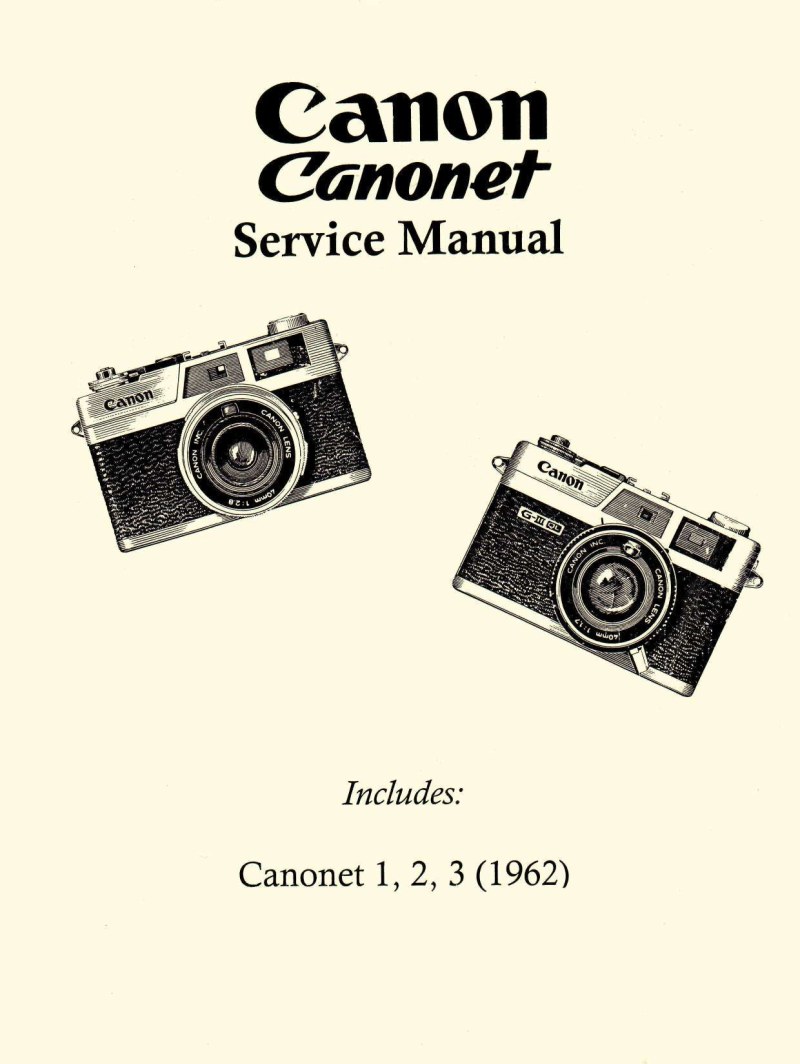
CANON - canonet repair 1962
 by CANON
Comprehensive technical documentation for servicing and repairing the CANON Canonet, a compact 35mm rangefinder camera from the early 1960s. This detailed service manual covers Canonet models 1, 2, and 3 with fully annotated exploded views of all internal assemblies. The repair manual includes complete parts lists with reference numbers for ordering replacements, systematic disassembly and reassembly procedures for the camera body, film advance mechanism, rangefinder optical system, and viewfinder assembly. Step-by-step adjustment and calibration procedures address the shutter release lever, M-governor mechanism, shutter blades, diaphragm blades, and main cocking lever—essential work for restoring proper mechanical function. A dedicated troubleshooting guide tackles common issues including shutter jamming, heavy charging resistance, diaphragm malfunction, focus problems, and timer failures with diagnostic solutions for each. The workshop manual features an in-depth guide to specialized test equipment: the 200mm T-type collimator, lens shutter tester, and exposure meter inspection device, with detailed operating instructions for each tool. A complete reference section lists all specialized screwdrivers required for specific repairs, preventing damage to proprietary fasteners. The final section documents service materials with specific lubricants, greases, adhesives, and paint specifications including application diagrams to ensure correct assembly maintenance. An essential reference for camera repair specialists and dedicated restorers working with classic Canonet models.
Table of Contents:
- Top Cover
- Shutter Button
- Base Plate
- Trigger Lever
- Rewind Crank
- Rewind Clutch Lever
- Some Basic Parts
- Film Counter
- Range-Viewfinder Optical System
- Exposure Meter
- Back Cover
- Take-up Spool & Sprocket
- Body Case
- Winding Mechanism
- Objective Lens
Documentation must be downloaded on a computer (PC, Mac, or Linux).
Do not use a smartphone or tablet to download documentation; they generally lack sufficient memory capacity to handle large files, and few users know how to locate the download folder on these devices.
Once downloaded, you can use it right away and even print the pages you need, or use your smartphone in photo mode to translate into the language of your choice: Google Translate
Document Details
- Format
- Pages
- 80
- Size
- 1.6 MB
- Category
- Photography