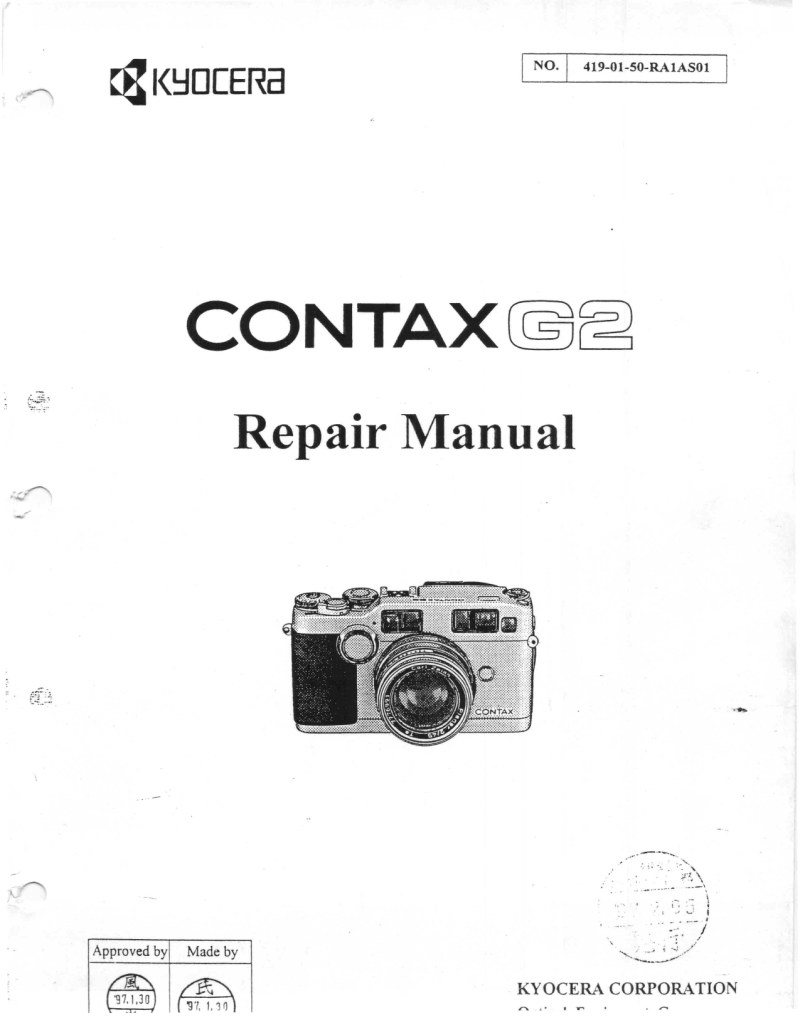
CONTAX - Contax G2 Repair Manual
 by CONTAX
This 128-page workshop manual is the authoritative guide for anyone servicing or restoring the Contax G2 rangefinder camera. Unlike general owner's manuals, this repair manual covers complete disassembly procedures, internal mechanisms, and step-by-step restoration techniques that professional technicians rely on. You'll find detailed diagnostic methods to isolate mechanical and optical faults, precise repair sequences for the shutter and focus systems, and the parts knowledge needed to source replacements or assess damage. Whether you're performing routine maintenance, troubleshooting a malfunctioning shutter, or undertaking a full cosmetic and mechanical restoration, this technical documentation provides the specialized information that separates competent repair from costly mistakes. An essential reference for repair professionals, camera technicians, and dedicated enthusiasts committed to preserving this premium rangefinder.
Table of Contents:
- Features
- Specifications
- Names of Parts
- Description of Mechanisms
- Electric Circuit Block Diagram
- Description of Electric Circuits
- Description of Functions of IC Terminals
- Description of Functions of Electric Parts
- Functions of Switches
- Timing Chart
- Schematic Diagram
- Removal of Exterior Parts
- Removal of Main FPC Ass'y
- Removal of AF Module Ass'y and Viewfinder Ass'y
- Removal of Mount Base Ass'y and Winding & Rewind Mechanism Ass'y
- Removal of Shutter Unit
- Removal of Other Parts
- Disassembly and Assembly of Ass'y Parts
- Dressing of Lead Wires
- Disassembly of Battery Cover Ass'y
- Disassembly of Data Back Ass'y
- Parts Modification List
- Adjustment of Flange Back Distance
- Check and Adjustment of Viewfinder Parallax
- Adjustment of PSD Position
- Adjustment of Passive AF Parallax
- Adjustments of Compensation Values (Manual Adjustments)
- Outline of Manual Adjusting Mode
- Contents of Adjustment Items
- Dial A/D Adjustment
- Shutter Time Adjustment
- Light Exposure Adjustments
- TTL Flash Auto Adjustment
- AF Adjustments
- Battery Check Voltage Adjustment
- Checking of Shots Counter
- Others
- Electric Elements Locating Diagram
- Test Points on Main FPC
- Terminal Connection Diagram
- Wiring Diagram
Documentation must be downloaded on a computer (PC, Mac, or Linux).
Do not use a smartphone or tablet to download documentation; they generally lack sufficient memory capacity to handle large files, and few users know how to locate the download folder on these devices.
Once downloaded, you can use it right away and even print the pages you need, or use your smartphone in photo mode to translate into the language of your choice: Google Translate
Document Details
- Format
- Pages
- 128
- Size
- 36.2 MB
- Category
- Photography