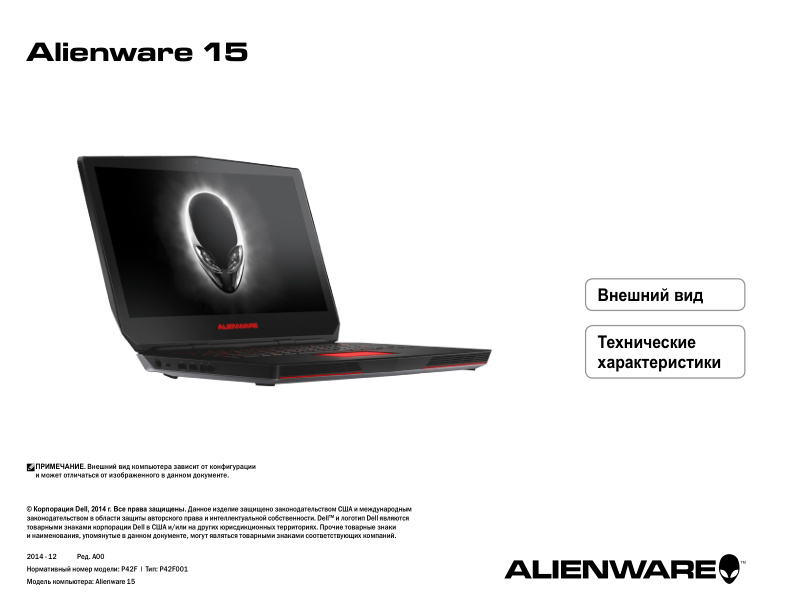
Alienware 15 Laptop Quick Start Guide
Alienware 15 Laptop Quick Start Guide — 23-page quick start guide in Russian for the Alienware 15 model P42F. This guide walks you through initial setup and hardware orientation with external views photographed from multiple angles (rear, left, right, top, and front open configuration) to help you locate and understand every port and connection. Detailed port identification covers USB 3.0, HDMI, Mini DisplayPort, headphone jack, power adapter, Ethernet, card reader, and external graphics port connections. The technical specifications section includes laptop dimensions, weight, processor options (4th generation Intel Core i5 and i7), RAM configurations, storage types and capacities, display panel variants, battery specifications, power adapter ratings, integrated audio system details, touchpad features, built-in camera specs, and operating temperature and humidity ranges. Ideal for new owners needing a visual reference to understand where everything connects and the system's core capabilities.
Documentation must be downloaded on a computer (PC, Mac, or Linux).
Do not use a smartphone or tablet to download documentation; they generally lack sufficient memory capacity to handle large files, and few users know how to locate the download folder on these devices.
Once downloaded, you can use it right away and even print the pages you need, or use your smartphone in photo mode to translate into the language of your choice: Google Translate
Document Details
- Format
- Pages
- 23
- Size
- 1.6 MB
- Category
- Computers & IT