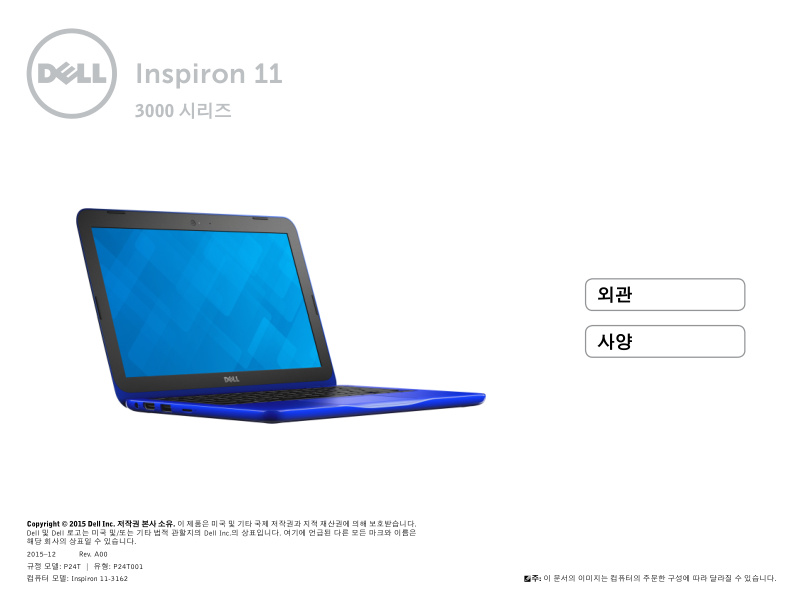
Dell Inspiron 11-3162 Quick Start Guide
Dell Inspiron 11-3162 Quick Start Guide — a 22-page setup manual in Korean for the Dell Inspiron 11-3162 laptop. This quick start guide walks you through the essential hardware features and first-time configuration of this compact 11-inch notebook. You'll find detailed exterior diagrams labeling all four sides of the unit (left panel, right panel, base, and display bezel), complete with port identification and connector specifications. Port coverage includes USB 2.0 and USB 3.0 connectors, HDMI video output, headset/audio jack, security cable slot for physical theft prevention, mains power adapter input, and the integrated media card reader. The guide also documents touchpad operation and power button location for quick reference. A full technical specifications section outlines available processor configurations, RAM capacity, solid-state or mechanical storage options, display size and resolution, battery runtime estimates, keyboard layout, built-in webcam, stereo audio system, and Wi-Fi/Bluetooth wireless connectivity options. Ideal for new owners setting up the Inspiron 11-3162 for the first time.
Documentation must be downloaded on a computer (PC, Mac, or Linux).
Do not use a smartphone or tablet to download documentation; they generally lack sufficient memory capacity to handle large files, and few users know how to locate the download folder on these devices.
Once downloaded, you can use it right away and even print the pages you need, or use your smartphone in photo mode to translate into the language of your choice: Google Translate
Document Details
- Format
- Pages
- 22
- Size
- 2.1 MB
- Category
- Computers & IT