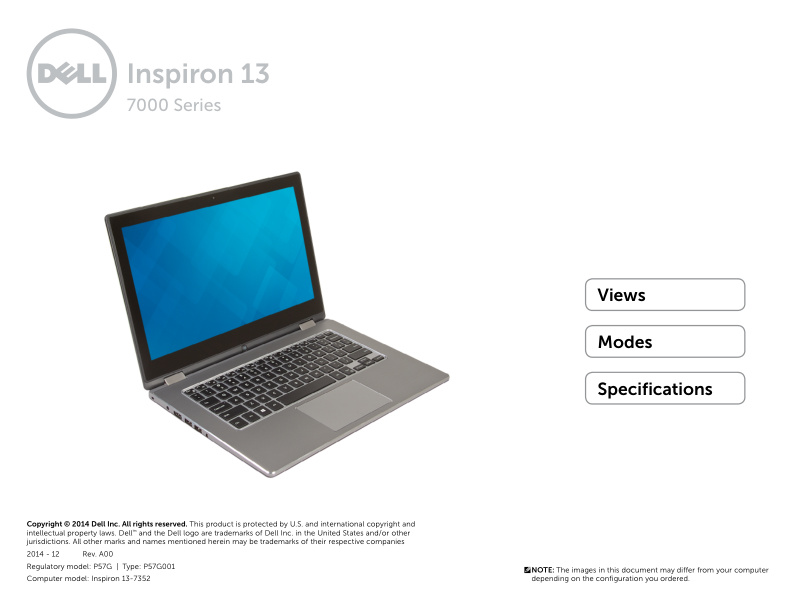
Dell Inspiron 13-7352 Setup and Features Guide
Dell Inspiron 13-7352 Setup and Features Guide—24-page quick start manual for the Dell Inspiron 13-7352 (7000 Series). This owner's manual walks you through the convertible's external layout from every angle, with clear callouts of all ports and connectors: USB 3.0, HDMI video output, headset jack, power adapter receptacle, and security cable slot. You'll find detailed sections on the touchpad operation, keyboard layout, power button location, volume controls, media card reader, built-in microphones, integrated camera, and ambient light sensor functionality. The guide explains the four operating modes—notebook, tablet, tablet stand, and tent—so you can get the most from this 2-in-1 design. Basic technical specifications cover dimensions, weight, processor options, RAM, and other key hardware details to help you understand your system's capabilities.
Documentation must be downloaded on a computer (PC, Mac, or Linux).
Do not use a smartphone or tablet to download documentation; they generally lack sufficient memory capacity to handle large files, and few users know how to locate the download folder on these devices.
Once downloaded, you can use it right away and even print the pages you need, or use your smartphone in photo mode to translate into the language of your choice: Google Translate
Document Details
- Format
- Pages
- 24
- Size
- 5.3 MB
- Category
- Computers & IT