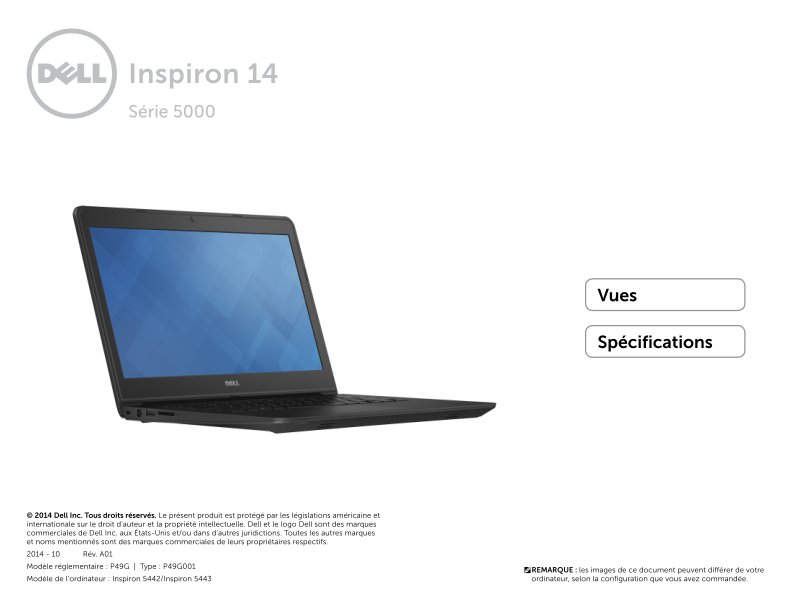
Dell Inspiron 14 5443 Quick Start Guide - Specs & Views
Dell Inspiron 14 5443 Quick Start Guide covering specifications and physical layout, 22 pages in French. This quick start guide for the Dell Inspiron 14 5443 (models P49G and P49G001) walks you through the laptop's key features with labeled diagrams showing the device from front, left, right, and bottom angles. You'll find clear identification of status indicator lights for battery and power status alongside hard drive activity indicators, plus descriptions of all major ports including the security cable slot, power adapter connection, USB 2.0 port, and memory card reader. The guide concludes with technical specifications for the 5000 Series Inspiron 14, giving you a complete overview of your system's capabilities.
Documentation must be downloaded on a computer (PC, Mac, or Linux).
Do not use a smartphone or tablet to download documentation; they generally lack sufficient memory capacity to handle large files, and few users know how to locate the download folder on these devices.
Once downloaded, you can use it right away and even print the pages you need, or use your smartphone in photo mode to translate into the language of your choice: Google Translate
Document Details
- Format
- Pages
- 22
- Size
- 1.7 MB
- Category
- Computers & IT