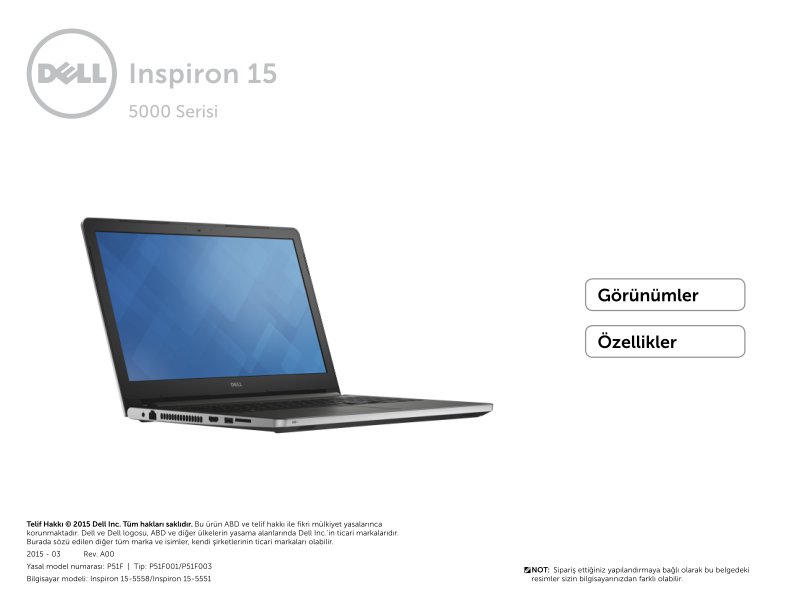
Dell Inspiron 15-5558/5551 Series 5000 Setup Guide
Dell Inspiron 15-5558/5551 Series 5000 Setup Guide and quick start reference for the Inspiron 15-5558 and Inspiron 15-5551 laptop models, 23 pages in Romanian. This owner's manual provides labeled diagrams of the front, left, right, and base panels so you can identify every port and control on your machine. You'll find clear explanations of the power indicator light, USB 3.0 and USB 2.0 ports, HDMI video output, audio jack, network port (5558 only), optical drive, storage card reader, security cable slot, touchpad, and power button. The specifications section covers your system's memory configuration, available ports and connectors, display capabilities, audio and video features, storage options, battery performance, power adapter requirements, integrated camera, touchpad behavior, keyboard layout, wireless and wired communications support, and environmental operating conditions. Both the 5558 and 5551 use DDR3L memory running at 1600 MHz—the 5558 supports dual-channel configuration up to 16 GB, while the 5551 runs single-channel up to 8 GB. Dimensions and weight are specified separately for touchscreen and standard display versions of each model, helping you understand the physical footprint and portability of your machine.
Documentation must be downloaded on a computer (PC, Mac, or Linux).
Do not use a smartphone or tablet to download documentation; they generally lack sufficient memory capacity to handle large files, and few users know how to locate the download folder on these devices.
Once downloaded, you can use it right away and even print the pages you need, or use your smartphone in photo mode to translate into the language of your choice: Google Translate
Document Details
- Format
- Pages
- 23
- Size
- 1.9 MB
- Category
- Computers & IT