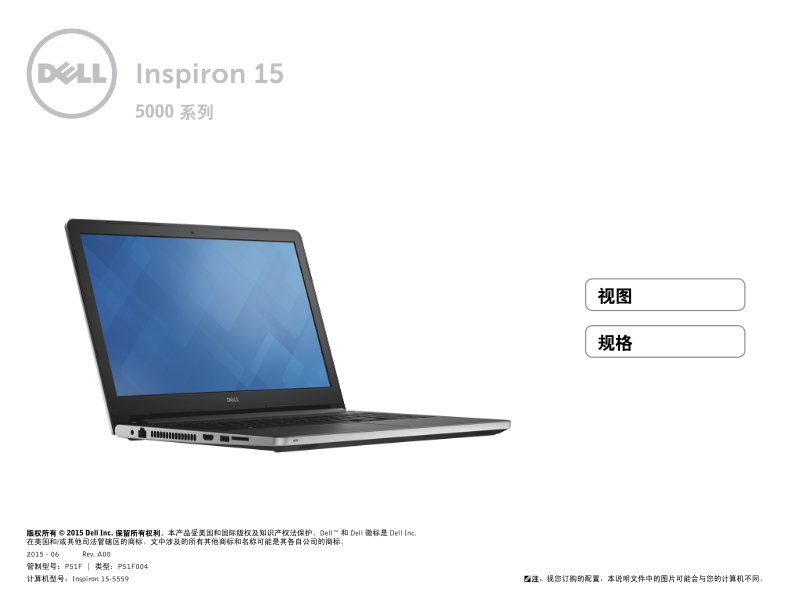
Dell Inspiron 15-5559 Series 5000 Setup and Specifications
Dell Inspiron 15-5559 Series 5000 Setup and Specifications guide—23 pages in Spanish. This quick start manual walks you through the Dell Inspiron 15-5559 laptop layout and initial setup, with detailed front, left, right, base, and display views. All ports and key components are clearly labeled: USB 3.0 and USB 2.0 connectors, HDMI video output, network port, audio jack, optical drive, touchpad, power button, keyboard, integrated camera, and built-in microphones. The specifications section covers physical dimensions, weight, processor choices spanning Intel Core i3, i5, and i7 variants as well as Pentium and Celeron options, RAM configuration, and full connectivity port details. Essential reference for owners setting up or troubleshooting their Inspiron 15-5559.
Documentation must be downloaded on a computer (PC, Mac, or Linux).
Do not use a smartphone or tablet to download documentation; they generally lack sufficient memory capacity to handle large files, and few users know how to locate the download folder on these devices.
Once downloaded, you can use it right away and even print the pages you need, or use your smartphone in photo mode to translate into the language of your choice: Google Translate
Document Details
- Format
- Pages
- 23
- Size
- 1.9 MB
- Category
- Computers & IT