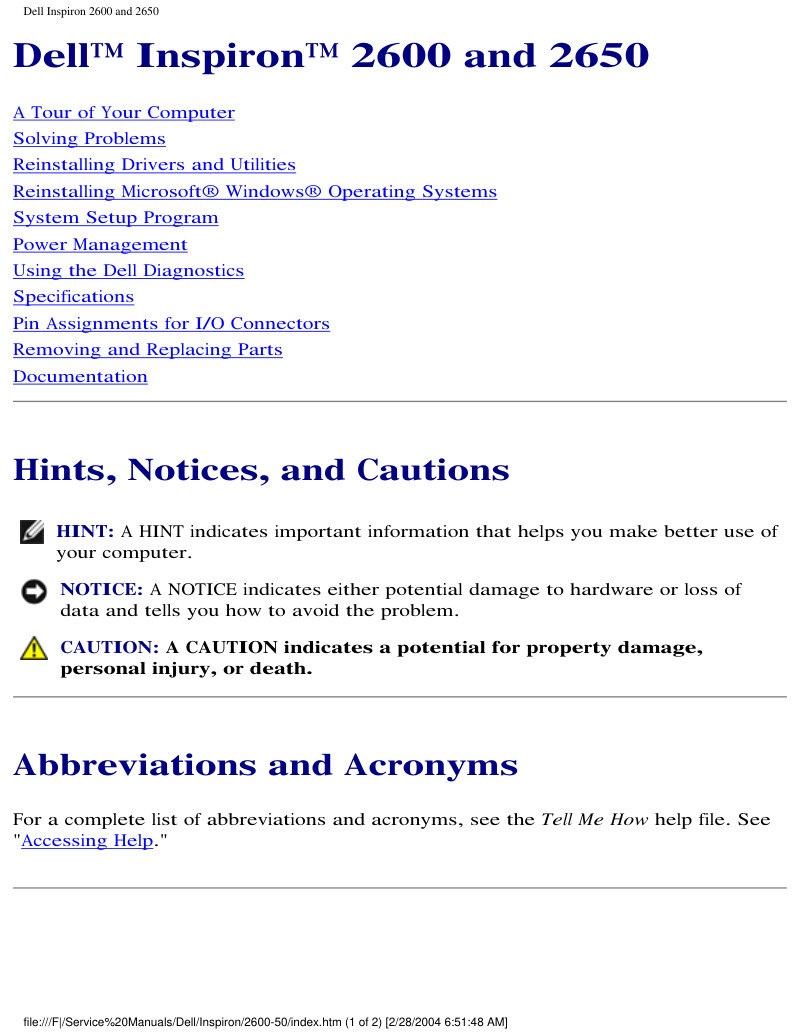
Dell Inspiron 2600 and 2650 Service Manual
Dell Inspiron 2600 and 2650 Service Manual — 155 pages in English. This workshop manual provides technicians and experienced users with complete service and repair documentation for the Dell Inspiron 2600 and 2650 laptop models. The manual opens with a detailed system tour featuring multiple hardware views (front, left, right, back, and bottom perspectives) to familiarize you with the physical layout. You'll find dedicated sections covering all external interfaces and indicators: keyboard and device status lights, battery charge indicators, touchpad operation, audio and network connectors, PC Card slot, floppy drive, security cable attachment point, optical drive compartment, modem connector, USB ports, PS/2 connector, video output, and AC adapter connection. The service manual also covers power management settings, system setup program navigation, Dell Diagnostics utilities for hardware testing, driver reinstallation procedures, Windows operating system reinstallation and recovery, comprehensive troubleshooting guidance, full technical specifications, and step-by-step hardware removal and replacement procedures. An essential reference for anyone performing maintenance, diagnostics, or component upgrades on these Dell laptop models.
Documentation must be downloaded on a computer (PC, Mac, or Linux).
Do not use a smartphone or tablet to download documentation; they generally lack sufficient memory capacity to handle large files, and few users know how to locate the download folder on these devices.
Once downloaded, you can use it right away and even print the pages you need, or use your smartphone in photo mode to translate into the language of your choice: Google Translate
Document Details
- Format
- Pages
- 155
- Size
- 4.4 MB
- Category
- Computers & IT