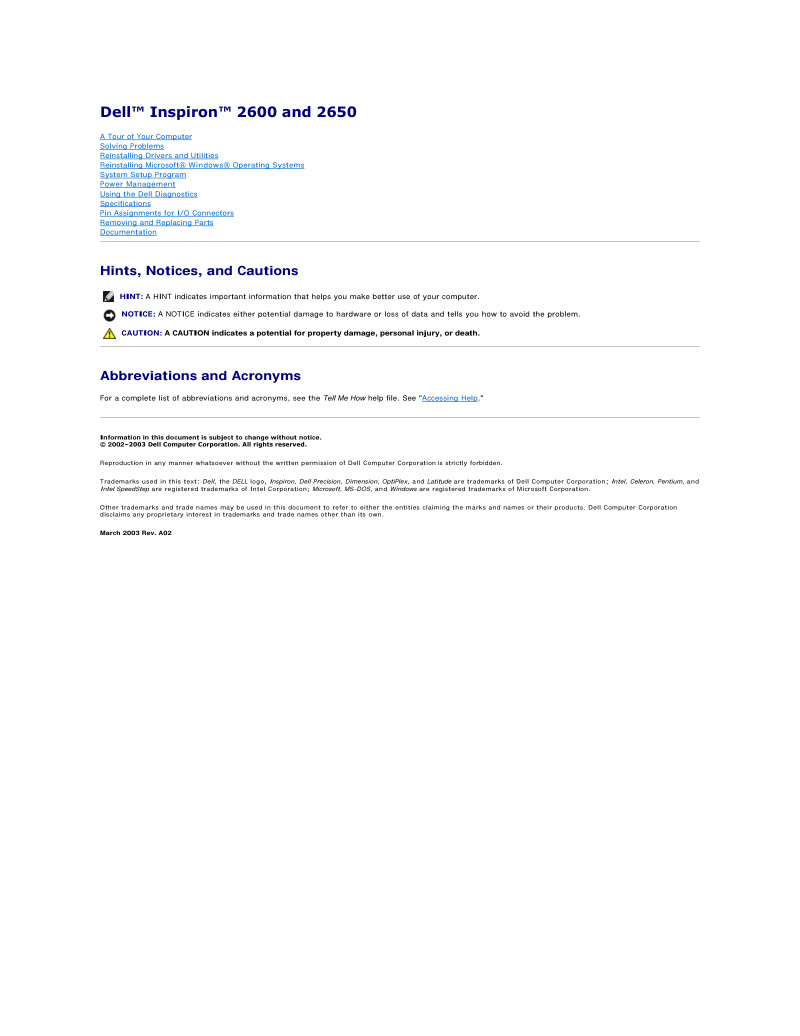
Dell Inspiron 2600 and 2650 Service Manual
Dell Inspiron 2600 and 2650 Service Manual — comprehensive 87-page workshop guide for diagnosing, maintaining, and repairing these laptop models. This repair manual covers complete system architecture with detailed component removal and replacement procedures for every major assembly: base plastics, hard drive, optical drive, floppy drive, modem card, keyboard, display panel, EMI shielding, video card, palm rest, microprocessor thermal-cooling assembly, speakers, and system board. Includes thermal pad replacement protocol specific to the Inspiron 2650. Extensive troubleshooting section addresses common issues and their solutions. Coverage includes driver and utility reinstallation, Windows OS deployment, system setup configuration, power management settings, and Dell's built-in diagnostic tools. Reference sections provide I/O connector pin assignments and complete specifications for both models. An essential resource for technicians maintaining these legacy Dell laptops.
Documentation must be downloaded on a computer (PC, Mac, or Linux).
Do not use a smartphone or tablet to download documentation; they generally lack sufficient memory capacity to handle large files, and few users know how to locate the download folder on these devices.
Once downloaded, you can use it right away and even print the pages you need, or use your smartphone in photo mode to translate into the language of your choice: Google Translate
Document Details
- Format
- Pages
- 87
- Size
- 2.6 MB
- Category
- Computers & IT