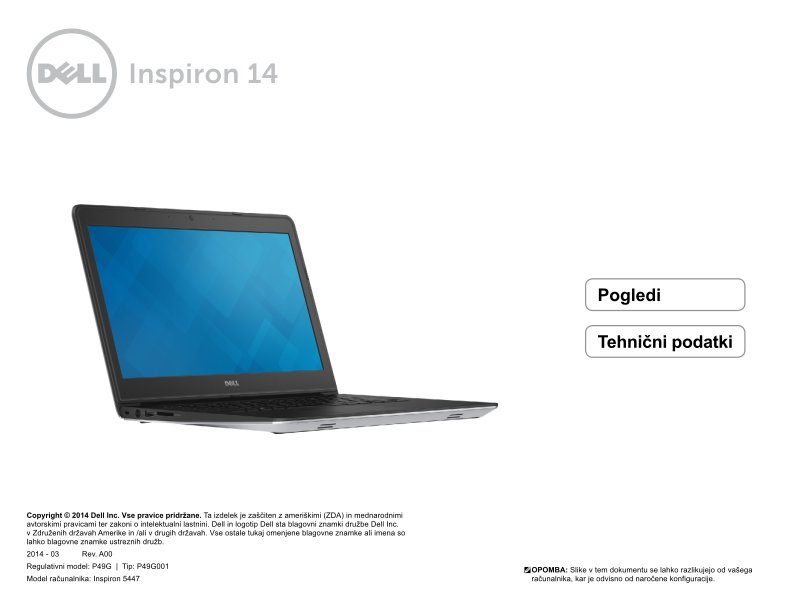
Dell Inspiron 5447 Quick Start Guide
Dell Inspiron 5447 Quick Start Guide — 22-page quick start guide in Portuguese for the Dell Inspiron 5447 laptop. Walks you through the physical layout of your machine with clear front panel descriptions and port identification on both the left and right sides. Covers the security cable slot location, power adapter connection point, USB 2.0 ports, and media card reader so you know exactly where everything plugs in. Also explains the status indicator lights — what the power and battery light means, how to read hard drive activity indicators, and what each light state tells you about your system. Essential reference when you first unpack the machine or need a quick reminder about port locations and what each light on your Inspiron means.
Documentation must be downloaded on a computer (PC, Mac, or Linux).
Do not use a smartphone or tablet to download documentation; they generally lack sufficient memory capacity to handle large files, and few users know how to locate the download folder on these devices.
Once downloaded, you can use it right away and even print the pages you need, or use your smartphone in photo mode to translate into the language of your choice: Google Translate
Document Details
- Format
- Pages
- 22
- Size
- 2.1 MB
- Category
- Computers & IT