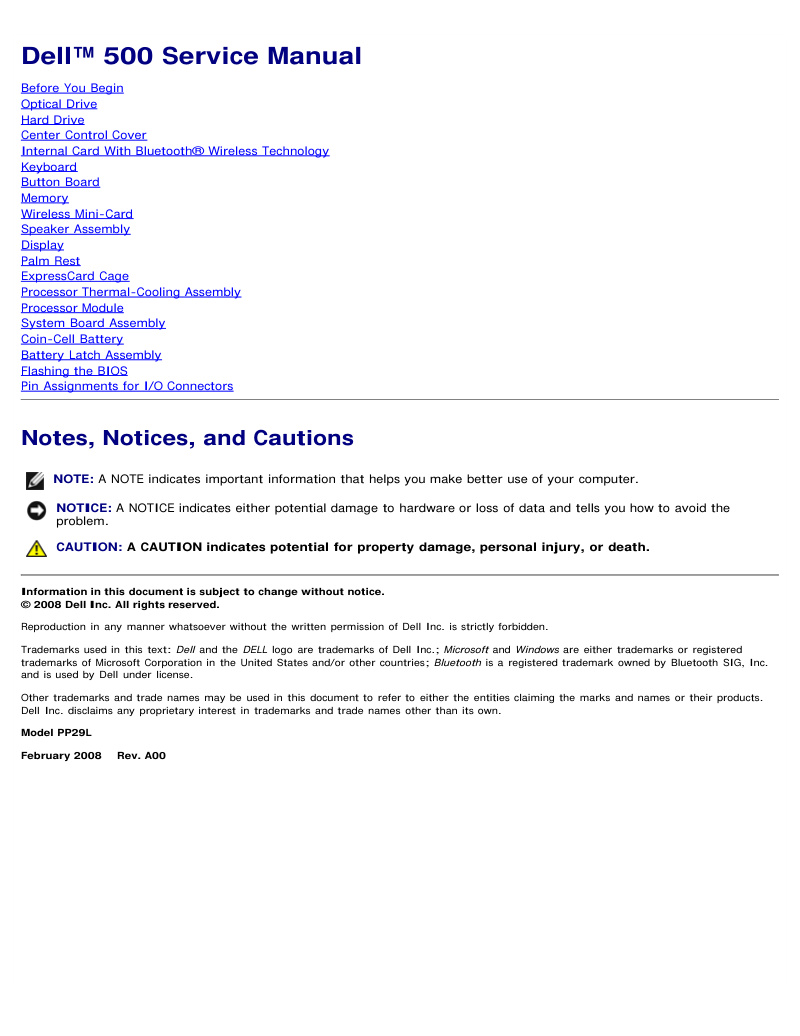
Dell Vostro 500 Service Manual
Dell Vostro 500 Service Manual, 54 pages in English. This workshop manual covers complete removal and replacement procedures for the Dell Vostro 500 (Model PP29L), addressing both routine maintenance and component-level repair. Detailed instructions guide technicians through optical drive, hard drive, keyboard, and display replacement, as well as internal upgrades including memory modules, wireless mini-card, and Bluetooth card installation. The manual also covers thermal management through processor thermal-cooling assembly procedures, power-related repairs including coin-cell battery and battery latch assembly, and removal of chassis components such as center control cover, button board, palm rest, and ExpressCard cage. Additional sections provide essential technical data: recommended tools for safe disassembly, comprehensive safety guidelines, BIOS flashing procedures for firmware updates, and detailed I/O connector pin assignments for diagnostic and troubleshooting work. Ideal for service technicians, repair centers, and experienced users performing maintenance on this popular business laptop model.
Documentation must be downloaded on a computer (PC, Mac, or Linux).
Do not use a smartphone or tablet to download documentation; they generally lack sufficient memory capacity to handle large files, and few users know how to locate the download folder on these devices.
Once downloaded, you can use it right away and even print the pages you need, or use your smartphone in photo mode to translate into the language of your choice: Google Translate
Document Details
- Format
- Pages
- 54
- Size
- 1.4 MB
- Category
- Computers & IT