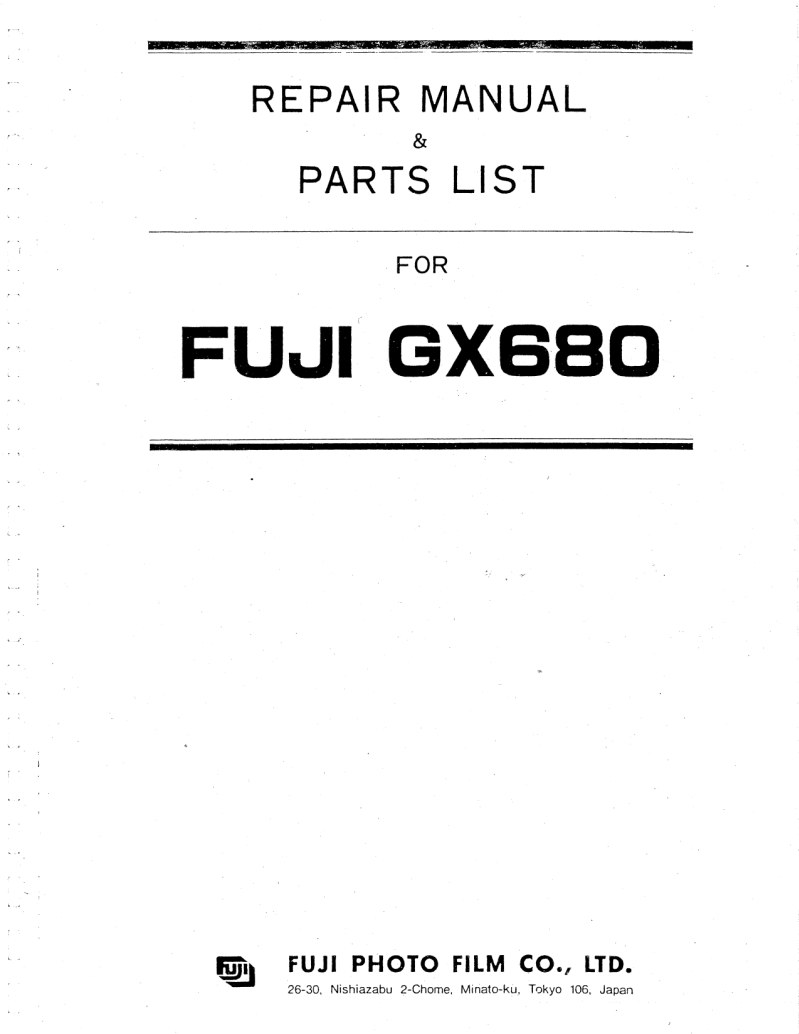
FUJICA - Fuji GX680 Repair Manual
 by FUJICA
Comprehensive repair manual for the FUJICA Fuji GX680 professional view camera system. This 390-page workshop manual is an essential technical reference for specialized repair technicians, professional service practitioners, and serious enthusiasts working with precision large-format film cameras. The manual covers detailed disassembly and reassembly procedures, maintenance protocols, and troubleshooting guidance for every major system—the optical assembly, shutter mechanism, focus mount, and exposure metering components. Step-by-step repair procedures are backed by manufacturer specifications, technical diagrams, and component identification to guide inspection, adjustment, and restoration work. Whether performing routine maintenance, addressing mechanical wear, or conducting a complete overhaul, this service documentation delivers the practical technical depth needed to restore and maintain the GX680 to full operational capability.
Table of Contents:
- I. general
- 1. Name and function of each part
- 2. FUJI GX680 system
- 3. Specifications
- Ii. disassembly
- 1. Left side cover assembly (6-13), right side cover assembly (7-33) and bottom cover assembly (6-24)
- 2. Lens mount, bellows assembly (6-1), front cover assembly (3-23), rail assembly B (3-43), and rail assembly A (3-48)
- 3. Focusing screen assembly (7-1), top cover assembly (7-10), CPU assembly (6-30), interface board assembly (6-31), light measuring board assembly (6-33), and LED board assembly (5-27)
- 4. Mirror PCB assembly (5-100)
- 5. Switch board assembly (4-92) and connector board assembly (4-72)
- 6. Lens mount (4-67), seat frame assembly (4-19), and light shielding wall assembly (4-1)
- 7. Mirror assembly (5-8), light shielding plate assembly (5-1), and gear assembly (5-123)
- 8. Mirror drive assembly (8-1)
- 9. Lens mount assembly
Documentation must be downloaded on a computer (PC, Mac, or Linux).
Do not use a smartphone or tablet to download documentation; they generally lack sufficient memory capacity to handle large files, and few users know how to locate the download folder on these devices.
Once downloaded, you can use it right away and even print the pages you need, or use your smartphone in photo mode to translate into the language of your choice: Google Translate
Document Details
- Format
- Pages
- 390
- Size
- 29.8 MB
- Category
- Photography