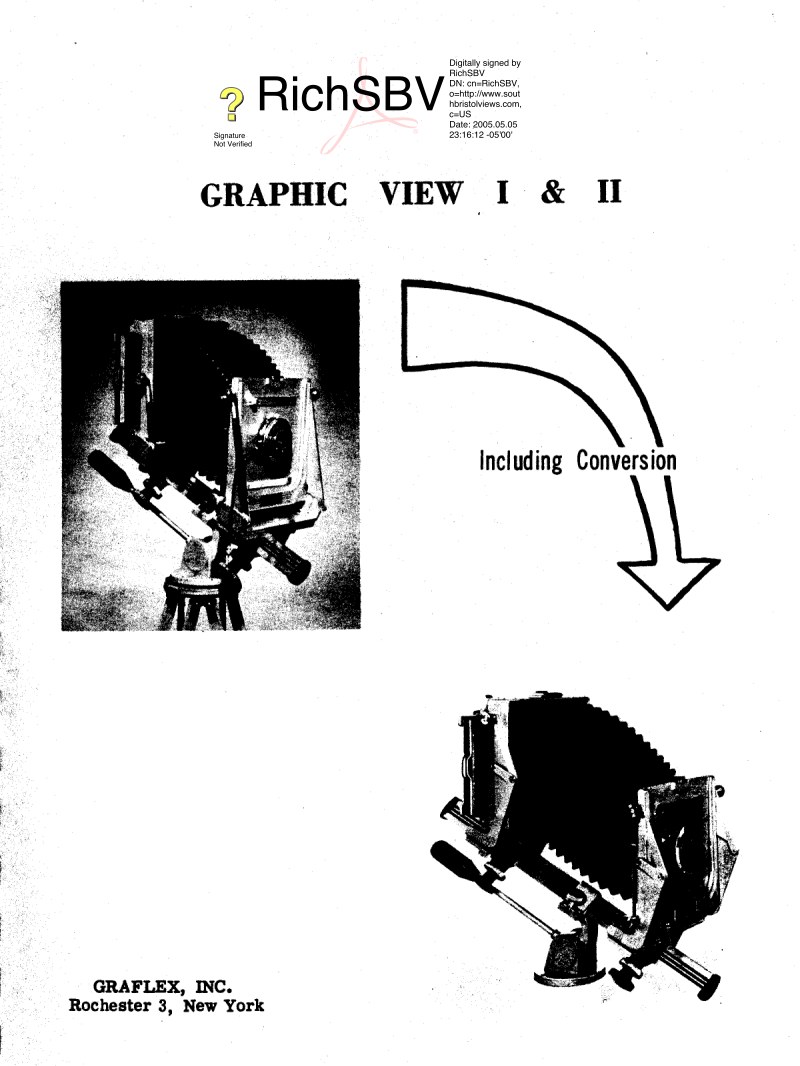
GRAFLEX - Graflex graphic view service manual
Comprehensive service manual for Graflex Graphic View Model I and II large format cameras. This workshop reference covers complete procedures for maintenance, repair, and restoration of these professional photographic instruments. The manual provides precise instructions for disassembly and reassembly of all major components including the basic camera body, tripod head, front standard, focusing mechanism, carriage, back frame, and bed assembly. Each section is accompanied by detailed technical illustrations with numbered components and step-by-step intervention procedures. The document addresses pre-disassembly inspection, troubleshooting of common issues, and cleaning protocols for optical and mechanical parts. Critical adjustment and lubrication points receive special emphasis throughout. Specific coverage is provided for both Graphic Back and Graflex Back configurations in 4x5 and 4x5-3-1/4x4-1/4 formats. Conversion procedures from Graphic View I to II are included. A comprehensive parts illustration index and detailed table of contents facilitate easy navigation. This repair manual serves maintenance technicians, restoration specialists, and photographers seeking to maintain or service these professional-grade instruments with precision and confidence.
Table of Contents:
- Introduction
- Inspection and Troubles Disassembly
- Basic Camera
- Tripod Head
- Front Standard
- Focusing Lock
- Carriage
- Back Frame
- Lenshood
- Cleaning of Camera Parts
- Graphic Back (4x5) and (4x5 - 3-1/4x4-1/4)
- Grafiex Back (4x5) and (4x5 - 3-1/4x4-1/4)
- Graflok Back (4x5)
- Graflok Back Cleaning and Inspection
- Reassembly
- Back Frame
- Carriage
- Focusing Lock
- Front Standard
- Tripod Head
- Basic Camera
- Lenshood
- Graphic Back (4x5) and (4x5 - 3-1/4x4-1/4)
- Grafiex Back (4x5) and (4x5 - 3-1/4x4-1/4)
- Graflok Back (4x5)
- Conversion - Graphic View I to II
- Lubricants, Solvents and Adhesives
- Parts List
Documentation must be downloaded on a computer (PC, Mac, or Linux).
Do not use a smartphone or tablet to download documentation; they generally lack sufficient memory capacity to handle large files, and few users know how to locate the download folder on these devices.
Once downloaded, you can use it right away and even print the pages you need, or use your smartphone in photo mode to translate into the language of your choice: Google Translate
Document Details
- Format
- Pages
- 33
- Size
- 3.2 MB
- Category
- Photography