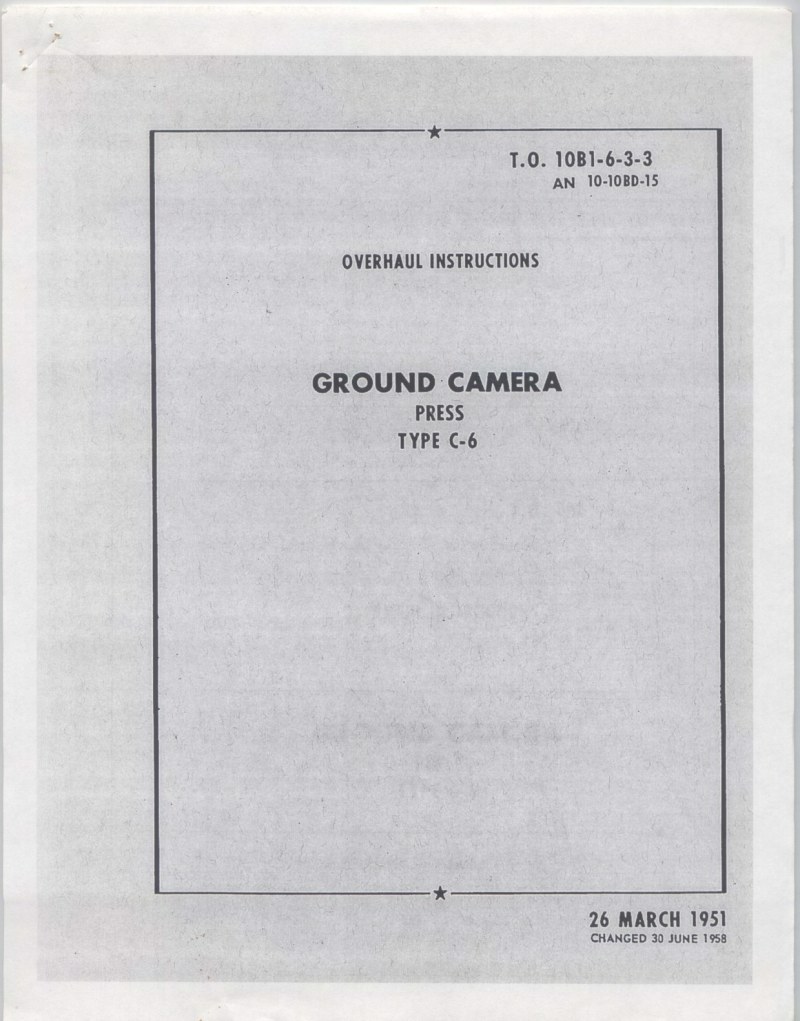
GRAFLEX - Graflex Ground Camera C6 Repair
Comprehensive service manual for the GRAFLEX Ground Camera C6, a professional large-format field camera built for demanding photographic work. This 69-page workshop guide delivers the technical depth that technicians, restoration specialists, and serious GRAFLEX owners need to maintain and repair this instrument properly. The manual covers systematic disassembly and reassembly procedures, component access pathways, fault diagnosis for common issues, and detailed maintenance steps specific to the C6's mechanical and optical systems. Whether you're addressing shutter problems, mirror mechanisms, bellows integrity, or rangefinder alignment, you'll find the step-by-step instructions and mechanical knowledge required to restore the camera to reliable field operation. An essential reference for anyone undertaking hands-on repair work on this professional-grade camera.
Table of Contents:
- I introduction
- 1-3. Components
- 1-6. Camera
- 1-16. Range Finder
- 1-18. Flash Gun (Battery Case)
- Ii special service tools
- Iii table of limits
- Iv disassembly, cleaning, and inspection
- 4-2. Flash Gun (Battery Case), Disassembly
- 4-13. Range Finder (Kalart E-4), Disassembly
- 4-21. No. 2 Supermatic (X) Shutter, Disassembly
- 4-28. No. 2 Synchronized Graphex Shutter, Disassembly
- 4-41. Shutter Mechanism Plate, Removal and Disassembly
- 4-49. Bellows, Removal
- 4-50. Cable Release Assembly, Replacement
- 4-54. Bed Disassembly
- 4-59A. 4x5 Graphic Grafmatic Film Magazine, Disassembly
- 4-59B. 4x5 Graphic Grafmatic Film Magazine, Cleaning
- 4-60. Trouble Shooting Chart
- V repair and replacement
- 5-14. No. 2 Supermatic (X) Shutter, Repair
- Vi reassembly
- 6-2. Flash Gun (Battery Case), Reassembly
- 6-9. Flash Gun (Battery Case), Testing
- 6-29. Range Finder, Adjustment
- 6-31. Solenoid Tripper, Adjustment
- 6-41. No. 2 Supermatic (X) Shutter, Reassembly
- 6-47. No. 2 Synchronized Graphex Shutter, Reassembly
- 6-63. Focal Plane Shutter, Reassembly and Timing
- 6-79. Bed Reassembly to Camera
- 6-82. 4x5 Graphic Grafmatic Film Magazine, Reassembly
- Vii tests after overhaul
Documentation must be downloaded on a computer (PC, Mac, or Linux).
Do not use a smartphone or tablet to download documentation; they generally lack sufficient memory capacity to handle large files, and few users know how to locate the download folder on these devices.
Once downloaded, you can use it right away and even print the pages you need, or use your smartphone in photo mode to translate into the language of your choice: Google Translate
Document Details
- Format
- Pages
- 69
- Size
- 58.8 MB
- Category
- Photography