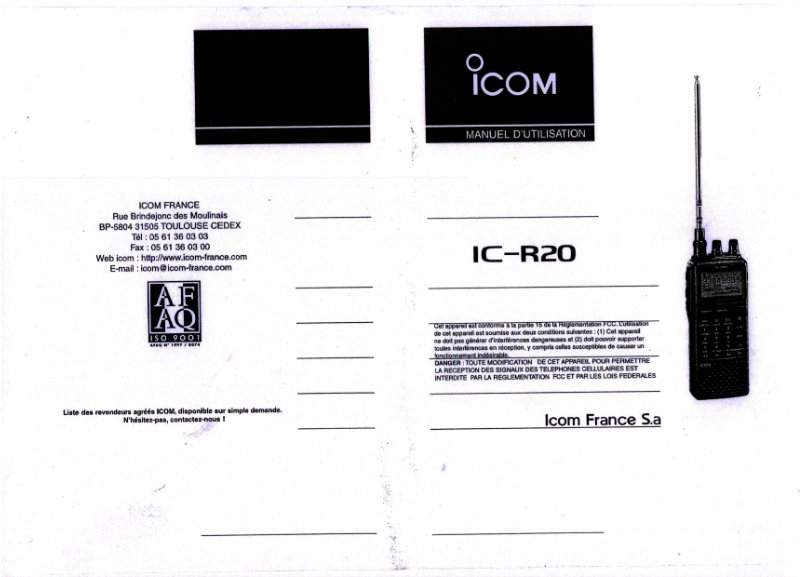
IC-R20 User Manual - Operating Instructions
Complete user manual and operating instructions for the Icom IC-R20 handheld scanner. This comprehensive guide covers every aspect of this portable radio receiver, from front panel layout through practical daily operation. Battery installation, charging procedures, and power management are explained with straightforward steps. The manual addresses USB connectivity via the OPC-1382 cable, external DC power options, and connections for external speakers and microphones. You'll find detailed keyboard navigation for memory management, frequency band scanning, tone squelch controls, and dual watch operations. The display indicators section documents battery status, ANL (Automatic Noise Limiter), AFC (Automatic Frequency Control), SKIP mode, and reception mode displays—helping you interpret each icon during operation. Windows computer integration is covered for both Windows 2000 and Windows 98/ME platforms with step-by-step setup instructions. Battery handling safety, charging recommendations, temperature specifications, and general best practices for long device life are included throughout.
Documentation must be downloaded on a computer (PC, Mac, or Linux).
Do not use a smartphone or tablet to download documentation; they generally lack sufficient memory capacity to handle large files, and few users know how to locate the download folder on these devices.
Once downloaded, you can use it right away and even print the pages you need, or use your smartphone in photo mode to translate into the language of your choice: Google Translate
Document Details
- Format
- Pages
- 48
- Size
- 35.4 MB
- Category
- Radio & Communications