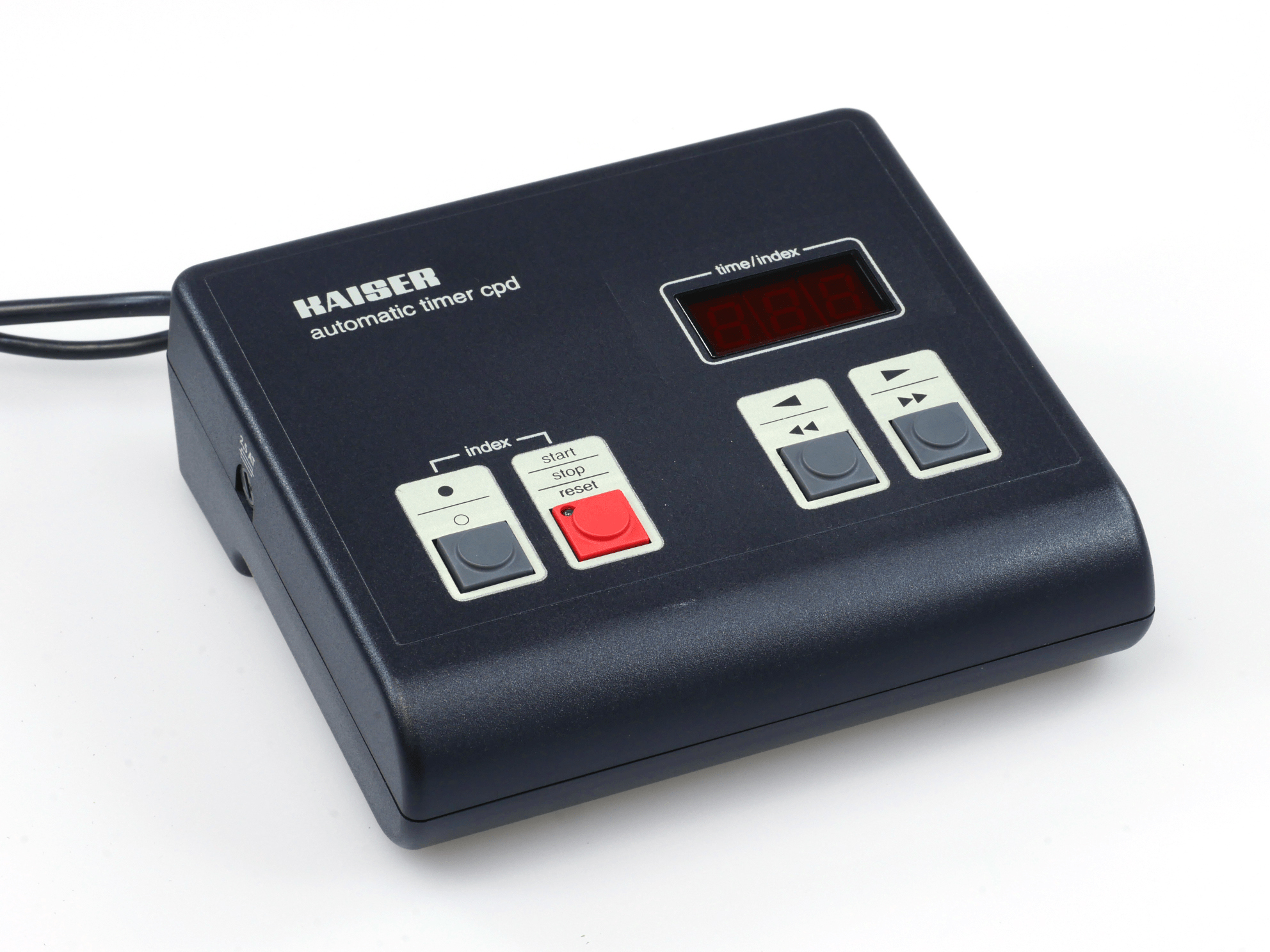
Kaiser CPD 4214 Darkroom Timer User Manual
 by KAISER
Complete operating manual for the Kaiser CPD 4214 automatic darkroom timer, an essential reference for photographers and darkroom technicians requiring precise exposure control during enlargement work. This comprehensive guide covers all features and operational modes of this professional exposure measurement device. The manual details three distinct measurement techniques—spot metering for selective measurement of specific tonal areas, integral metering for overall negative assessment, and point-oriented integral metering for hybrid measurement approaches—each suited to different negative or transparency formats and tonal distributions. Step-by-step calibration procedures are provided for each measurement method, enabling proper adjustment of paper sensitivity and processing variables to match individual workflow requirements. The setup section walks through initial power connection, enlarger attachment, and timer activation. Practical measurement instructions cover probe positioning, measurement cell operation, digital display interpretation, and aperture adjustment based on displayed exposure values. The manual presents manual exposure time adjustment via two control buttons, along with complete exposure operation functions including start, stop, and reset sequences. Technical specifications document the maximum switching power of 500 watts, prescribed fuses, and safety requirements for safe operation. Detailed diagrams of the equipment layout and user interface are included throughout to facilitate proper understanding of all available controls and indicators. This workshop manual serves as an indispensable troubleshooting and maintenance reference for anyone working with this timer system in professional or semi-professional darkroom environments.
Documentation must be downloaded on a computer (PC, Mac, or Linux).
Do not use a smartphone or tablet to download documentation; they generally lack sufficient memory capacity to handle large files, and few users know how to locate the download folder on these devices.
Once downloaded, you can use it right away and even print the pages you need, or use your smartphone in photo mode to translate into the language of your choice: Google Translate
Document Details
- Format
- Size
- 6.3 MB
- Category
- Photography