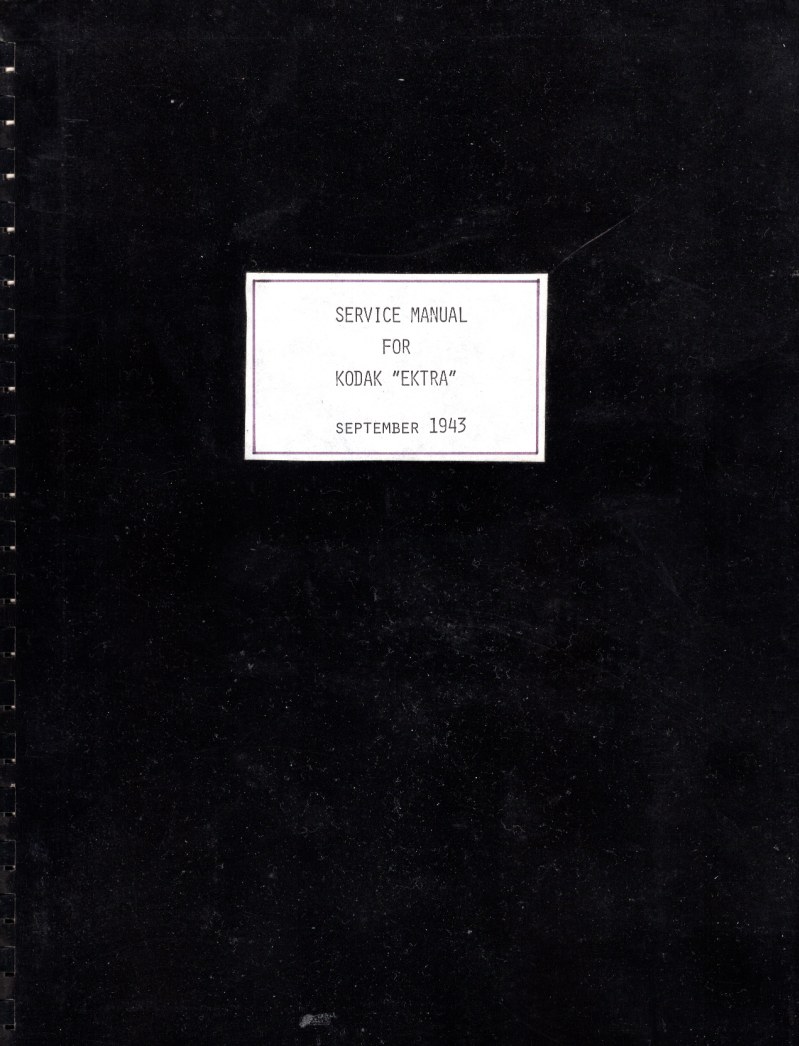
KODAK - Kodak Ektra Repair Manual
 by KODAK
Complete repair manual for the Kodak Ektra camera, a comprehensive 106-page technical reference that guides you through disassembly, inspection, and restoration of this classic rangefinder. Whether you're a technician, repair specialist, or serious vintage camera collector, this workshop manual delivers the detailed procedures needed to access internal mechanisms, diagnose mechanical and optical faults, and perform precise adjustments to return the camera to full working order. Covers everything from shutter timing and aperture calibration to lens assembly and film transport systems, with the step-by-step troubleshooting you'll need to identify and resolve common malfunctions specific to the Ektra design.
Table of Contents:
- Remove Tripod Nut and Lens Lock
- Remove Key to Lens Mount Screw #72140, which is reached through the hole in the Tripod Nut, and the flat Lens Mount Key #69909 which is inside the lens mount
- Remove the Tripod Nut Screws (2) #74112, which will allow the Tripod Nut #78085, the Lens Lock Assembly #73102, and the Lens Lock Spring #68496 to come off
- Remove Focusing Knob and Intermediate Focusing Gear
- Remove Lens Focusing Pinion Tapered Pin #61626 from Lens Focusing Pinion #64962, pull Lens Focusing Knob Assembly #73070 out of case, and remove Lens Focusing Pinion
- Remove Intermediate Gear Stud #64968 and Intermediate Lens Focusing Gear #72142
- Remove Intermediate Winding Gear and Main Drive Shaft
- Remove Intermediate Winding Gear Screw #59044, Intermediate Gear Assembly #73073, and Main Shaft Ratchet Pawl Spring #72143
- Remove Winding Lever Pawl Screw #86693 and Winding Gear Pawl #64934
- Remove Motor Locking Cam Screw #56561, Motor Locking Cam #64332, and Main Drive Shaft and Ratchet Assembly #37509
Documentation must be downloaded on a computer (PC, Mac, or Linux).
Do not use a smartphone or tablet to download documentation; they generally lack sufficient memory capacity to handle large files, and few users know how to locate the download folder on these devices.
Once downloaded, you can use it right away and even print the pages you need, or use your smartphone in photo mode to translate into the language of your choice: Google Translate
Document Details
- Format
- Pages
- 106
- Size
- 440.9 MB
- Category
- Photography