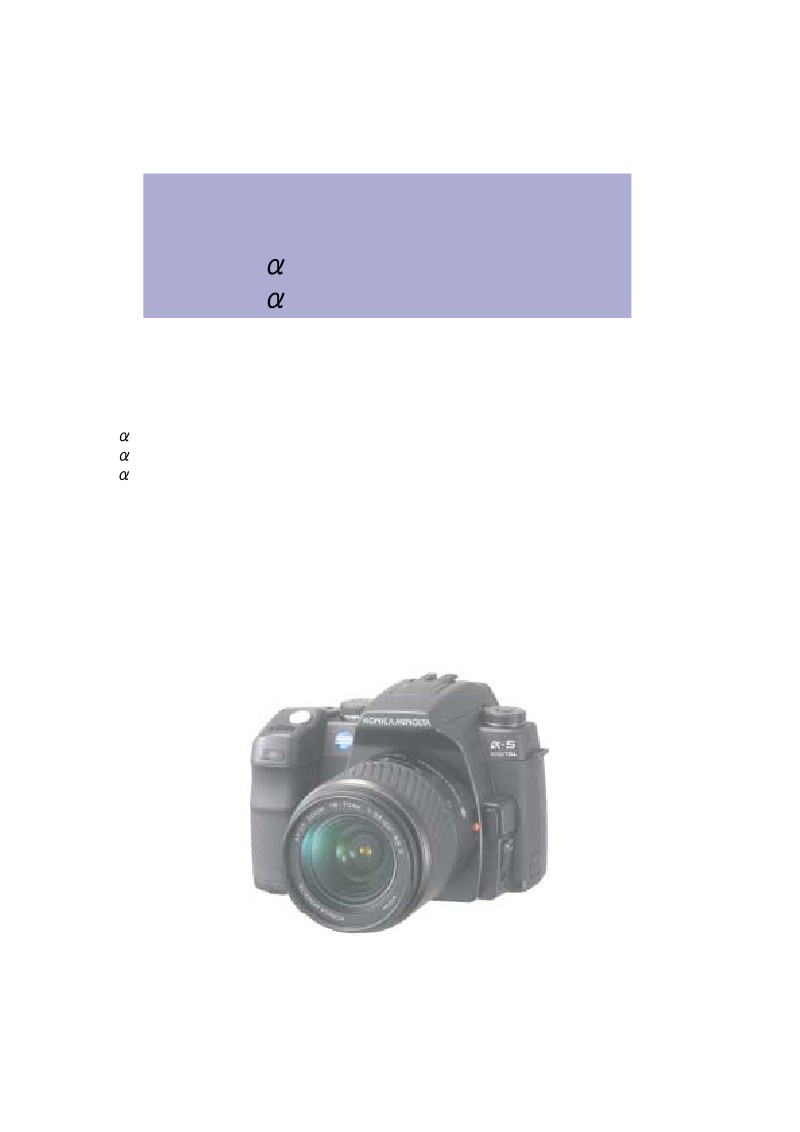
MINOLTA - minolta dynax 5d sm
 by MINOLTA
Comprehensive service manual for MINOLTA DYNAX 5D, MAXXUM 5D, SWEET DIGITAL, and 5 DIGITAL digital SLR cameras, covering all regional model variants including PEU/PHK/PAS/PAU, PUSA/PCA, and black/silver versions. This workshop manual delivers complete technical specifications for the 6.1-megapixel CCD sensor, 9-point autofocus system, exposure metering with 14-segment honeycomb pattern, and integrated flash control with ADI and TTL metering modes. The repair guide spans 62 pages of step-by-step procedures with detailed technical illustrations. A fully indexed parts list cross-referenced by component number enables rapid identification of every mechanical and electronic element. The troubleshooting section provides systematic fault diagnosis for common operational issues, while the service technician checklist ensures complete verification during calibration and final alignment. Recording specifications cover JPEG and RAW formats, continuous shooting capabilities, white balance adjustments, and playback functions. Each section precisely locates components and explains their operational role, making diagnosis and repair straightforward for service professionals.
Table of Contents:
- Konica minolta photo imaging, inc.
- 2186 Service Manual Index
- Code
- Qs fa9220-2186-01
- Section/TTL number of pages
- Service Manual Index
- Specifications
- 3Parts List Index
- 4Parts List
- 5Repair Guide
- Trouble-Shooting Chart
- 7Check List
- Revision History
- Date of issue/Version
- Reason (Revision part)
- Approved by
- Verified by
- Written
- First issued
- Yata
- Masuda
- Ueno
- Error correction
- (pg. 21,35,40,43,44,45,56,62 Repair Guide)
- Yata
- Masuda
- Ueno
- Error correction (pg. 12 Parts List)
- Lcd harness (0442)
- (RED and BLUE reverse-putting)
- Yata
- Ueno
- Division
- Camera CS Division
- Completed
- September 30, 2005
- Approved by
- Verified by
- Written by
- Yata
- Ueno
Documentation must be downloaded on a computer (PC, Mac, or Linux).
Do not use a smartphone or tablet to download documentation; they generally lack sufficient memory capacity to handle large files, and few users know how to locate the download folder on these devices.
Once downloaded, you can use it right away and even print the pages you need, or use your smartphone in photo mode to translate into the language of your choice: Google Translate
Document Details
- Format
- Pages
- 130
- Size
- 5.3 MB
- Category
- Photography