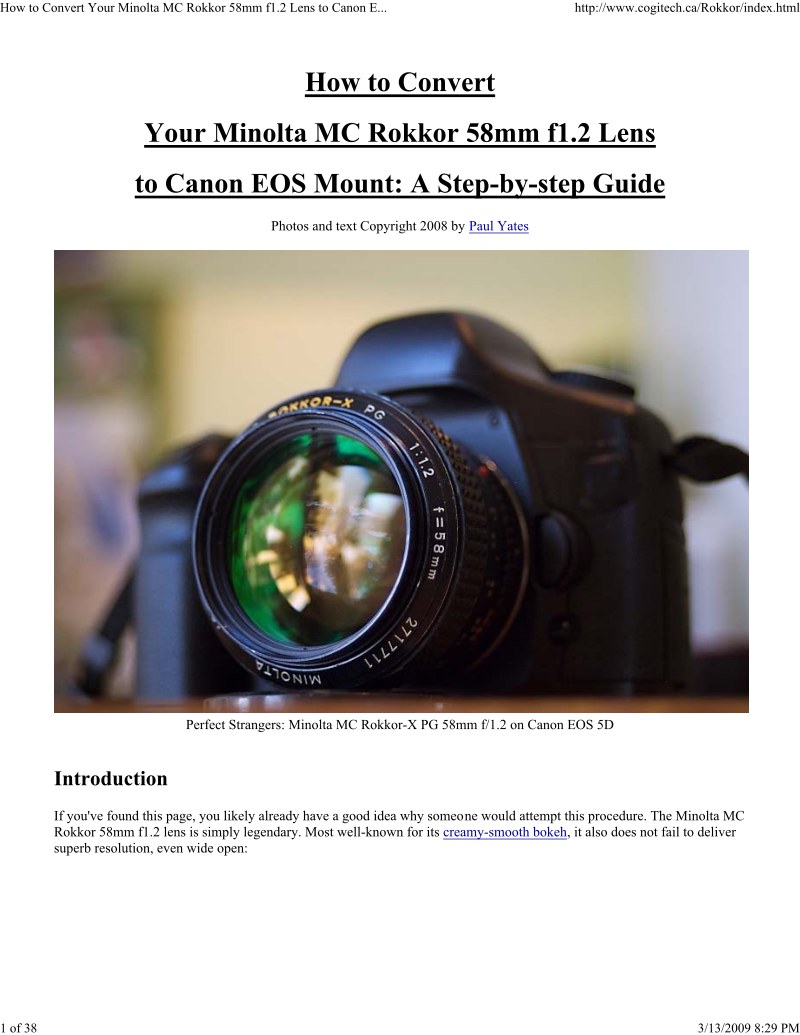
MINOLTA - Minolta MC Rokkor58mmf12 to Canon
 by MINOLTA
This technical guide provides comprehensive step-by-step instructions for converting a Minolta MC Rokkor 58mm f1.2 lens to Canon EOS mount. The manual begins with an introduction covering the optical performance of this fast lens: its smooth bokeh rendering, exceptional resolution, and ultra-fast f1.2 aperture. A detailed materials and tools section specifies all components needed for the conversion, including the M42-to-EOS adapter, micro-drivers, drill bits, needle files, sandpaper, and flat black metal paint. The conversion procedure covers marking the original mount, removing the eight screws securing the MC mount, and performing the necessary mechanical modifications. Each step is accompanied by high-resolution photographs showing tool positioning and the exact modifications required. The guide includes practical photographic examples demonstrating the converted lens on a Canon EOS 5D, with both full-frame and 100% crop samples illustrating the image quality and bokeh characteristics achieved. An important disclaimer notes that the conversion is irreversible and the publisher assumes no responsibility for potential damage during the procedure.
Documentation must be downloaded on a computer (PC, Mac, or Linux).
Do not use a smartphone or tablet to download documentation; they generally lack sufficient memory capacity to handle large files, and few users know how to locate the download folder on these devices.
Once downloaded, you can use it right away and even print the pages you need, or use your smartphone in photo mode to translate into the language of your choice: Google Translate
Document Details
- Format
- Pages
- 38
- Size
- 1.8 MB
- Category
- Photography