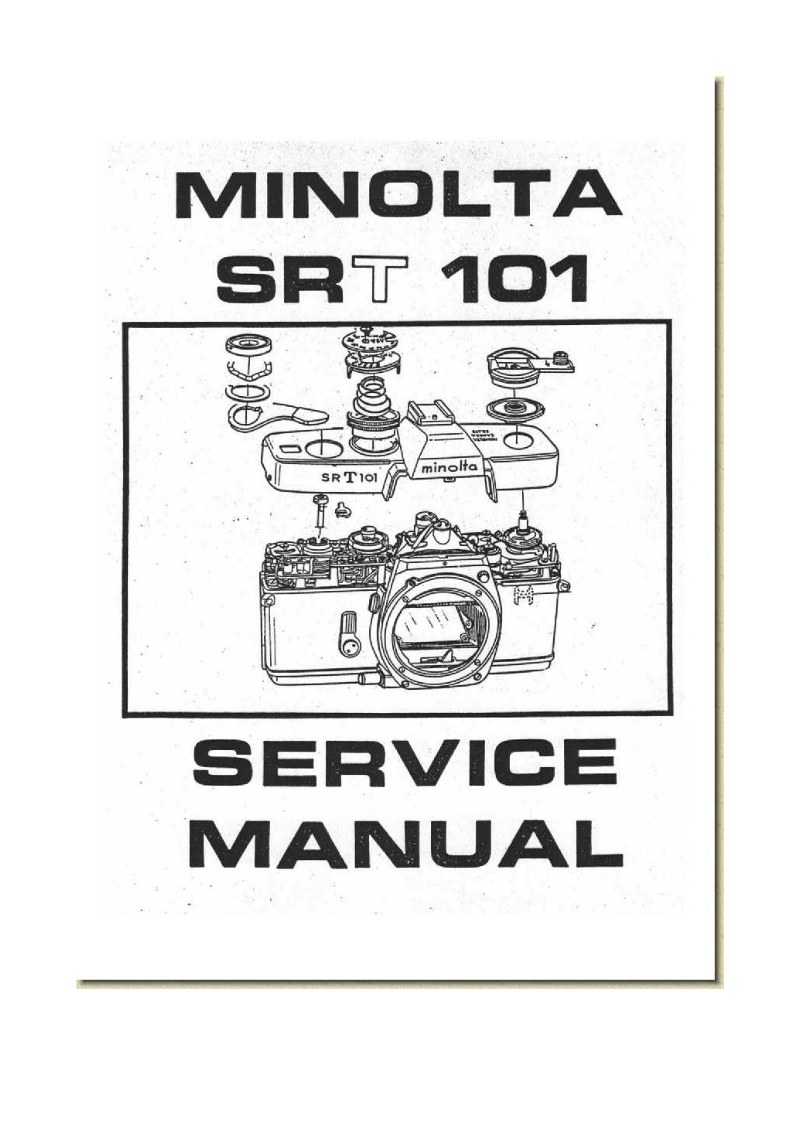
MINOLTA - Minolta SRT101 service manual
 by MINOLTA
Comprehensive service manual for the Minolta SRT 101 camera, delivering detailed procedures for complete disassembly, assembly, and component mounting. The manual is organized into two primary sections: a systematic disassembly section that outlines steps for accessing internal components, and a methodical assembly and mounting section covering the full reassembly process. Assembly and mounting operations include top and bottom cover removal, viewfinder and meter block assembly and installation, self-timer gear and mirror box mounting, front base frame installation, shutter base plate and slow-gear assembly, winding base plate mounting, film take-up spool installation, shutter curtain installation, inner and outer barrel assembly, and sprocket mounting. Technical illustrations throughout display components with corresponding part references, paired with step-by-step instructions for each service operation. Caution notices draw attention to critical points during disassembly, particularly when handling sensitive elements such as the shutter button and coupling washer to prevent damage. Instructional diagrams and exploded views clarify the complex mechanical relationships within the camera body, making this service manual an essential reference for technicians performing maintenance and repair work on this classic SLR.
Table of Contents:
- A. Mounting of Top cover
- B. Mounting of Bottom cover
- C. Assembly and mounting of Viewfinder and meter block
- D. Mounting of Self-gear and Mirror box
- E. Mounting of Front base frame
- F. Mounting of Following base plate
- G. Mounting of Aperture reducing base plate
- H. Mounting of Shutter base plate-A and slow-gear
- I. Mounting of Winding base plate
- J. Mounting of Film take-up spool
- K. Mounting of Shutter base plate-B
- L. Mounting of Shutter curtains
- M. Assembly of Inner barrel
- N. Assembly of Outer barrel
- O. Mounting of Inner and outer barrels
- P. Mounting of Sprocket
Documentation must be downloaded on a computer (PC, Mac, or Linux).
Do not use a smartphone or tablet to download documentation; they generally lack sufficient memory capacity to handle large files, and few users know how to locate the download folder on these devices.
Once downloaded, you can use it right away and even print the pages you need, or use your smartphone in photo mode to translate into the language of your choice: Google Translate
Document Details
- Format
- Pages
- 96
- Size
- 9.8 MB
- Category
- Photography