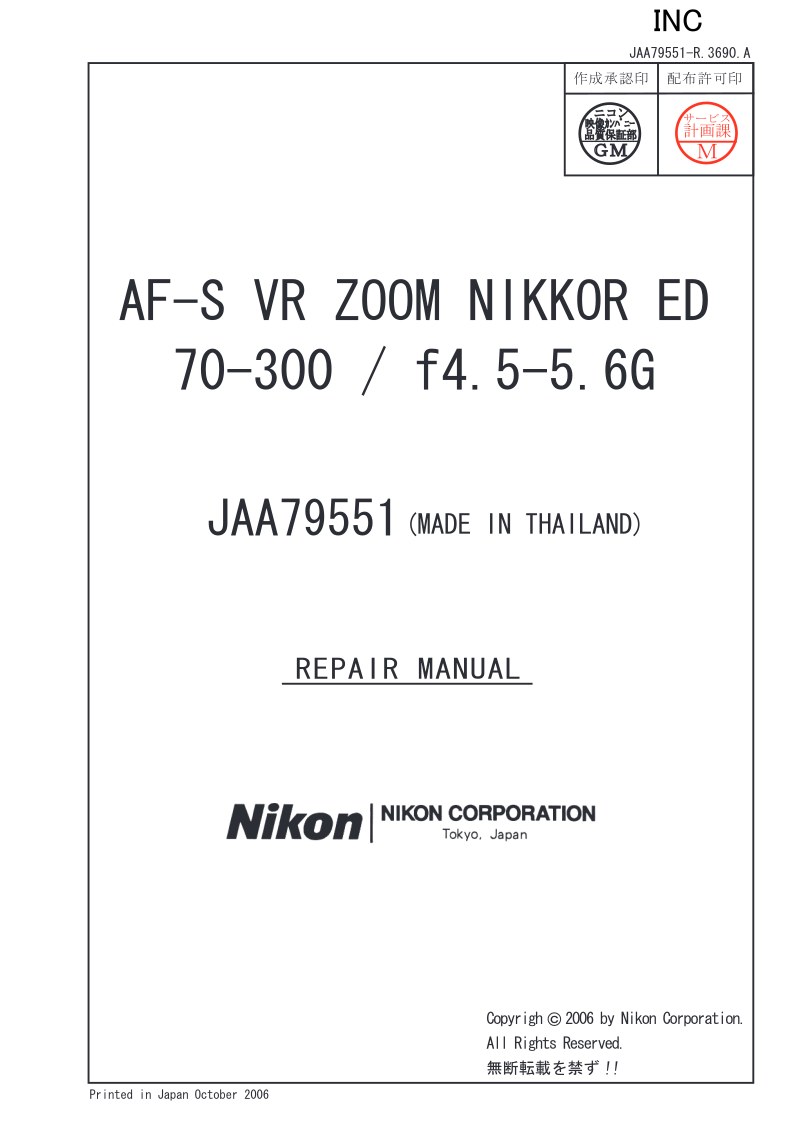
NIKON - Nikon AFS VR70 300F45G Repair
 by NIKON
Complete repair manual for the AF-S VR ZOOM NIKKOR ED 70-300mm f4.5-5.6G lens (model JAA79551). This workshop service manual provides authorized Nikon technicians with comprehensive disassembly, reassembly, and optical adjustment procedures essential for professional repair work. The manual covers full technical specifications including the optical design of 17 elements in 12 groups with 2 ED lens elements, the 70-300mm zoom range, Internal Focusing system with Silent Wave Motor, and the vibration reduction unit equipped with voice coil motors. Detailed step-by-step disassembly sequences explain the sequential removal of major components including the rear cover ring, G1 unit, and G2-G3 lens groups. Critical quality and safety standards are outlined throughout, covering mandatory lead-free solder application with appropriate soldering equipment, electrostatic discharge protection using conductive work surfaces and grounding straps, and the requirement for dedicated VR lens adjustment equipment (J15380) to maintain optical alignment after component service. The manual documents that certain major lens assemblies such as the 2nd lens-group unit must be replaced with genuine factory parts and undergo professional optical alignment procedures, with clear guidance on facility requirements for specialized adjustment work. Indispensable technical reference for authorized Nikon service centers and professional repair operations.
Table of Contents:
- Jaa79551-r.3690.a
- - d15・af-s vr 70-300/4.5-5.6g -
- ③ Take out four screws (#140), and remove the zoom ring unit from the SWM.
- ② Remove the two pieces of the protection tape (TA-0012× 2), and peel off the focus index sticker from the
- SWM unit.
- SWM unit
- Focus index sticker
- Be careful NOT to touch the MR head, when the zoom ring unit is removed.
- Zoom ring unit
- Metal area
- MR head
- Be careful NOT to touch the metal area of the SWM.
Documentation must be downloaded on a computer (PC, Mac, or Linux).
Do not use a smartphone or tablet to download documentation; they generally lack sufficient memory capacity to handle large files, and few users know how to locate the download folder on these devices.
Once downloaded, you can use it right away and even print the pages you need, or use your smartphone in photo mode to translate into the language of your choice: Google Translate
Document Details
- Format
- Pages
- 115
- Size
- 8.2 MB
- Category
- Photography