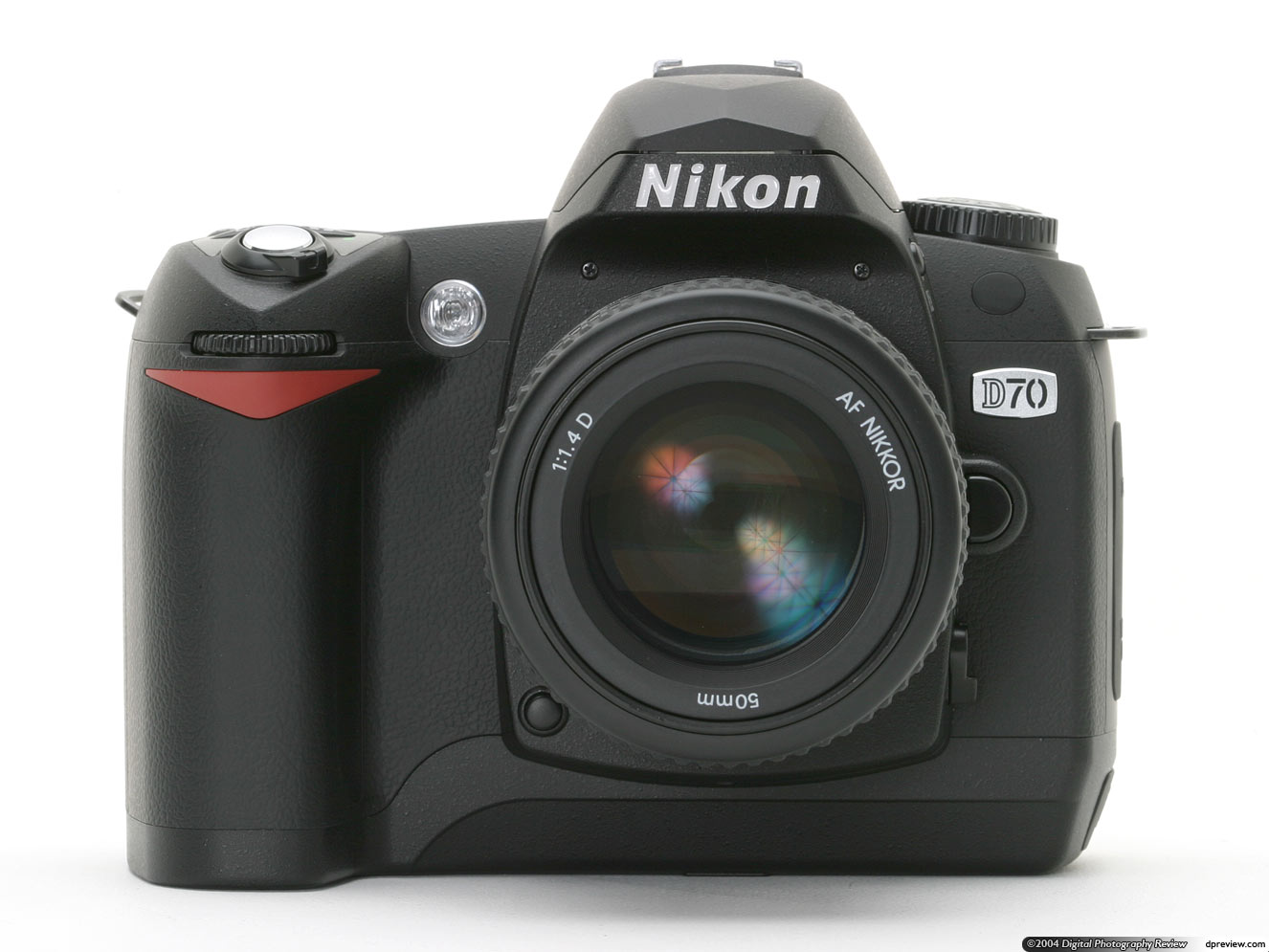
Nikon D70 Troubleshooting Manual
 by NIKON
Comprehensive troubleshooting and service manual for the Nikon D70 digital camera, offering practical solutions and diagnostic guidance for photographers and technicians. This workshop manual covers system-level issues, error conditions, and operational problems specific to the D70 body. Beyond fault-finding, the guide includes essential safety protocols and maintenance procedures, with detailed instructions for cleaning the low-pass filter to preserve sensor image quality. Content flows from diagnostic fundamentals through systematic problem-solving approaches. Core topics address exposure behavior, shooting and playback modes, Scene Vari-program functions, autofocus operation and focus system troubleshooting, ISO sensitivity performance, white balance accuracy, and image optimization across various conditions. Dedicated sections explore flash operation and synchronization, self-timer reliability, and remote control compatibility. The manual provides complete dual-command reset procedures and extensive menu system documentation with custom settings configuration for resolving behavioral issues. Practical chapters cover computer and television connectivity troubleshooting, photo printing workflows, full technical specifications, and component reference data. Includes access to the PictureProject Reference Manual on CD-ROM for image processing and asset management. An indispensable technical reference for anyone performing maintenance, repair, or advanced diagnostics on this camera platform.
Table of Contents:
- Lumin. screen 161
- Verr. mirror 162
- Video mode 162
- Language (LANG) 163
- Image caption 163
- Usb 165
- Im. corr pou. 166
- Towards. firmware 167
- Rotate image 168
- Connections 169
- Viewing on a 170 television
- Connecting to a computer 171
- Printing photos 175
- Technical notes 181
- Camera settings 182
- Optional accessories 183
- Objectives for the D70 183
- Optional flashes 186
- Other accessories 190
- Caring for Your Camera 193
- Troubleshooting 198
- Technical characteristics 201
- Index 206
Documentation must be downloaded on a computer (PC, Mac, or Linux).
Do not use a smartphone or tablet to download documentation; they generally lack sufficient memory capacity to handle large files, and few users know how to locate the download folder on these devices.
Once downloaded, you can use it right away and even print the pages you need, or use your smartphone in photo mode to translate into the language of your choice: Google Translate
Document Details
- Format
- Size
- 21.9 MB
- Category
- Photography