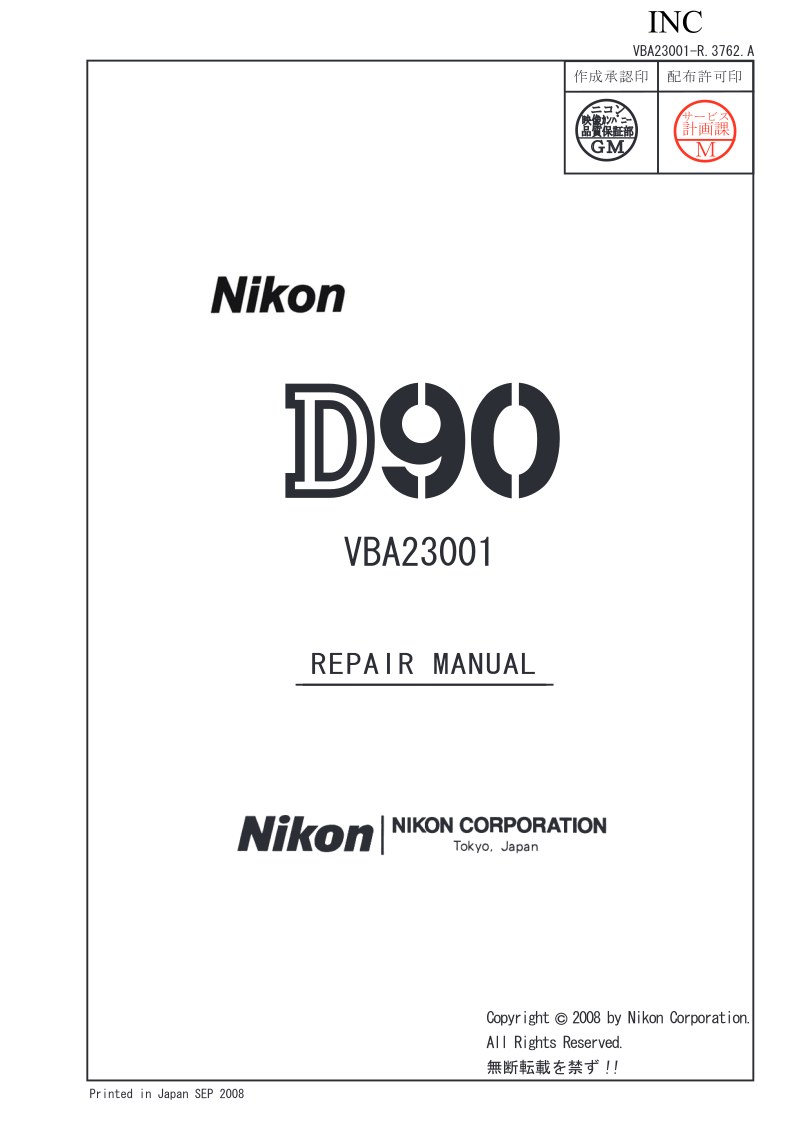
NIKON - Nikon D90 service manual
 by NIKON
Comprehensive service manual for the Nikon D90 digital SLR camera—a 219-page workshop reference essential for technicians, authorized repair centers, and anyone performing maintenance on this professional-grade instrument. This repair manual walks you through the camera's internal architecture with detailed inspection and diagnostic procedures, step-by-step disassembly and reassembly of all major modules, and exact technical specifications. You'll find factory calibration settings, functional testing protocols to confirm system integrity after work, and the troubleshooting guidance needed to identify and resolve faults. Covers everything from sensor and mirror assemblies to shutter mechanisms, viewfinder optics, and electronic control circuits. Whether you're replacing a worn component, restoring a damaged camera, or performing scheduled maintenance, this manual gives you the depth of knowledge required to keep the D90 operating at specification. An indispensable resource for professional photographic equipment service.
Table of Contents:
- Vba23001-r.3762 .a
- Points to notice for Disassembly and Assembly D1
- Disassembly
- 1. External area
- Bottom coverD2
- Removal of Back coverD3
- 2. Back cover
- Rear display FPC unitD4
- TFT monitorD8
- Button / SW-relatedD9
- SD cover unitD10
- Speaker unitD12
- DG-shield plateD12
- DG PCB unitD13
- Image sensor unitD14
- A/M cover platD15
- SB pop-upD15
- Front cover unitD16
- Grip rubber unitD17
- I/F coverD18
- Removal of top coverD20
- 3. Top cover
- AF-assist lamp unitD23
- Top cover FPC unit D23
- AE-L buttonD28
- Top cover grip buttonD28
- Power dialD29
- Hot shoeD30
- SB upper coverD30
- SB lower control unitD31
- Remote control unitD34
- M/D FPC unitD34
- Delete buttonD35
- Mode dialD35
- MicrophoneD35
- Removal of the main condenserD37
- Main PCB unitD38
Documentation must be downloaded on a computer (PC, Mac, or Linux).
Do not use a smartphone or tablet to download documentation; they generally lack sufficient memory capacity to handle large files, and few users know how to locate the download folder on these devices.
Once downloaded, you can use it right away and even print the pages you need, or use your smartphone in photo mode to translate into the language of your choice: Google Translate
Document Details
- Format
- Pages
- 219
- Size
- 26.1 MB
- Category
- Photography