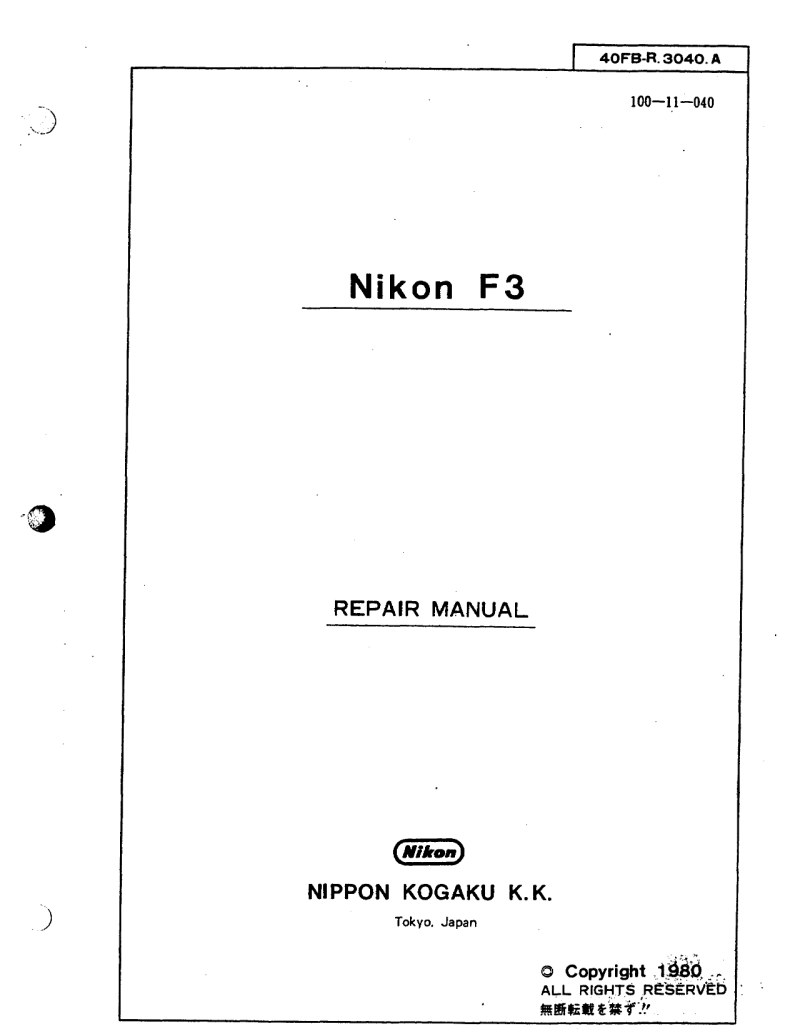
NIKON - nikon F3 service manual
 by NIKON
Comprehensive service manual for the Nikon F3 single-lens reflex camera, designed as a technical workshop reference for professional service technicians and repair specialists. This manual covers complete maintenance procedures, troubleshooting protocols, and detailed repair operations specific to the F3 platform. The document includes essential technical data on flash circuit board (FPC) modifications with comparative diagrams illustrating the engineering evolution between circuit design generations. Complete specifications for the shutter mechanism, electronic control components, and switch adjustment procedures are provided for accurate calibration. A compatibility matrix guides technicians through combined FPC and shutter assembly installations, clarifying component version compatibility across configurations including FA4-1001 and FA3-281 variants. Detailed circuit diagrams explain control circuit operation, power supply routing, and release sequencing logic essential for accurate diagnosis. Service procedures address switch replacement techniques, release stroke adjustment methods, and functional verification testing, with switch operating points and stroke measurements provided in tabular format for precise setup. Sourced from original Nippon Kogaku K.K. documentation, this is the authoritative workshop manual for professional maintenance and restoration of Nikon F3 cameras.
Table of Contents:
- Figure of External
- 1-1 Specifications
- 1-2 Outlines of Mechanism
- 1-2-1 Film-advance Mechanism
- 1-2-2 Counter Switch Mechanism
- 1-2-3 Closing Curtain Switch & Film-advance Limit Mechanism
- 1-2-4 Multi-exposure Mechanism
- 1-2-5 Shutter-release Magnet & Shutter-release Mechanism
- 1-2-6 Mirror Mechanism
- 1-2-7 Shutter Switch & Switch Mechanism
- 1-2-8 Shutter Mechanism
- 1-2-8-1 Outline
- 1-2-8-2 Shutter Cocking Mechanism
- 1-2-8-3 Shutter-release Mechanism
- 1-2-8-4 Mechanical Shutter Release by the Shutter-release Knob
- 1-2-8-5 Time Operation for Extra-long Exposure
Documentation must be downloaded on a computer (PC, Mac, or Linux).
Do not use a smartphone or tablet to download documentation; they generally lack sufficient memory capacity to handle large files, and few users know how to locate the download folder on these devices.
Once downloaded, you can use it right away and even print the pages you need, or use your smartphone in photo mode to translate into the language of your choice: Google Translate
Document Details
- Format
- Pages
- 190
- Size
- 6.2 MB
- Category
- Photography