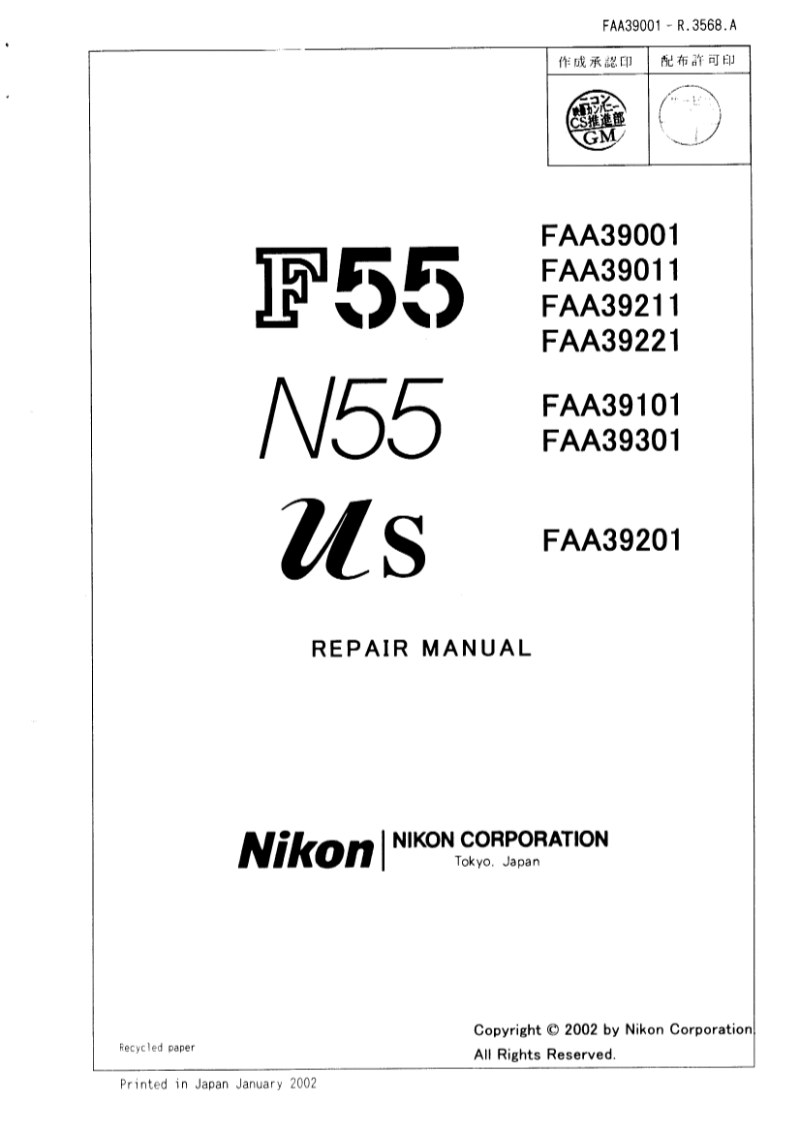
NIKON - nikon N55 F55 service manual
 by NIKON
Comprehensive service manual for the Nikon F55 and N55 SLR cameras, covering all major production variants (model numbers FAA39001, FAA39011, FAA39211, FAA39221, FAA39101, FAA39301, FAA39201). This workshop repair manual provides the technical depth needed for professional servicing, with detailed specifications on the hollow pentagonal viewfinder fitted with B-type clear matte screen V, and the electronically controlled vertical-travel focal-plane shutter capable of 1/2000 maximum speed with flash synchronization at 1/90. The troubleshooting sections address the TTL metering system built around an integrated five-segment sensor, the TTL-BL fill-flash control system, and the autofocus mechanism using the AP-7 phase-difference detection method. Coverage includes exposure control across P, S, A, and AUTO modes, red-eye reduction operation, program diagrams for P and Portrait exposure modes, and complete specifications for the built-in speedlight (guide number 12 at ISO 100). Shutter mechanics, sensor operation, and electrical circuit functions are documented with the precision required for maintenance and repair work. An essential technical reference for camera repair technicians and service specialists.
Table of Contents:
- Separation of the front body from the rear body
- Bottom cover
- Back door
- Front cover, grip cover
- Top cover
- Separation of the front and rear body
- Front body
- Shutter
- Lcd display
- Main pcb
- Af sensor unit
- Remove the wires and soldering bridges
- Aperture control base plate
- Aperture control lever
- HORIZONTAL AF LEVER UNIT, F min SW
- Sb/bktswfpc, lens release group
- Lever # 191, a/m sw
- Ttl fpc unit
- Af driving unit
- Bayonet mount
- Lens contact
- Mirror holder
- Pentaprism group
- Rear body
- Sb unit, dc/dc unit, sub pcb
- Command dial, dx contact
- Bottom base plate
- Film advance unit
- Small parts rear body
Documentation must be downloaded on a computer (PC, Mac, or Linux).
Do not use a smartphone or tablet to download documentation; they generally lack sufficient memory capacity to handle large files, and few users know how to locate the download folder on these devices.
Once downloaded, you can use it right away and even print the pages you need, or use your smartphone in photo mode to translate into the language of your choice: Google Translate
Document Details
- Format
- Pages
- 99
- Size
- 11.9 MB
- Category
- Photography