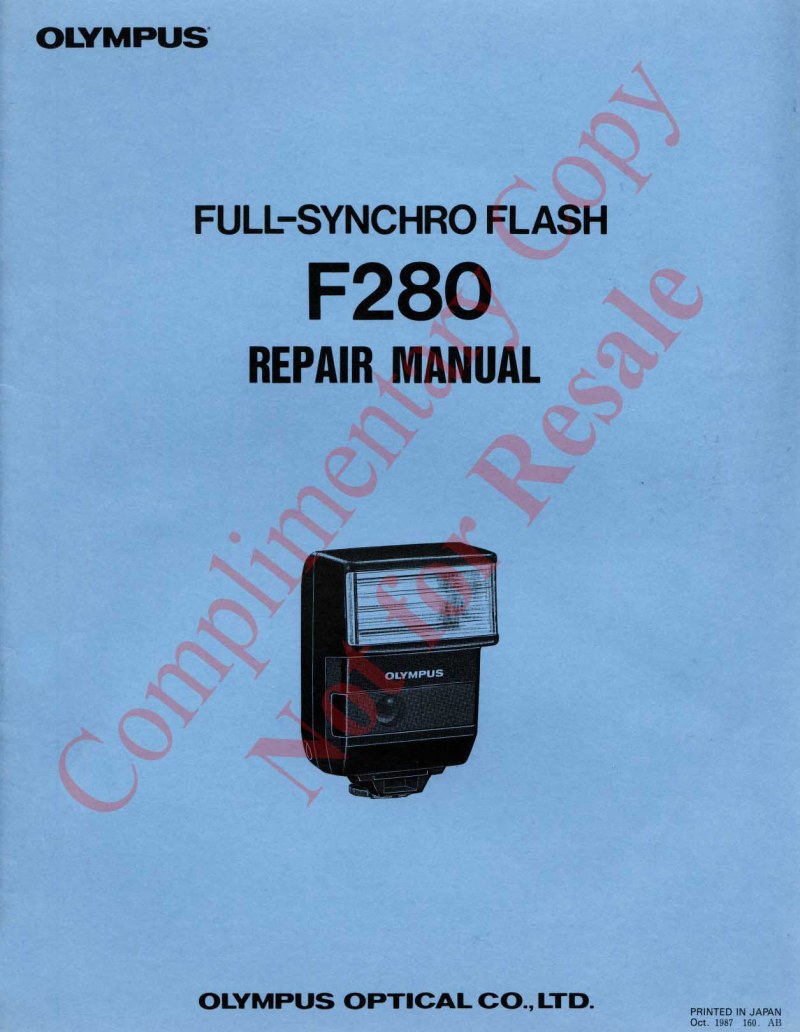
OLYMPUS - Olympus F280 Service manual
 by OLYMPUS
Comprehensive service manual for the OLYMPUS F280, a full-synchro flash system engineered for complete synchronization with OM series cameras. This technical reference provides detailed procedures for inspection, maintenance, and professional repair of this advanced photographic equipment. The manual includes a complete product overview with technical specifications covering flash duration, recycling time, angular coverage, guide numbers at various apertures and working distances, and flash mode compatibility. It establishes inspection criteria for assessing operational condition and offers step-by-step disassembly and reassembly procedures essential for precision restoration work. Comprehensive adjustment protocols ensure proper functionality following repair. A dedicated troubleshooting section systematically addresses common operational issues, enabling technicians to diagnose and resolve problems efficiently. The theory of operation section explains the underlying principles governing the F280's functionality, supporting technical comprehension of internal mechanisms. The manual documents compatibility with OM-707 and OM-4Ti cameras, multiple flash modes (Super FP Flash, OFF-THE-FILM Flash, and Manual operation), and advanced synchronization capabilities. It also details working distances, power source specifications, charge indication systems, and electrical connection protocols for various camera interfaces. This workshop manual serves professional repair technicians, photography equipment specialists, vintage camera enthusiasts, and maintenance professionals as an authoritative resource for restoring this iconic OLYMPUS flash unit to original specification.
Table of Contents:
- General Outline
- Inspection Criteria
- Disassembly Procedure
- Assembly and Adjustment Procedure
- Trouble Shooting Procedure
- Theory of Operation
- Others
Documentation must be downloaded on a computer (PC, Mac, or Linux).
Do not use a smartphone or tablet to download documentation; they generally lack sufficient memory capacity to handle large files, and few users know how to locate the download folder on these devices.
Once downloaded, you can use it right away and even print the pages you need, or use your smartphone in photo mode to translate into the language of your choice: Google Translate
Document Details
- Format
- Pages
- 23
- Size
- 2.3 MB
- Category
- Photography