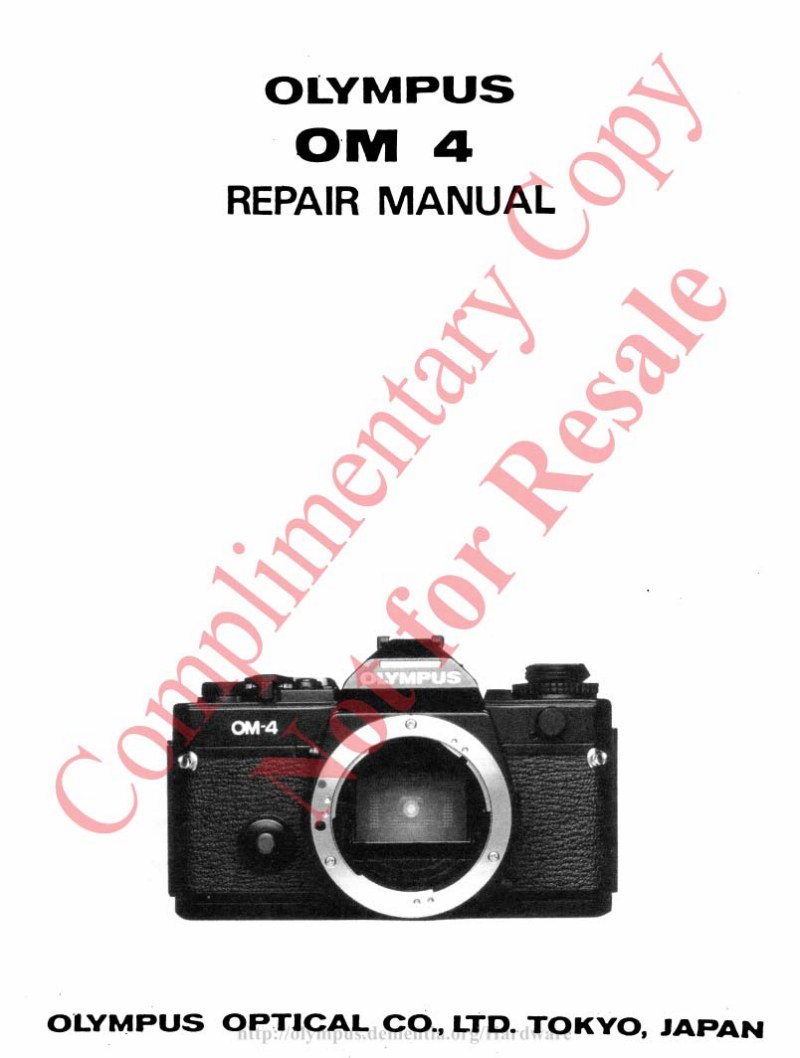
OLYMPUS - Olympus OM 4 Service manual
 by OLYMPUS
Comprehensive service and repair manual for the Olympus OM 4 SLR camera body, a 24 x 36 mm format camera equipped with an electronically controlled focal plane shutter. This technical workshop reference covers complete maintenance and repair procedures for this TTL auto-exposure camera system. The manual is organized into multiple sections covering general specifications and operating characteristics, inspection standards, detailed disassembly procedures, reassembly and adjustment sequences, diagnostic troubleshooting methods, and complete mechanical descriptions. A dedicated tools and specialized equipment section identifies the apparatus required for service work. Documentation addresses the camera's key technical features: electronically controlled shutter with speeds from 1 to 1/2000 seconds plus mechanical backup speed of 1/60, X-contact flash synchronization with dedicated T-series flash support, center-weighted and spot metering modes with memory capability, multiple exposure control modes, interchangeable viewfinder screens with diopter correction, motorized film advance with manual crank option, and removable camera back compatible with Recordata backs. Wiring diagrams cover both early production (ROM 1) and later ROM 4 models, accommodating various production variants. This authoritative technical reference equips technicians, authorized repair centers, and dedicated camera enthusiasts with the complete operational and mechanical specifications necessary for professional maintenance and restoration of this professional-grade camera body.
Table of Contents:
- A. parts list and exploded parts diagram
- B. general outline and mechanical features
- C. check points (inspection standard)
- D. order of disassembly
- E. outline of repairs
- F. parts where oil, grease, etc. shall be used
- G. special tools
- H. others
Documentation must be downloaded on a computer (PC, Mac, or Linux).
Do not use a smartphone or tablet to download documentation; they generally lack sufficient memory capacity to handle large files, and few users know how to locate the download folder on these devices.
Once downloaded, you can use it right away and even print the pages you need, or use your smartphone in photo mode to translate into the language of your choice: Google Translate
Document Details
- Format
- Pages
- 350
- Size
- 13.0 MB
- Category
- Photography