OMEGA - Omega lamphouse D5500 Service Manual
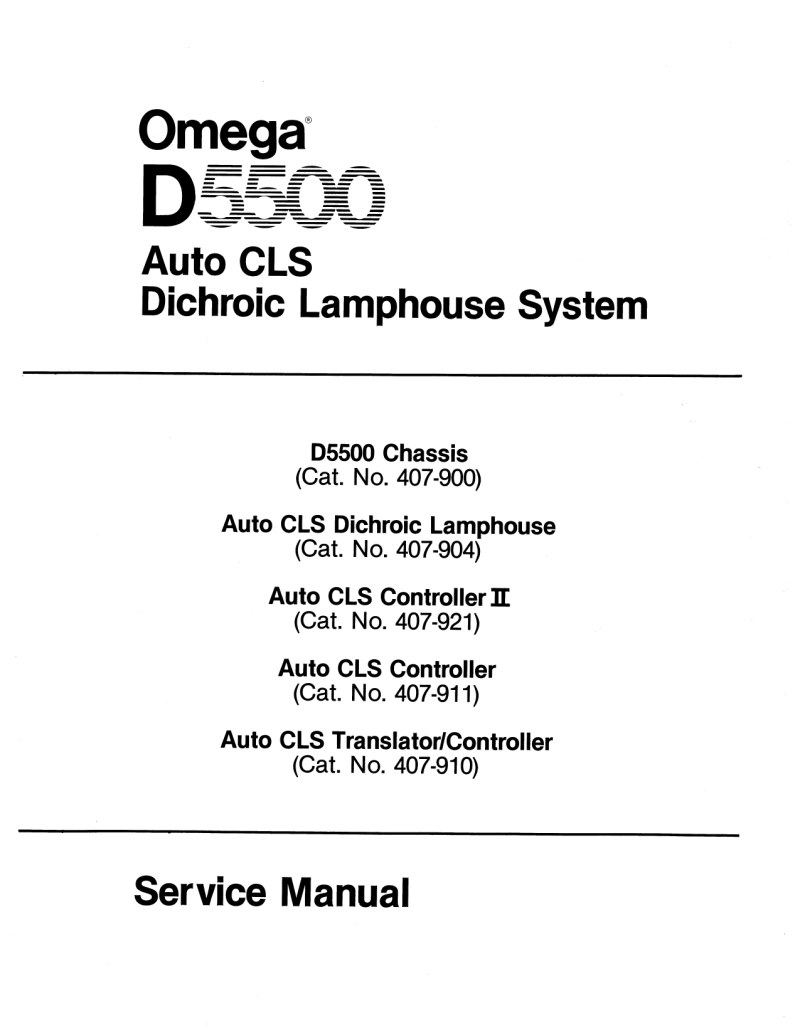
Comprehensive service manual for the Omega D5500 Auto CLS Dichroic Lamphouse system and associated enlarger components. This technical reference documents the structure, operation, and maintenance of the professional dichroic lamphouse used in photographic darkroom enlargement work. Coverage includes the D5500 chassis, Auto CLS dichroic lamphouse head, Auto CLS controllers in both standard and II configurations, and the Translator/Controller module. The manual is organized into five core sections: detailed functional description of the closed-loop control system, adjustment and calibration procedures covering lens stage tuning and color probe calibration, maintenance protocols with systematic troubleshooting guidance, complete electrical schematics for power supply and control circuits, and a comprehensive parts catalog with exploded assembly diagrams. Specialized sections address lamphouse electronics, analog signal processing circuits, microprocessor control systems, and color balance and density probe assemblies. All critical setup adjustments, verification procedures, and diagnostic techniques are documented to support professional service, effective troubleshooting, and complete repair of this precision enlargement equipment.
Table of Contents:
- Section 1 — system operation
- General
- Basic Closed Loop System, Functional Block Diagram Description
- Lamphouse Electronics, Functional Description
- CLS Translator/Controller and CLS Controller, Circuit Description
- Analog Signal Processing Circuits
- Display and Keyboard Control Circuits
- Microprocessor Control System
- Section 2 — adjustment and calibration
- General
- Test Equipment and Tools Required
- Lamp Voltage Adjustment
- D5500 Lens Stage Adjustments
- Mixing Chamber Color Probe Calibration
- Color Probe Gain Adjustment
- Color Probe Offset Adjustment
- Section 3 — maintenance
- General
- Tools and Test Equipment Required
- Checkout Procedures
- CLS Controller Checkout Procedure
- CLS Translator/Controller Checkout Procedure
- Troubleshooting Suggestions and Methods
- General Parts Replacement Techniques
- Troubleshooting Chart
- Section 4 — diagrams
- Section 5 — parts list
- General
- Appendix — service modifications
Documentation must be downloaded on a computer (PC, Mac, or Linux).
Do not use a smartphone or tablet to download documentation; they generally lack sufficient memory capacity to handle large files, and few users know how to locate the download folder on these devices.
Once downloaded, you can use it right away and even print the pages you need, or use your smartphone in photo mode to translate into the language of your choice: Google Translate
Document Details
- Format
- Pages
- 72
- Size
- 5.5 MB
- Category
- Photography