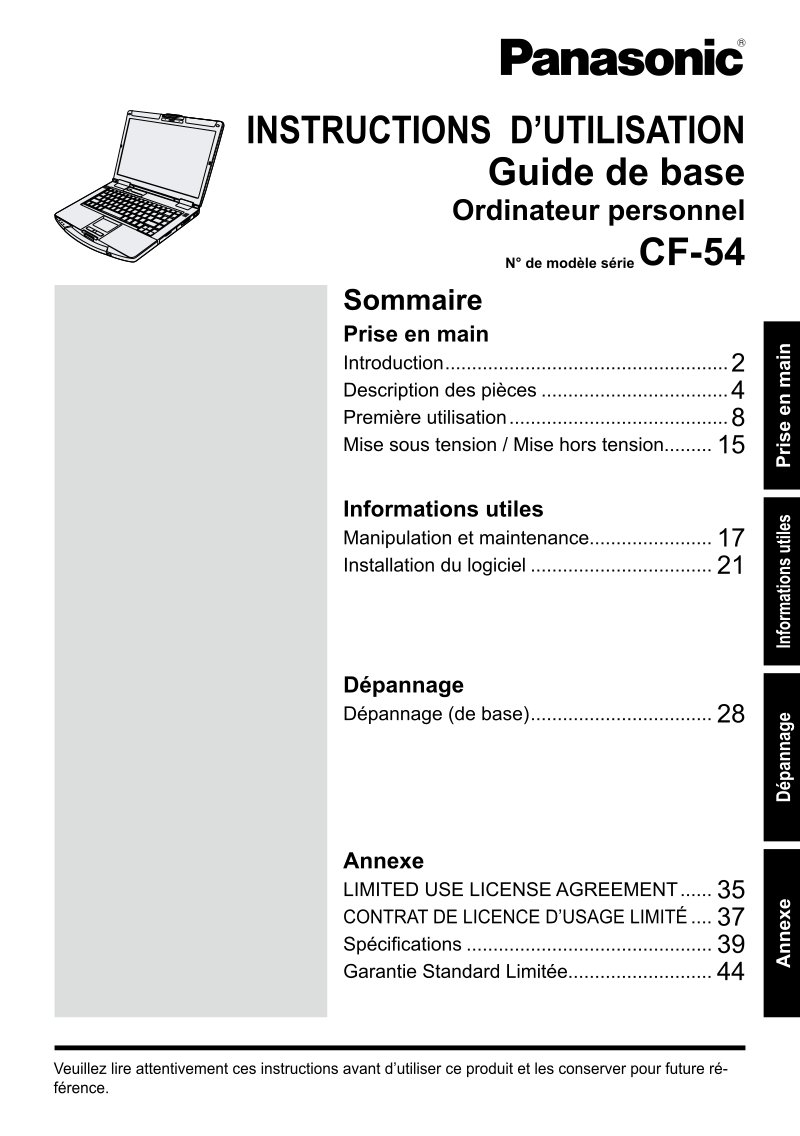
Panasonic CF-54 Personal Computer Basic User Guide
 by PANASONIC
Essential user guide for the Panasonic CF-54 laptop computer, delivering 47 pages of practical setup and operational guidance. This manual walks new users through every foundational step—battery installation, AC adapter connection, and first startup—with clear, illustrated instructions. You'll find detailed component identification for all external ports, LED indicators, and input devices, plus straightforward explanations of power status lights, connectivity indicators, and battery level monitoring. The guide covers everyday operation including display use, keyboard functionality, and proper system shutdown, alongside safety handling guidelines you'll need from day one. Power management and initial configuration are explained in accessible detail, preparing your CF-54 for immediate use. Hardware specifications and limited warranty details appear in the appendix. For users moving beyond basics, this manual references the full reference guide for advanced features and deeper technical information. Whether you're unboxing the CF-54 for the first time or establishing core operating habits, this manual provides the foundation every owner needs.
Documentation must be downloaded on a computer (PC, Mac, or Linux).
Do not use a smartphone or tablet to download documentation; they generally lack sufficient memory capacity to handle large files, and few users know how to locate the download folder on these devices.
Once downloaded, you can use it right away and even print the pages you need, or use your smartphone in photo mode to translate into the language of your choice: Google Translate
Document Details
- Format
- Pages
- 47
- Size
- 2.2 MB
- Category
- Computers & IT