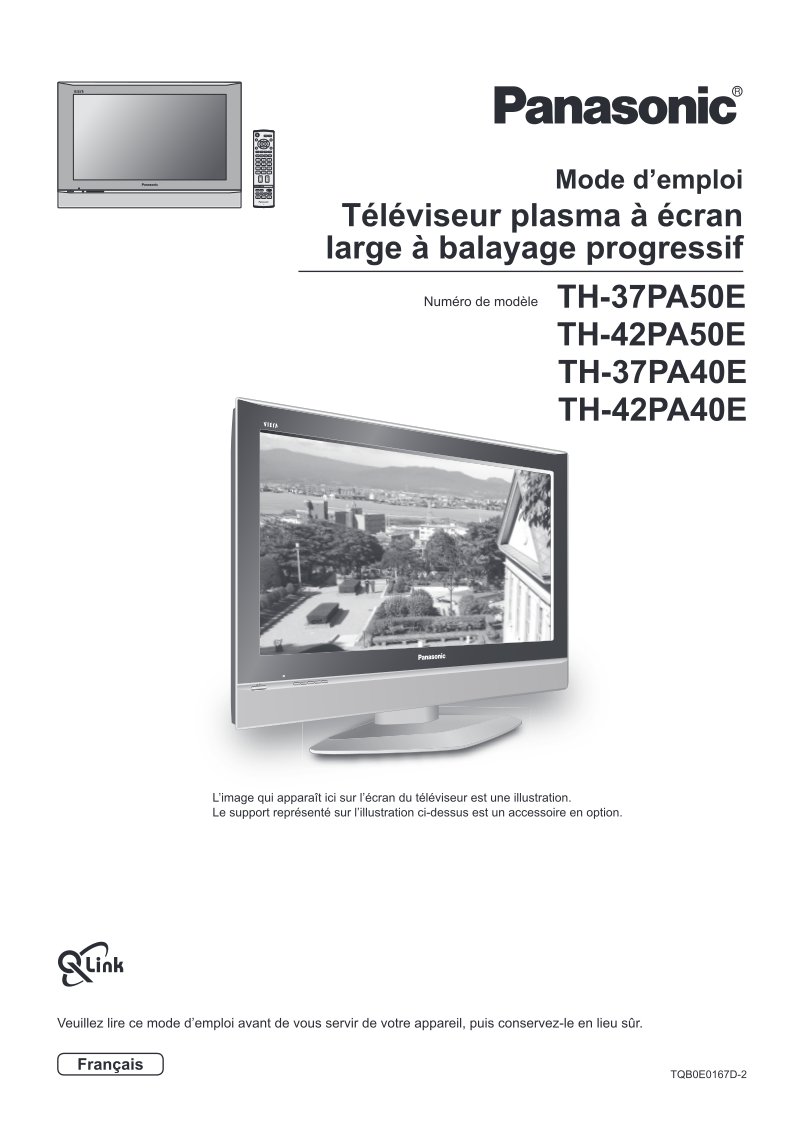
Panasonic Plasma TV User Manual TH-37/42PA50/40E
Complete user manual for Panasonic plasma television models TH-37PA50E, TH-42PA50E, TH-37PA40E, and TH-42PA40E. This owner's manual delivers step-by-step instructions for setup, operation, and maintenance of these wide-screen progressive-scan plasma displays. The guide begins with essential safety measures and installation guidelines, followed by remote control battery installation and power connection procedures. Quick-start instructions walk you through initial channel configuration and on-screen menu navigation for adjusting image, sound, and system settings. Channel management sections explain how to add, remove, and lock channels using both automatic and manual tuning methods, along with image format options to suit different content. You'll find detailed coverage of VCR and DVD recorder playback and recording, teletext services, still image capture, and audio/video connections including component input specifications. Comprehensive troubleshooting diagnostics help identify and resolve common issues. The manual also addresses critical safety considerations such as proper installation with approved accessories, ventilation requirements to prevent overheating, and precautions against image persistence on plasma screens. Technical specifications and Péritel socket connection details ensure you can confidently integrate auxiliary devices with your display.
Documentation must be downloaded on a computer (PC, Mac, or Linux).
Do not use a smartphone or tablet to download documentation; they generally lack sufficient memory capacity to handle large files, and few users know how to locate the download folder on these devices.
Once downloaded, you can use it right away and even print the pages you need, or use your smartphone in photo mode to translate into the language of your choice: Google Translate
Document Details
- Format
- Pages
- 32
- Size
- 4.2 MB
- Category
- Television