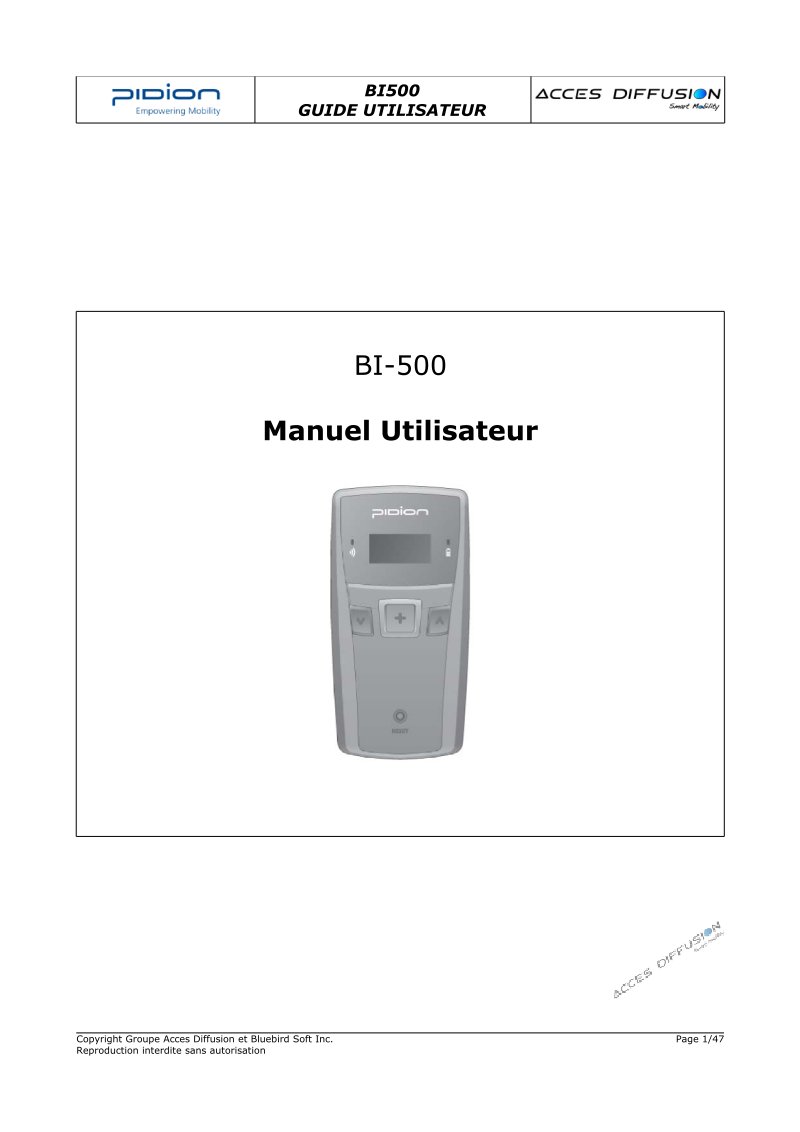
BI500 User Guide - Barcode Scanner
Complete user guide for the Pidio BI500 handheld barcode scanner. Covers safety instructions, product specifications, and component identification. Details battery operation, charging procedures, and LED status indicator interpretation. Explains barcode reading and data capture workflows, built-in menu navigation for scanning, data review, configuration adjustments, and data removal. Includes Bluetooth wireless connectivity setup and USB/Bluetooth connection methods for PC and PDA synchronization. Covers PidionScan software installation and setup for Windows XP and Windows Mobile platforms, barcode symbology configuration and format support, and troubleshooting steps for common operational issues. An essential reference for device setup, daily operation, and system integration.
Documentation must be downloaded on a computer (PC, Mac, or Linux).
Do not use a smartphone or tablet to download documentation; they generally lack sufficient memory capacity to handle large files, and few users know how to locate the download folder on these devices.
Once downloaded, you can use it right away and even print the pages you need, or use your smartphone in photo mode to translate into the language of your choice: Google Translate
Document Details
- Format
- Pages
- 47
- Size
- 3.5 MB
- Category
- Electronics