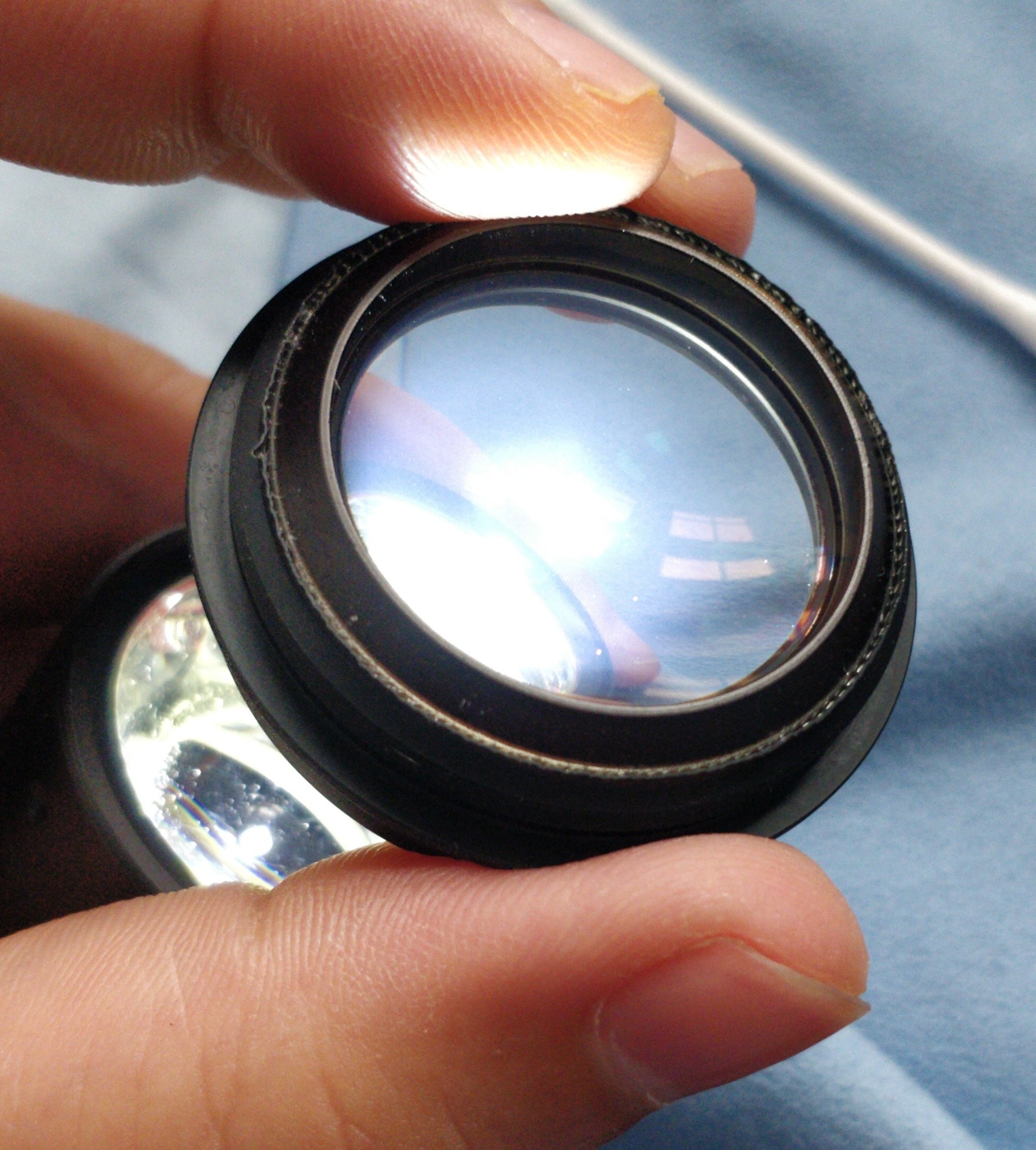
Camera Lens Doublet Separation & Re-cementing Guide
This comprehensive service manual provides detailed step-by-step instructions for restoring camera lens doublets that have suffered optical cement separation or adhesive deterioration. The guide opens with essential background on optical cement assembly principles, the historical role of Canada Balsam in lens construction, and contemporary adhesive solutions used in modern optics repair. It explains the optical defects that emerge when bonded elements separate—turbidity, cloudiness, and shadowing—and how these directly degrade image quality and sharpness.
The practical repair workflow covers complete lens disassembly with precise marking and positioning documentation of all optical elements. The thermal separation process is detailed thoroughly, using gradual oven heating from 50°C to 200°C to safely release bonded components without inducing thermal shock fractures. The guide then addresses thorough cleaning of adhesive residue through isopropyl alcohol and acetone dissolution, ensuring surfaces are optically clean before re-cementing.
A critical section focuses on re-cementing methodology using epoxy or UV-curing adhesives, with emphasis on achieving proper optical centering, eliminating air bubbles through patient technique, and verifying adhesion quality using raking light inspection. The manual covers reassembly procedures, JIS screw identification and handling, management of delicate mechanical components, and the specialized tools necessary for successful work. Throughout, it stresses the methodical, deliberate approach required for optical element restoration and discusses when professional service is appropriate for particularly valuable optics.
Documentation must be downloaded on a computer (PC, Mac, or Linux).
Do not use a smartphone or tablet to download documentation; they generally lack sufficient memory capacity to handle large files, and few users know how to locate the download folder on these devices.
Once downloaded, you can use it right away and even print the pages you need, or use your smartphone in photo mode to translate into the language of your choice: Google Translate
Document Details
- Format
- Size
- 1.9 MB
- Category
- Photography