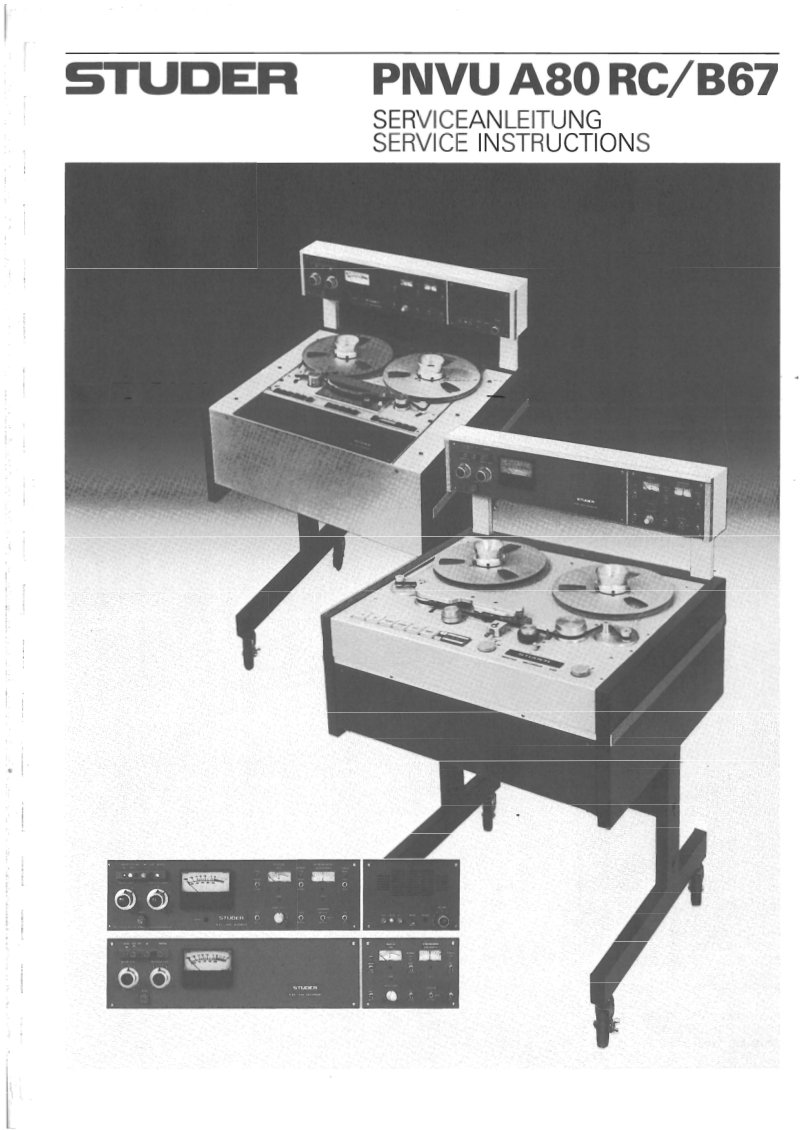
PNVU A80 RC/B67 Service Instructions Manual
 by STUDER REVOX
Service instructions and operating manual for the Studer PNVU A80 RC and B67 pilot tone systems. This workshop manual covers the operating principles of pilot tone recording, including the STUDER follow-up system and NEO-PILOT system architecture. Detailed sections address mechanical adjustments, pilot tone amplifier calibration for both B67 and A80 models, and functional descriptions of digital-analog signal processing, tachometer signal conditioning, and tape deck interfacing. Technical specifications, dimensional drawings, and step-by-step adjustment procedures enable technicians to diagnose and service these professional audio synchronization systems. Essential reference for anyone maintaining precision tape transport control equipment.
Table of Contents:
- Operating principles of the pilot tone system
- STUDER follow-up system
- Advantages
- The NEO-PILOT system
- Application
- Technical specifications
- Dimensions
- General
- Operating controls
- Pilot signal connections
- Pilot tone recording
- Procedure
- Follow-up system
- Start with synchronous operation
- Procedure
- Faulty start
- Procedure
- Digital-Analog Signal Processing
- Input stage
- Tacho signal
- Frequency converter 50 to 60Hz, 60 to 50Hz
- Meters
- Tape deck signals
- Follow-up system B67/A80
- Pilot signal system
- Follow-up system
- Mechanical adjustment B67/A80
- Check the height and verticality of pilot head
- Check tape motion
- Check tape tension
- Pilot tone amplifier adjustment B67 1.167.719
- Preliminary adjustment and checks
- Record adjustment
- Reproduce adjustment
- Adjustment of pilot track on tape
- Reproduce adjustments with test tape
- Record adjustments
- Crosstalk_reproduc
- Countercheck measurements
- Pilot tone amplifier adjustments A80 PCB 1.080.932
- Positioning of the bridge connectors
Documentation must be downloaded on a computer (PC, Mac, or Linux).
Do not use a smartphone or tablet to download documentation; they generally lack sufficient memory capacity to handle large files, and few users know how to locate the download folder on these devices.
Once downloaded, you can use it right away and even print the pages you need, or use your smartphone in photo mode to translate into the language of your choice: Google Translate
Document Details
- Format
- Pages
- 487
- Size
- 31.6 MB
- Category
- Audio & HiFi