Toshiba Portege P2000 Series Field Replaceable Unit Documentation
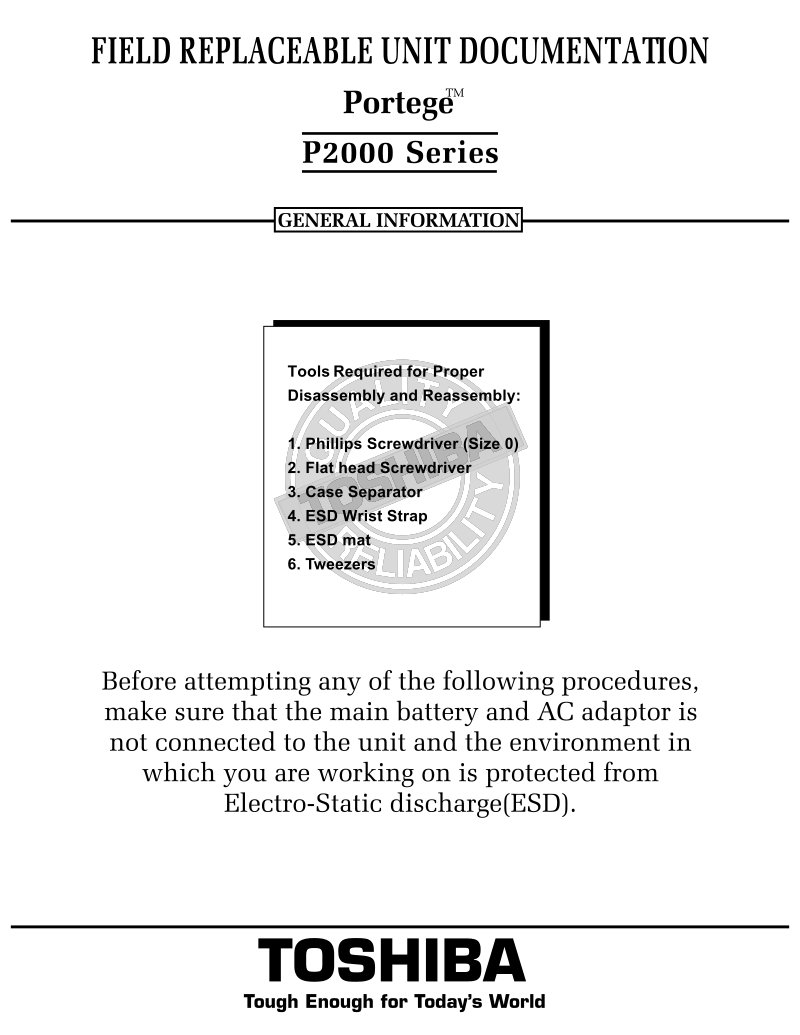
Toshiba Portege P2000 Series field replaceable unit documentation and service manual covering complete disassembly and reassembly procedures. Provides step-by-step instructions for removing and installing the battery pack, PC card, memory module, hard drive, keyboard, top cover, Mini PCI card, RTC battery, speakers, modem board, sound jack board, system board, touchpad, display mask, FL inverter, and LCD panel. Includes a tools list and ESD safety precautions to protect components during maintenance. Essential reference for field-level technicians performing repairs and component replacement on the Portege P2000 series.
Documentation must be downloaded on a computer (PC, Mac, or Linux).
Do not use a smartphone or tablet to download documentation; they generally lack sufficient memory capacity to handle large files, and few users know how to locate the download folder on these devices.
Once downloaded, you can use it right away and even print the pages you need, or use your smartphone in photo mode to translate into the language of your choice: Google Translate
Document Details
- Format
- Pages
- 10
- Size
- 5.3 MB
- Category
- Computers & IT