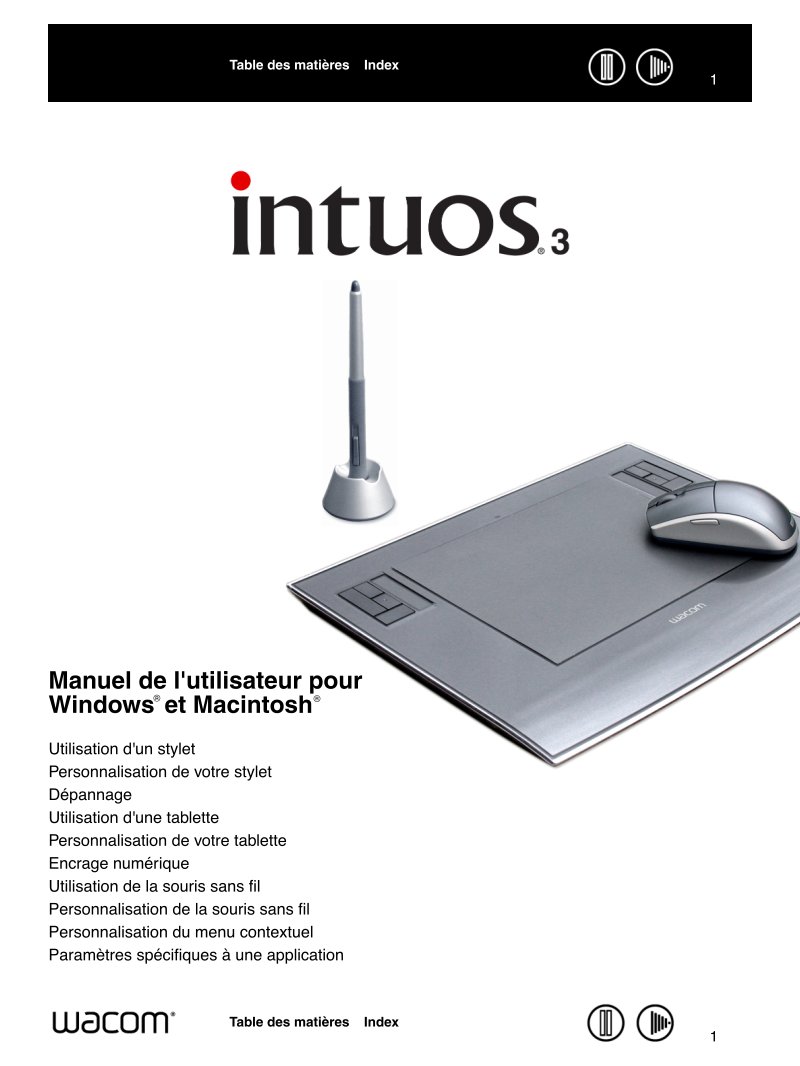
Wacom Intuos 3 User Guide
Comprehensive user guide for the Wacom Intuos 3 graphics tablet, covering everything from initial setup through advanced customization. This manual walks you through hardware installation and driver configuration for both Windows and Mac systems, with clear step-by-step instructions for connecting your tablet and installing the necessary software. You'll find practical guidance on resolving common connection and driver issues, along with detailed coverage of the tablet's pressure-sensitive pen functionality and customizable controls. The manual explains how to configure the ExpressKeys and touch ring to match your creative workflow, and includes all technical specifications such as tablet dimensions, pressure levels, and system requirements. Whether you're a new user setting up for the first time or an experienced designer looking to unlock the tablet's full potential for digital illustration, photo retouching, or graphic design work, this guide delivers the essential reference you need.
Documentation must be downloaded on a computer (PC, Mac, or Linux).
Do not use a smartphone or tablet to download documentation; they generally lack sufficient memory capacity to handle large files, and few users know how to locate the download folder on these devices.
Once downloaded, you can use it right away and even print the pages you need, or use your smartphone in photo mode to translate into the language of your choice: Google Translate
Document Details
- Format
- Pages
- 98
- Size
- 3.0 MB
- Category
- Computers & IT