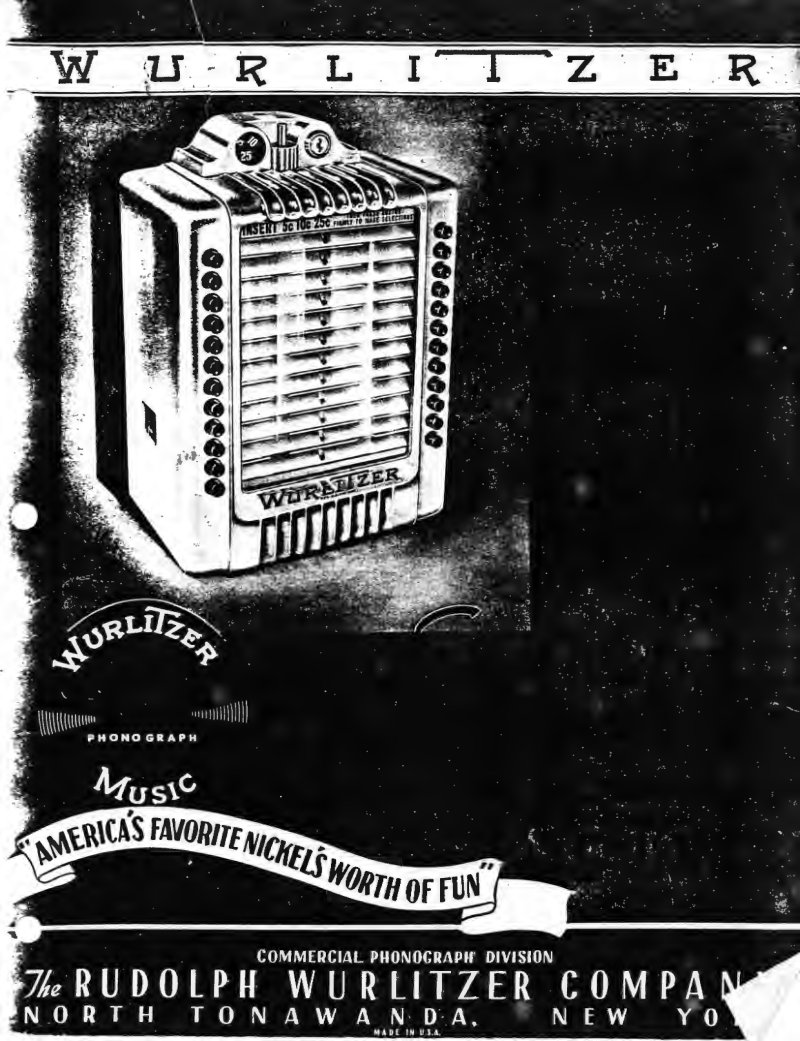
Wurlitzer 3020 Wireless Remote Control Service Manual
Complete service manual and parts catalog for the Wurlitzer Model 3020 wireless wallbox system, including technical documentation for the Model 219 impulse stepper, Model 215 impulse transmitter, and Model 216 impulse receiver. Covers the full operational cycle of wireless wallbox installations, coin registration and selection mechanisms for 5, 10, and 25 cent denominations, and step-by-step installation procedures for both three-wire and wireless configurations. Includes comprehensive adjustment and maintenance instructions for coin selector tuning, stepper mechanism service, and lubrication schedules. Features functional schematics and detailed wiring diagrams throughout. Specifies vacuum tubes: 6V6GT, 6X5GT, 6SK7, 6SQ7, 6SN7GT, 5Y3GT/G, and 6U5/6G5.
Table of Contents:
- General Description
- Cycle of Operation for Wireless Mailbox
- Introductory
- Cycle of Coin Registration
- Cycle of Selection
- Operation of Model 215 Impulse Transmitter
- Operation of Model 216 Impulse Receiver
- Operation of Model 219 Impulse Stepper
- Introductory
- Cycle of Operation
- Cycle of Operation for Three Wire Wallbox
- Introductory
- Cycle of Coin Registration
- Cycle of Selection
- Coin Selector Mechanism
- Installation
- Three Wire Installation
- Two Wire Installation
- Wireless Installation
- Tuning of Model 216 Impulse Receivers
- Changing Frequency of Model 215 Impulse Transmitter
- Use of Bridging Condenser No. 39851
- Adjustments
- Model 3020 Wallbox
- Coin Selector Mechanism Adjustment
- Coin Gate Adjustment
- Coin Switch Adjustment
- Selector Switch Locking Bar Adjustment
- Accumulator Adjustment
- Selector Button Relay Adjustment
- Coin Relay Adjustment
- Model 219 Impulse Stepper
- Stepper Contactor Arm Adjustment
- Stepper Operating Arm Adjustment
- Stepper Switch Adjustment
- Release Latch Relay Adjustment
- Maintenance
- Lubrication
- Wallbox
- Impulse Stepper
- Cleaning
Documentation must be downloaded on a computer (PC, Mac, or Linux).
Do not use a smartphone or tablet to download documentation; they generally lack sufficient memory capacity to handle large files, and few users know how to locate the download folder on these devices.
Once downloaded, you can use it right away and even print the pages you need, or use your smartphone in photo mode to translate into the language of your choice: Google Translate
Document Details
- Format
- Pages
- 58
- Size
- 1.7 MB
- Category
- Audio & HiFi