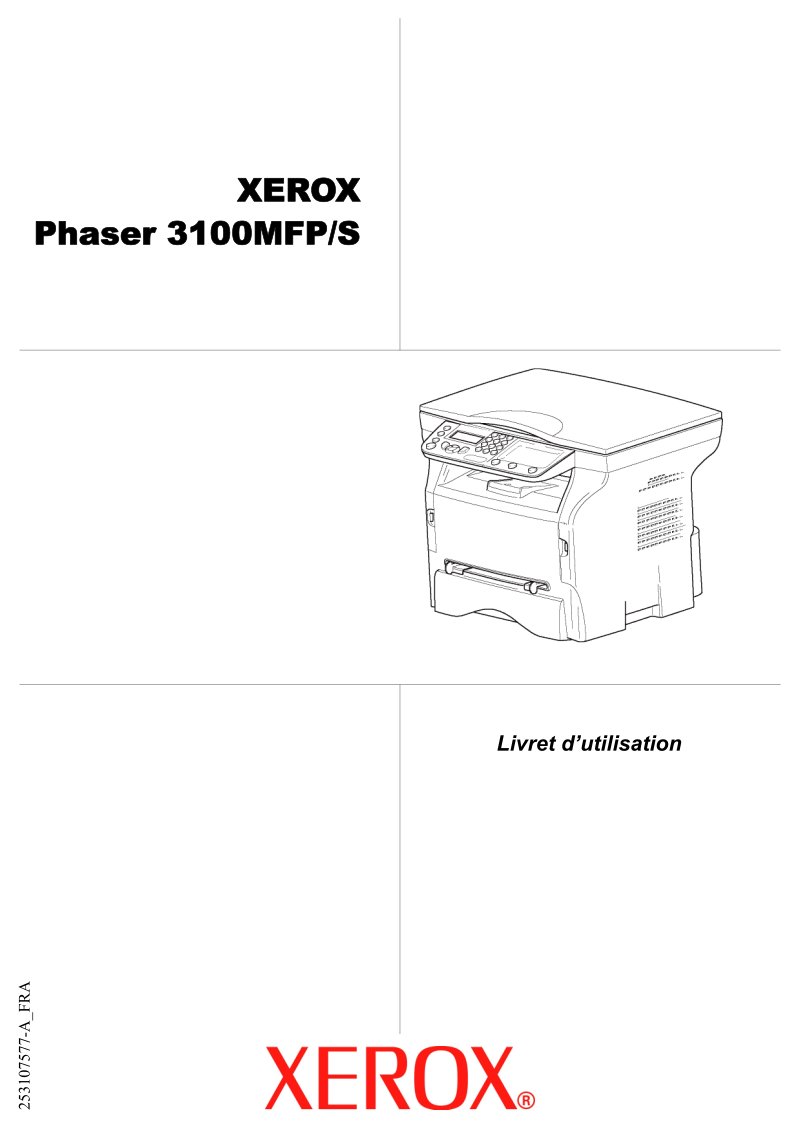
Xerox Phaser 3100MFP/S User Manual
Comprehensive user manual for the Xerox Phaser 3100MFP/S multifunction printer—a practical repair and service reference covering all essential operations including color scanning, black and white printing and copying at 20 ppm. This workshop guide delivers detailed instructions for installation, paper loading, toner cartridge replacement, and preventive maintenance procedures. You'll find step-by-step guidance on PC connectivity via USB and optional WLAN adapter, software installation, and the Xerox Companion Suite for document management and workflow optimization. Safety information emphasizes laser class 1 compliance and electrical precautions during setup and operation. The manual includes network configuration for both infrastructure and ad-hoc wireless modes, USB key functionality for direct printing without a host computer, and practical troubleshooting sections addressing common error messages and paper jam resolution. Additional sections cover scanner calibration, toner economy mode settings, and document quality adjustments to optimize output for different paper types and use cases.
Documentation must be downloaded on a computer (PC, Mac, or Linux).
Do not use a smartphone or tablet to download documentation; they generally lack sufficient memory capacity to handle large files, and few users know how to locate the download folder on these devices.
Once downloaded, you can use it right away and even print the pages you need, or use your smartphone in photo mode to translate into the language of your choice: Google Translate
Document Details
- Format
- Pages
- 58
- Size
- 2.3 MB
- Category
- Computers & IT