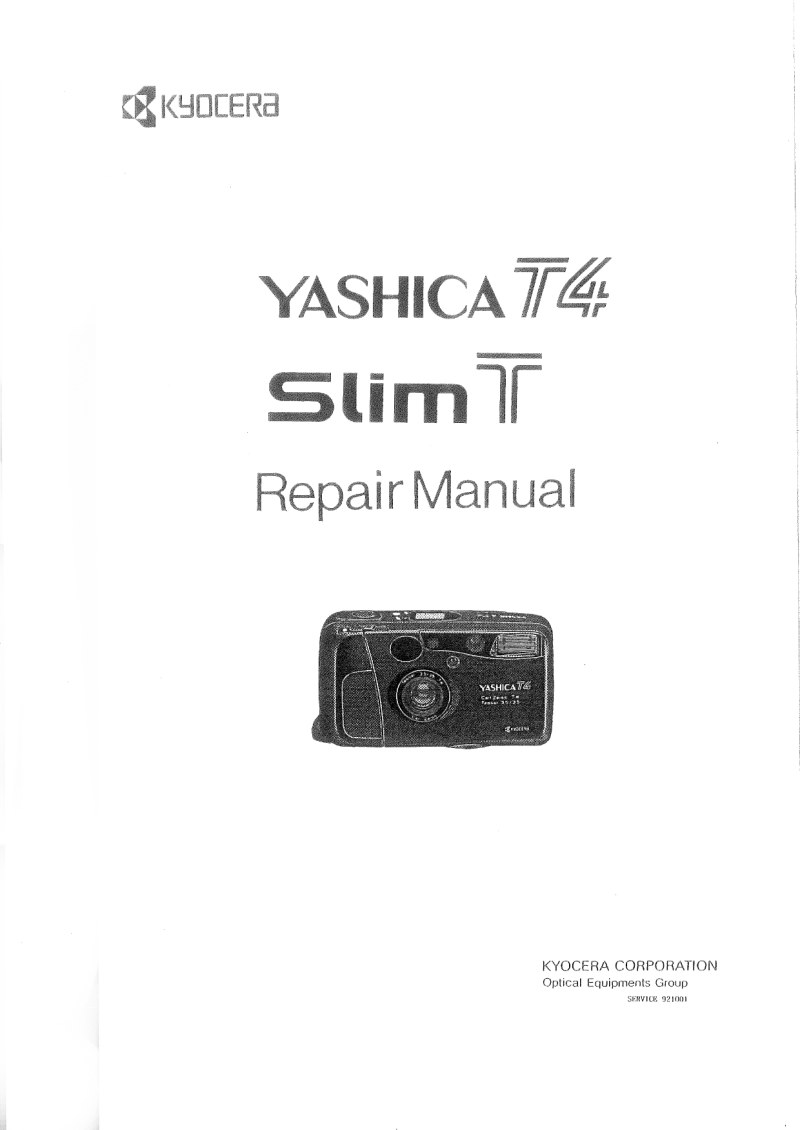
YASHICA - Yashica T4 Slim Repair
 by YASHICA
Complete service manual for the Yashica T4 Slim compact camera, manufactured by Kyocera Corporation. This workshop repair guide delivers comprehensive technical coverage of all mechanical and electronic systems in this premium compact apparatus. The first section opens with a full mechanism description including detailed specifications, internal structure breakdown, block circuit diagrams, operational flowcharts, and timing charts. It provides in-depth coverage of the electronic circuitry, integrated circuit pin configurations, electrical component identification, and complete wiring diagrams. The second section walks through step-by-step disassembly and reassembly procedures for every major assembly: exterior housing, main FPC board, flash unit, film advance mechanism, collapsible lens mount, and back cover. The third section addresses the critical adjustment procedures covering compensation value settings, adjustment mode configuration, different adjustment types, transition sequences, and backup data structure. Additional technical sections include current consumption data, battery voltage verification points, electrical parts placement drawings, test point locations on the main FPC, and full wiring schematics. Essential reference for camera repair technicians and restoration specialists working on compact film cameras from this era.
Table of Contents:
- A. description of mechanism
- Features
- Specifications
- Internal Structure
- Block Circuit Diagram
- Flowchart
- Timing Chart
- Description of Electronic Circuit
- Description of IC Terminals
- Description of Electric Parts
- Schematic Diagram
- B. disassembly & reassembly procedure
- Removal of Exterior Parts
- Removal of Main FPC Ass'y
- Removal of Flash Ass'y
- Disassembly of Winding Mechanism
- Removal of Collapsible Mount Ass'y
- Disassembly of Back Cover (D) Ass'y
- C. adjustment procedure and others
- Adjustments of Compensation Values
- Setting of Adjusting Mode
- Kinds of Adjustments and Transition Procedure
Documentation must be downloaded on a computer (PC, Mac, or Linux).
Do not use a smartphone or tablet to download documentation; they generally lack sufficient memory capacity to handle large files, and few users know how to locate the download folder on these devices.
Once downloaded, you can use it right away and even print the pages you need, or use your smartphone in photo mode to translate into the language of your choice: Google Translate
Document Details
- Format
- Pages
- 104
- Size
- 11.1 MB
- Category
- Photography